<?xml version="1.0" encoding="UTF-8"?>
<!DOCTYPE html PUBLIC "-//W3C//DTD XHTML 1.1//EN" "http://www.w3.org/TR/xhtml11/DTD/xhtml11.dtd">
<html xmlns="http://www.w3.org/1999/xhtml" xml:lang="en">
<head>
<meta content="text/html; charset=UTF-8" http-equiv="content-type" />
<meta http-equiv="Content-Language" content="en" />
<meta name="generator" content="Pressbooks 6.27.1" />
<meta name="pb-authors" content="Shantel Ivits" />
<meta name="pb-cover-image" content="https://opentextbc.ca/abealfreader6/wp-content/uploads/sites/93/2022/12/OTB087-02-BC-Reads-Adult-Literacy-Fundamental-English-Reader-6-COVER-STORE.jpg" />
<meta name="pb-title" content="BC Reads: Adult Literacy Fundamental English - Reader 6" />
<meta name="pb-language" content="en" />
<meta name="pb-copyright-year" content="2015" />
<meta name="pb-copyright-holder" content="Shantel Ivits" />
<meta name="pb-book-license" content="cc-by" />
<meta name="pb-custom-copyright" content="© 2015 Shantel IvitsThe CC licence permits you to retain, reuse, copy, redistribute, and revise this book—in whole or in part—for free providing the author is attributed as follows:BC Reads: Adult Literacy Fundamental English – Reader 6 by Shantel Ivits is used under a CC BY 4.0 licence.If you redistribute all or part of this book, you must include the following on the copyright page:Download for free from the B.C. Open Collection.This textbook can be referenced. In APA citation style, it should appear as follows:Ivits, S. (2015). BC Reads: Adult Literacy Fundamental English – Reader 6. Victoria, B.C.: BCampus. Retrieved from https://opentextbc.ca/abealfreader6/.Cover image attribution:Narrative by Jonny Lindner  is in the public domain.Visit BCcampus Open Education to learn about open education in British Columbia." />
<meta name="pb-about-50" content="This reader contains 11 original instructional essays written specifically for adults, and is designed to accompany the BC Reads: Adult Literacy Fundamental English - Course Pack 6. This level 6 reader, one of a series of six readers, is roughly equivalent to grades 7.5 to 9 in the K-12 system. New vocabulary are set in bold throughout each story, and then summarized and defined in a Glossary found in the appendix. Font size and line spacing can be adjusted in the online view, and have been enhanced for the print and PDF versions for easier reading. In addition, an https://opentextbc.ca/abealfreader6 is available to allow students to listen as they read. This reader has been reviewed by subject experts from colleges and universities." />
<meta name="pb-about-unlimited" content="This reader contains 11 original stories written specifically for adults, and is designed to accompany the BC Reads: Adult Literacy Fundamental English – Course Pack 6. This level 6 reader, one of a series of six readers, is roughly equivalent to grades 7.5 to 9 in the K-12 system.Each instructional essay relates to one or two chapters in the accompanying course pack. New vocabulary are set in bold throughout each story, and then summarized and defined in a Glossary found in the appendix. Font size and line spacing can be adjusted in the online view, and have been enhanced for the print and PDF versions for easier reading. This reader has been reviewed by subject experts from colleges and universities." />
<meta name="pb-primary-subject" content="CJCR" />
<meta name="pb-short-title" content="BC Reads: Reader 6" />
<meta name="pb-publisher" content="BCcampus" />
<meta name="pb-publisher-city" content="Victoria, B.C., Canada" />
<meta name="pb-publication-date" content="1426032000" />
<meta name="pb-ebook-isbn" content="978-1-989623-97-8" />
<meta name="pb-print-isbn" content="978-1-989623-96-1" />
<meta name="pb-keywords-tags" content="English, digital, literacy, storytelling, adult, fundamental, adult basic education, ABE, writing, technology" />
<meta name="pb-bisac-subject" content="LANGUAGE ARTS &amp; DISCIPLINES / General, LANGUAGE ARTS &amp; DISCIPLINES / Spelling, LANGUAGE ARTS &amp; DISCIPLINES / Vocabulary, LANGUAGE ARTS &amp; DISCIPLINES / Reading Skills, LANGUAGE ARTS &amp; DISCIPLINES / Grammar &amp; Punctuation" />
<title>BC Reads: Adult Literacy Fundamental English - Reader 6</title>
</head>
<body lang='en' >
<div id="half-title-page"><h1 class="title">BC Reads: Adult Literacy Fundamental English - Reader 6</h1></div>
<div id="title-page">
			<h1 class="title">BC Reads: Adult Literacy Fundamental English - Reader 6</h1>
		<h2 class="subtitle"></h2>
					<p class="author">Shantel Ivits</p>
														<p class="publisher">BCcampus</p>
		<p class="publisher-city">Victoria, B.C., Canada</p>
	</div>
<div id="copyright-page">
	<div class="ugc">
					
<div class="license-attribution"><p><img src="https://opentextbc.ca/abealfreader6/wp-content/themes/pressbooks-book/packages/buckram/assets/images/cc-by.svg" alt="Icon for the Creative Commons Attribution 4.0 International License" role="presentation" /></p><p>BC Reads: Adult Literacy Fundamental English - Reader 6 Copyright © 2015 by <span>Shantel Ivits</span> is licensed under a <a rel="license" href="https://creativecommons.org/licenses/by/4.0/">Creative Commons Attribution 4.0 International License</a>, except where otherwise noted.</p></div>

							<p>© 2015 Shantel Ivits</p><p>The CC licence permits you to retain, reuse, copy, redistribute, and revise this book—in whole or in part—for free providing the author is attributed as follows:</p><div class="textbox"><a href="https://opentextbc.ca/abealfreader6/"><em>BC Reads: Adult Literacy Fundamental English – Reader 6</em></a> by Shantel Ivits is used under a <a href="http://creativecommons.org/licenses/by/4.0/">CC BY 4.0 licence</a>.</div><p>If you redistribute all or part of this book, you must include the following on the copyright page:</p><div class="textbox">Download for free from the <a href="https://collection.bccampus.ca/" target="_blank" rel="noopener">B.C. Open Collection</a>.</div><p>This textbook can be referenced. In APA citation style, it should appear as follows:</p><div class="textbox">Ivits, S. (2015). <em>BC Reads: Adult Literacy Fundamental English – Reader 6</em>. Victoria, B.C.: BCampus. Retrieved from https://opentextbc.ca/abealfreader6/.</div><p><strong>Cover image attribution:</strong></p><div class="textbox"><a href="https://pixabay.com/en/narrative-history-dream-tell-794978/">Narrative</a> by <a href="https://pixabay.com/en/users/Comfreak-51581/">Jonny Lindner</a>  is in the <a href="https://en.wikipedia.org/wiki/Public_domain">public domain</a>.</div><p>Visit <a href="http://open.bccampus.ca/">BCcampus Open Education</a> to learn about open education in British Columbia.</p>
							</div>
</div>
<div id="toc">
	<h1>Contents</h1>
	<ul>
					<li class="front-matter miscellaneous">
	<a href="#front-matter-accessibility-statement">
		<span class="toc-chapter-title">Accessibility Statement</span>
							</a>
	</li>

					<li class="front-matter miscellaneous">
	<a href="#front-matter-about-the-book">
		<span class="toc-chapter-title">About the Book</span>
							</a>
	</li>

					<li class="front-matter acknowledgements">
	<a href="#front-matter-acknowledgements">
		<span class="toc-chapter-title">Acknowledgments</span>
							</a>
	</li>

					<li class="front-matter introduction">
	<a href="#front-matter-introduction">
		<span class="toc-chapter-title">Notes to the Instructor</span>
							</a>
	</li>

					<li class="part">
	<a href="#part-main-body">
					Main Body
			</a>
</li>

					<li class="chapter standard">
	<a href="#chapter-chapter-1">
		<span class="toc-chapter-title">Storytelling Goes Digital</span>
							</a>
	</li>

					<li class="chapter standard">
	<a href="#chapter-whats-your-story">
		<span class="toc-chapter-title">What’s Your Story?</span>
							</a>
	</li>

					<li class="chapter standard">
	<a href="#chapter-whatsyourmessage">
		<span class="toc-chapter-title">What's Your Message?</span>
							</a>
	</li>

					<li class="chapter standard">
	<a href="#chapter-setting-the-tone">
		<span class="toc-chapter-title">Setting the Tone</span>
							</a>
	</li>

					<li class="chapter standard">
	<a href="#chapter-writing-the-script">
		<span class="toc-chapter-title">Writing the Script</span>
							</a>
	</li>

					<li class="chapter standard">
	<a href="#chapter-seeing-and-hearing-your-digital-story">
		<span class="toc-chapter-title">Seeing and Hearing Your Digital Story</span>
							</a>
	</li>

					<li class="chapter standard">
	<a href="#chapter-upload-your-computer-files">
		<span class="toc-chapter-title">Uploading Your Computer Files</span>
							</a>
	</li>

					<li class="chapter standard">
	<a href="#chapter-getting-started-with-wevideo">
		<span class="toc-chapter-title">Getting Started with WeVideo</span>
							</a>
	</li>

					<li class="chapter standard">
	<a href="#chapter-record-your-voiceover">
		<span class="toc-chapter-title">Recording Your Voiceover</span>
							</a>
	</li>

					<li class="chapter standard">
	<a href="#chapter-bringing-it-all-together">
		<span class="toc-chapter-title">Bringing It All Together</span>
							</a>
	</li>

					<li class="chapter standard">
	<a href="#chapter-sharing-your-digital-story">
		<span class="toc-chapter-title">Sharing Your Digital Story</span>
							</a>
	</li>

					<li class="back-matter miscellaneous">
	<a href="#back-matter-audio-book">
		<span class="toc-chapter-title">Audio Book</span>
							</a>
	</li>

					<li class="back-matter appendix">
	<a href="#back-matter-appendix">
		<span class="toc-chapter-title">Appendix 1: Creating a Gmail Account</span>
							</a>
	</li>

					<li class="back-matter appendix">
	<a href="#back-matter-appendix-making-folders-for-your-digital-story">
		<span class="toc-chapter-title">Appendix 2: Making a Folder for Your Digital Story</span>
							</a>
	</li>

					<li class="back-matter appendix">
	<a href="#back-matter-appendix-1-how-to-download-a-picture-from-pixabay">
		<span class="toc-chapter-title">Appendix 3: Downloading a Picture from Pixabay</span>
							</a>
	</li>

					<li class="back-matter appendix">
	<a href="#back-matter-appendix-how-to-scan-an-image">
		<span class="toc-chapter-title">Appendix 4: Scanning an Image</span>
							</a>
	</li>

					<li class="back-matter appendix">
	<a href="#back-matter-appendix-importing-files-from-your-digital-camera">
		<span class="toc-chapter-title">Appendix 5: Importing Pictures from Your Digital Camera</span>
							</a>
	</li>

					<li class="back-matter glossary">
	<a href="#back-matter-glossary">
		<span class="toc-chapter-title">Glossary</span>
							</a>
	</li>

					<li class="back-matter bibliography">
	<a href="#back-matter-bibliography">
		<span class="toc-chapter-title">Bibliography</span>
							</a>
	</li>

					<li class="back-matter about-the-author">
	<a href="#back-matter-slug-353-2">
		<span class="toc-chapter-title">About the Author</span>
							</a>
	</li>

					<li class="back-matter miscellaneous">
	<a href="#back-matter-versioning-history">
		<span class="toc-chapter-title">Versioning History</span>
							</a>
	</li>

					<li class="back-matter miscellaneous">
	<a href="#back-matter-list-of-links-for-print-users">
		<span class="toc-chapter-title">List of Links for Print Users</span>
							</a>
	</li>

			</ul>
</div>
<div class="front-matter miscellaneous " id="front-matter-accessibility-statement" title="Accessibility Statement">
	<div class="front-matter-title-wrap">
		<p class="front-matter-number">1</p>
		<h1 class="front-matter-title">Accessibility Statement</h1>
								</div>
	<div class="ugc front-matter-ugc">
				 <p>BCcampus Open Education believes that education must be available to everyone; this means supporting the creation of free, open, and accessible educational resources. We are actively committed to increasing the accessibility and usability of the textbooks we produce.</p> <h1>Accessibility features of the web version of this resource</h1> <p>The&nbsp;<a href="https://opentextbc.ca/abealfreader6/" data-url="https://opentextbc.ca/abealfreader6/">web version of<em>&nbsp;BC Reads: Adult Literacy Fundamental English – Reader 6</em></a>&nbsp;includes the following features:</p> <ul><li>It as been optimized for people who use screen-reader technology: <ul><li>all content can be navigated using a keyboard</li> <li>links, headings, tables use proper markup</li> <li>all images have text descriptions</li> </ul> </li> <li>It includes an option to increase font size. (See tab on top right of screen titled, “Increase Font Size.”)</li> </ul> <h1>Other file formats available</h1> <p>In addition to the web version, this book is available in a number of file formats including PDF, EPUB (for eReaders), MOBI (for Kindles), and various editable files. Here is a link to where you can&nbsp;<a href="https://opentextbc.ca/abealfreader6/" data-url="https://opentextbc.ca/abealfreader6/">download this book in another file format</a>. Look for the Download this book drop-down menu to select the file type you want.</p> <h1>Known accessibility issues and areas for improvement</h1> <p>There are no known accessibility issues at this time.</p> <h1>Let us know if you are having problems accessing this book</h1> <p>If any of the above accessibility issues are stopping you from accessing the information in this textbook,&nbsp;please contact us to let us know and we will get it fixed. If you discover any other issues, please let us know of those as well.</p> <p>Please include the following information:</p> <ul><li>The location of the problem by providing a web address or page description</li> <li>A description of the problem</li> <li>The computer, software, browser, and any assistive technology you are using that can help us diagnose and solve your issue<br /> e.g., Windows 10, Google Chrome (Version 65.0.3325.181), NVDA screen reader</li> </ul> <p>You can contact us through the following form: <a href="https://open.bccampus.ca/browse-our-collection/reporting-an-error/" target="_blank" rel="noopener" data-url="https://open.bccampus.ca/browse-our-collection/reporting-an-error/">Report an Error</a></p> <p><strong>This statement was last updated on July 19, 2019.</strong></p> 
	</div>


	</div>
<div class="front-matter miscellaneous " id="front-matter-about-the-book" title="About the Book">
	<div class="front-matter-title-wrap">
		<p class="front-matter-number">2</p>
		<h1 class="front-matter-title">About the Book</h1>
								</div>
	<div class="ugc front-matter-ugc">
				 <p><em>BC Reads: Adult Literacy Fundamental English – Reader 6</em>&nbsp; was created by Shantel Ivits.&nbsp;This creation is a part of the&nbsp;<a href="http://open.bccampus.ca/" data-url="http://open.bccampus.ca/">B.C. Open Textbook project</a>.</p> <p>The B.C. Open Textbook project began in 2012 with the goal of making post-secondary education in British Columbia more accessible by reducing student cost through the use of openly licensed textbooks. The B.C. Open Textbook project is administered by BCcampus and funded by the British Columbia Ministry of Advanced Education.</p> <p>Open textbooks are open educational resources (OER); they are instructional resources created and shared in ways so that more people have access to them. This is a different model than traditionally copyrighted materials. OER are defined as teaching, learning, and research resources that reside in the public domain or have been released under an intellectual property license that permits their free use and re-purposing by others (<a href="http://www.hewlett.org/programs/education/open-educational-resources" data-url="http://www.hewlett.org/programs/education/open-educational-resources">Hewlett Foundation</a>).</p> <p>Our open textbooks are openly licensed using a&nbsp;<a href="https://creativecommons.org/licenses/" data-url="https://creativecommons.org/licenses/">Creative Commons&nbsp;license</a>, and&nbsp;are offered in various e-book formats free of charge, or as printed books that are available at cost.</p> <p>For more information about this project, please contact&nbsp;<a href="mailto:opentext@bccampus.ca" data-url="mailto:opentext@bccampus.ca">opentext@bccampus.ca</a>.</p> <p>If you are an instructor who is using this book for a course, <a href="https://open.bccampus.ca/use-open-textbooks/tell-us-youre-using-an-open-textbook/" data-url="https://open.bccampus.ca/use-open-textbooks/tell-us-youre-using-an-open-textbook/">please let us know</a>.</p> 
	</div>


	</div>
<div class="front-matter acknowledgements " id="front-matter-acknowledgements" title="Acknowledgments">
	<div class="front-matter-title-wrap">
		<p class="front-matter-number">3</p>
		<h1 class="front-matter-title">Acknowledgments</h1>
								</div>
	<div class="ugc front-matter-ugc">
				 <p>These books were developed on the unceded territories of the Musqueam, Squamish, and Tsleil-Waututh Nations.&nbsp;Huy tseep q’u!&nbsp;Chen kw’enmántumiyap!&nbsp;Kw’as hoy!</p> <p>I feel very fortunate to have had the opportunity to work on this project alongside a dedicated team of basic education instructors from across British Columbia. This series was shepherded by Leanne Caillier-Smith (College of the Rockies) and benefited enormously from the insight and encouragement of Julia Dodge (University of the Fraser Valley), Chandra McCann (Okanagan College), Jan Weiten (Vancouver Community College), and Melinda Worfolk (College of New Caledonia). The above five mentioned are representatives of the BC Adult Literacy Articulation Committee and were the advisory committee members for this project. It has been a pleasure to scaffold my own learning among such brilliant and passionate educators.</p> <p>Huge thanks to Lauri Aesoph of BCcampus for introducing me to the exciting open textbook movement and managing all aspects of the publication of these books &nbsp;— from layout and image selection to copyediting and print –so adeptly.</p> <p>I am incredibly lucky to work with and have the support of the Basic Education Department at Vancouver Community College: Rita Acton, Cynthia Bluman, Andrew Candela, Lynn Horvat, Alayna Kruger, Jo Lemay, Edie Mackenzie, Rene Merkel, Tara Mollel, Leah Rasmussen, Linda Rider, Mary Thompson-Boyd, Jan Weiten, our Program Assistant, Nadia Kawas, and our Dean, David Wells. I am also deeply grateful to the basic education students at Vancouver Community College for all that you teach me about dreams, resilience, and perseverance.</p> <p>A special thank you to my partner, Marria, for always lending my words an eager ear, and for keeping the world around me turning even though my head was perpetually stuck in these books.</p> 
	</div>


	</div>
<div class="front-matter introduction " id="front-matter-introduction" title="Notes to the Instructor">
	<div class="front-matter-title-wrap">
		<p class="front-matter-number">4</p>
		<h1 class="front-matter-title">Notes to the Instructor</h1>
								</div>
	<div class="ugc front-matter-ugc">
				 <p>In the days before YouTube, I created my first digital story without knowing that the genre had a name and was part of a growing movement of do-it-yourself media. Digital storytelling has since become a popular tool in literacy teaching and learning. I experienced this firsthand as part of the Literacy Lives teaching team at Simon Fraser University. At the end of the program, learners were assigned the task of creating a digital story to share their learning in the program. The results were tear-jerkingly&nbsp;powerful.</p> <p>More recently, I had the opportunity to be a storytelling mentor in a project called&nbsp;Cancer’s Margins. For this project, people&nbsp;made digital stories sharing&nbsp;what it was like to live in the intersection of queerness and cancer. As a result of the deeply moving and transformative experiences I’ve had with&nbsp;these projects, I am excited to share a digital storytelling curriculum specifically tailored to basic education students. It is based on the excellent work of the Center for Digital Storytelling in Berkeley, California.</p> <p>This reader contains 11 original readings written specifically for adults, and is designed to accompany the <em><a href="http://opentextbc.ca/abealf6/" data-url="http://opentextbc.ca/abealf6/">BC Reads: Adult Literacy Fundamental English – Course Pack 6</a></em>. This level-6 reader, one of a series of six, is roughly equivalent to grades 7.5 to 9 in the K-12 system.</p> <p>To help students develop their computer literacy skills, the texts in this reader contain videos that allow learners&nbsp;to watch a skill being performed. These&nbsp;videos are followed by step-by-step written instructions to further support&nbsp;learners&nbsp;as they&nbsp;try out&nbsp;each new&nbsp;skill. In addition, you will find helpful instructions in the appendices that supplement the skills taught throughout the reader, such as how to create a Gmail account in Appendix 1.</p> <p>An Internet connection is needed to watch the digital stories that are highlighted throughout the curriculum, as well as to access the web-based tool that allows learners to build their own digital stories.</p> <p>New vocabulary is highlighted throughout each reading, and then summarized in a Glossary at the end of this book. Font size and line spacing can be adjusted in the online view, and have been enhanced for the print and PDF versions for easier reading. In addition, an <a href="https://opentextbc.ca/abealfreader1/back-matter/audio/" target="_blank" rel="noopener" data-url="https://opentextbc.ca/abealfreader1/back-matter/audio/">audio book</a> is available to allow students to listen as they read. (In addition, both epub and mobi files are offered for students with e-readers and Kindles.)</p> <p>This reader has been reviewed by subject experts from colleges and universities.</p> <p>I hope these pages help learners find new meaning in their everyday relationships and experiences, as well as equip them with new tools to share their voices and perspectives with the world.</p> <p>-Shantel Ivits</p> 
	</div>


	</div>
<div class="part-wrapper" id="part-main-body-wrapper">
    <div class="chapter standard " id="chapter-chapter-1" title="Storytelling Goes Digital">
	<div class="chapter-title-wrap">
		<p class="chapter-number">1</p>
		<h1 class="chapter-title">Storytelling Goes Digital</h1>
								</div>
	<div class="ugc chapter-ugc">
				 <p style="text-align: center;">Click play on the following audio player to listen along as you read this section.</p> <div class="textbox interactive-content interactive-content--oembed"><span class="interactive-content__icon"></span> <p>One or more interactive elements has been excluded from this version of the text. You can view them online here: <a href="#oembed-2" title="Storytelling Goes Digital Audio" data-url="https://opentextbc.ca/abealfreader6/?p=5#oembed-2">https://opentextbc.ca/abealfreader6/?p=5#oembed-2</a> </p> </div> <div class="wp-caption aligncenter" id="attachment_19" aria-describedby="caption-attachment-19" style="width: 450px"><a href="http://opentextbc.ca/abealfreader6/wp-content/uploads/sites/93/2015/05/spirit-751277_1280.jpg" data-url="http://opentextbc.ca/abealfreader6/wp-content/uploads/sites/93/2015/05/spirit-751277_1280.jpg"><img class="wp-image-19" src="http://opentextbc.ca/abealfreader6/wp-content/uploads/sites/93/2015/05/spirit-751277_1280-1024x768.jpg" alt="." width="450" height="338" srcset="https://opentextbc.ca/abealfreader6/wp-content/uploads/sites/93/2015/05/spirit-751277_1280-1024x768.jpg 1024w, https://opentextbc.ca/abealfreader6/wp-content/uploads/sites/93/2015/05/spirit-751277_1280-300x225.jpg 300w, https://opentextbc.ca/abealfreader6/wp-content/uploads/sites/93/2015/05/spirit-751277_1280-65x49.jpg 65w, https://opentextbc.ca/abealfreader6/wp-content/uploads/sites/93/2015/05/spirit-751277_1280-225x169.jpg 225w, https://opentextbc.ca/abealfreader6/wp-content/uploads/sites/93/2015/05/spirit-751277_1280-350x263.jpg 350w, https://opentextbc.ca/abealfreader6/wp-content/uploads/sites/93/2015/05/spirit-751277_1280.jpg 1280w" sizes="auto, (max-width: 450px) 100vw, 450px" title="" /></a><div class="wp-caption-text" id="caption-attachment-19">Storybook</div></div> <p>“The truth about stories is that’s all we are,” writes Thomas King. We are the stories we tell about ourselves and the stories others tell about us. In this way, we need to share stories as much as we need to breathe air. Through stories, we learn. We celebrate. We remember. We pass down knowledge. We heal. We <strong><span class="glossary-term">honour</span></strong>. We grow as individuals. We connect with others and we grow as communities. In short, we are alive through our stories.</p> <p>Before there were books, radio, television, or movies, <strong><span class="glossary-term">ordinary</span></strong> people entertained one another by telling stories. Their stories were <strong><span class="glossary-term">recited</span></strong>, acted out, sung, and written down. <strong><span class="glossary-term">Inventions</span></strong>&nbsp;like the printing press and television&nbsp;airwaves&nbsp;have now made it possible to share stories with a large number of people in faraway places. At the same time, storytelling has become the&nbsp;role&nbsp;of&nbsp;<strong><span class="glossary-term">professionals</span></strong>, including authors, journalists, and filmmakers. Large companies have the power to decide whose stories will be shared widely. Some voices tend to be left out. Stories from the <strong><span class="glossary-term">point of view</span></strong> of women, working class people, people of colour, queer and trans people, and people with disabilities are not always given equal space.</p> <div class="wp-caption aligncenter" id="attachment_112" aria-describedby="caption-attachment-112" style="width: 450px"><a href="http://opentextbc.ca/abealfreader6/wp-content/uploads/sites/93/2015/05/network-698598_1280.jpg" data-url="http://opentextbc.ca/abealfreader6/wp-content/uploads/sites/93/2015/05/network-698598_1280.jpg"><img class="wp-image-112" src="http://opentextbc.ca/abealfreader6/wp-content/uploads/sites/93/2015/05/network-698598_1280-1024x576.jpg" alt="." width="450" height="253" srcset="https://opentextbc.ca/abealfreader6/wp-content/uploads/sites/93/2015/05/network-698598_1280-1024x576.jpg 1024w, https://opentextbc.ca/abealfreader6/wp-content/uploads/sites/93/2015/05/network-698598_1280-300x169.jpg 300w, https://opentextbc.ca/abealfreader6/wp-content/uploads/sites/93/2015/05/network-698598_1280-65x37.jpg 65w, https://opentextbc.ca/abealfreader6/wp-content/uploads/sites/93/2015/05/network-698598_1280-225x127.jpg 225w, https://opentextbc.ca/abealfreader6/wp-content/uploads/sites/93/2015/05/network-698598_1280-350x197.jpg 350w, https://opentextbc.ca/abealfreader6/wp-content/uploads/sites/93/2015/05/network-698598_1280.jpg 1280w" sizes="auto, (max-width: 450px) 100vw, 450px" title="" /></a><div class="wp-caption-text" id="caption-attachment-112">Digital stories</div></div> <p>With the <strong><span class="glossary-term">invention</span></strong> of the personal computer, a new kind of storytelling has appeared. It’s called digital storytelling. A digital story is a short film made by an <strong><span class="glossary-term">ordinary</span></strong> person, rather than a <strong><span class="glossary-term">professional</span></strong> storyteller. It <strong><span class="glossary-term">combines</span></strong> images, sound, and text to tell a story about a part of that person’s life. This form of do-it-yourself media invites us all to take back&nbsp;our <strong><span class="glossary-term">role</span></strong> as storytellers. Everyone’s voice matters. We all have something to say. Anyone with an <strong><span class="glossary-term">online</span></strong> computer can make a digital story and share it with the world. This change has made it possible for people who have been silenced&nbsp;to speak out and be heard.</p> <p>This book will introduce you to many&nbsp;moving digital stories created by <strong><span class="glossary-term">ordinary</span></strong> people. It will also guide you through the process of making&nbsp;your own digital story. It is based on the work of the Center for Digital Storytelling in Berkeley, California. This organization is one of the pioneers of digital storytelling. For over 20 years, the Center has been running&nbsp;workshops that teach people around the world to express themselves using this art form. You can learn more about the Center for Digital Storytelling at <a href="http://www.storycenter.org" target="_blank" rel="noopener" data-url="http://www.storycenter.org">www.storycenter.org</a>.</p> <div class="textbox textbox--exercises"><div class="textbox__header"><p class="textbox__title">Digital Story Spotlight</p> </div> <div class="textbox__content"><p><em>All the Truly Important Things</em> is a digital story by Eric Zheng. It was created as part of the Banyan Tree Project, a campaign to end HIV stigma in Asian and Pacific Islander communities. HIV is a <strong><span class="glossary-term">virus</span></strong> that makes it hard for your body to fight other infections. There is a lot of stigma, or negative and unfair beliefs, around HIV. This stigma makes it harder to live with and fight against this illness. Many people are afraid to talk about HIV, get tested for it, or get treated for the disease. As a result, HIV continues to spread. The Banyan Tree Project organized a digital storytelling project to help Asian and Pacific Islanders living with HIV share how they have been affected by this disease. These digital stories break the silence around HIV and, in doing so, they are helping to fight shame and judgment.</p> <p>As you watch <em>All the Truly Important Things</em>, think about these questions:</p> <ul><li>How do you think&nbsp;the process of making a digital story may have helped Eric?</li> <li>How might Eric’s digital story help others living with HIV?</li> <li>How might Eric’s digital story help people who do not have HIV?</li> </ul> <p>Watch <a href="https://www.youtube.com/watch?v=PYoBIV75aPw https://www.youtube.com/watch?v=CGXwl7j1ZRI&amp;list=PLkALXvyBte0GZTE90TLEv_UGRXOCMz-Zm" target="_blank" rel="noopener" data-url="https://www.youtube.com/watch?v=PYoBIV75aPw https://www.youtube.com/watch?v=CGXwl7j1ZRI&amp;list=PLkALXvyBte0GZTE90TLEv_UGRXOCMz-Zm"><em>All the Truly Important Things</em>.</a></p> </div> </div> <div class="textbox shaded" style="text-align: center;">See <em><a href="http://opentextbc.ca/abealf6/chapter/chapter-1/" data-url="http://opentextbc.ca/abealf6/chapter/chapter-1/">Storytelling Goes Digital</a></em>&nbsp;in <em><a href="http://opentextbc.ca/abealf6/" data-url="http://opentextbc.ca/abealf6/">BC Reads: Adult Literacy Fundamental English – Course Pack 6</a></em>.</div> <p>&nbsp;</p> <div class="media-attributions clear"><h2>Media Attributions</h2><ul><li><a rel="cc:attributionURL" href="https://pixabay.com/illustrations/spirit-soul-book-smoke-memories-751277/" data-url="https://pixabay.com/illustrations/spirit-soul-book-smoke-memories-751277/">Storybook</a> © bennimax is licensed under a <a rel="license" href="https://creativecommons.org/publicdomain/mark/1.0/" data-url="https://creativecommons.org/publicdomain/mark/1.0/">Public Domain</a> license</li><li><a rel="cc:attributionURL" href="https://pixabay.com/illustrations/network-computer-laptop-connection-698598/" data-url="https://pixabay.com/illustrations/network-computer-laptop-connection-698598/">Digital Story</a> © gr8effect is licensed under a <a rel="license" href="https://creativecommons.org/publicdomain/mark/1.0/" data-url="https://creativecommons.org/publicdomain/mark/1.0/">Public Domain</a> license</li></ul></div> 
	</div>


	</div>
<div class="chapter standard " id="chapter-whats-your-story" title="What’s Your Story?">
	<div class="chapter-title-wrap">
		<p class="chapter-number">2</p>
		<h1 class="chapter-title">What’s Your Story?</h1>
								</div>
	<div class="ugc chapter-ugc">
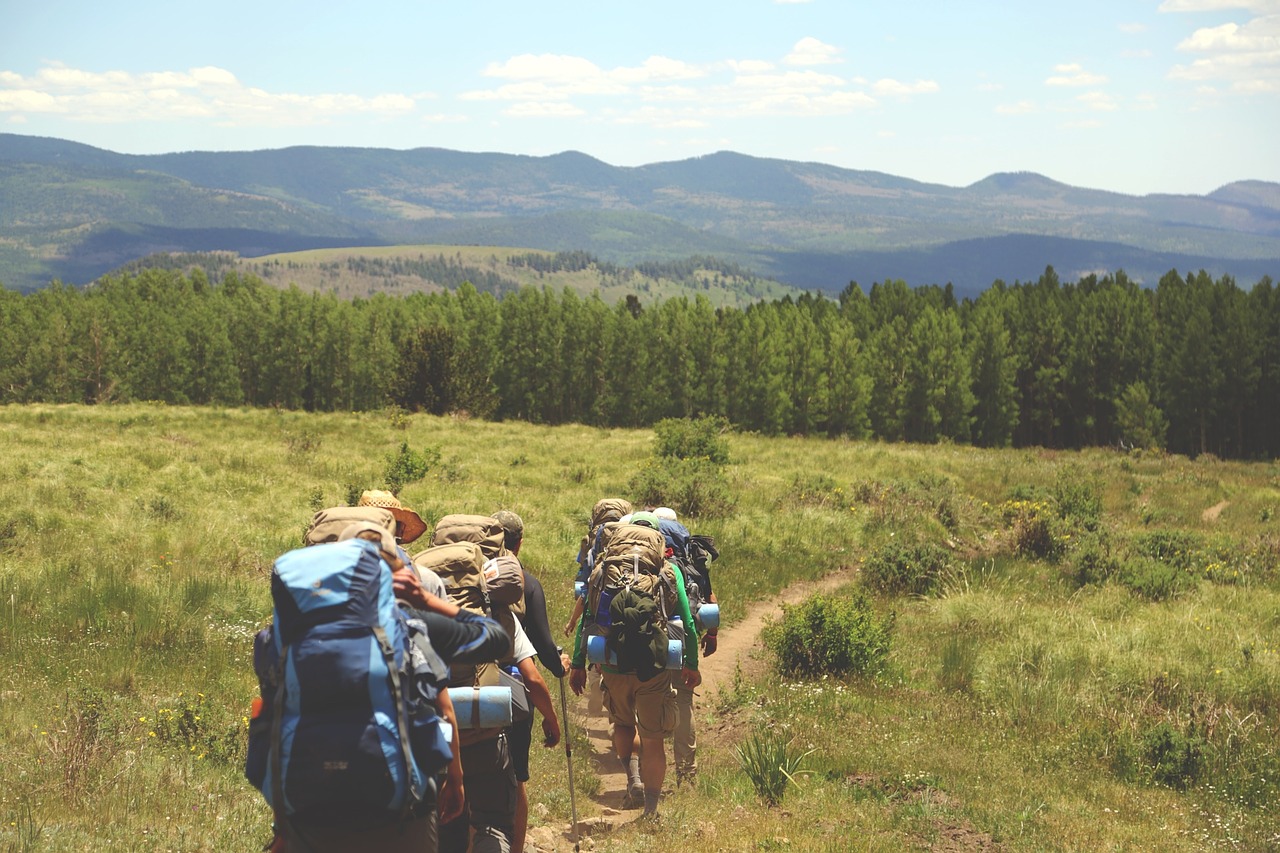
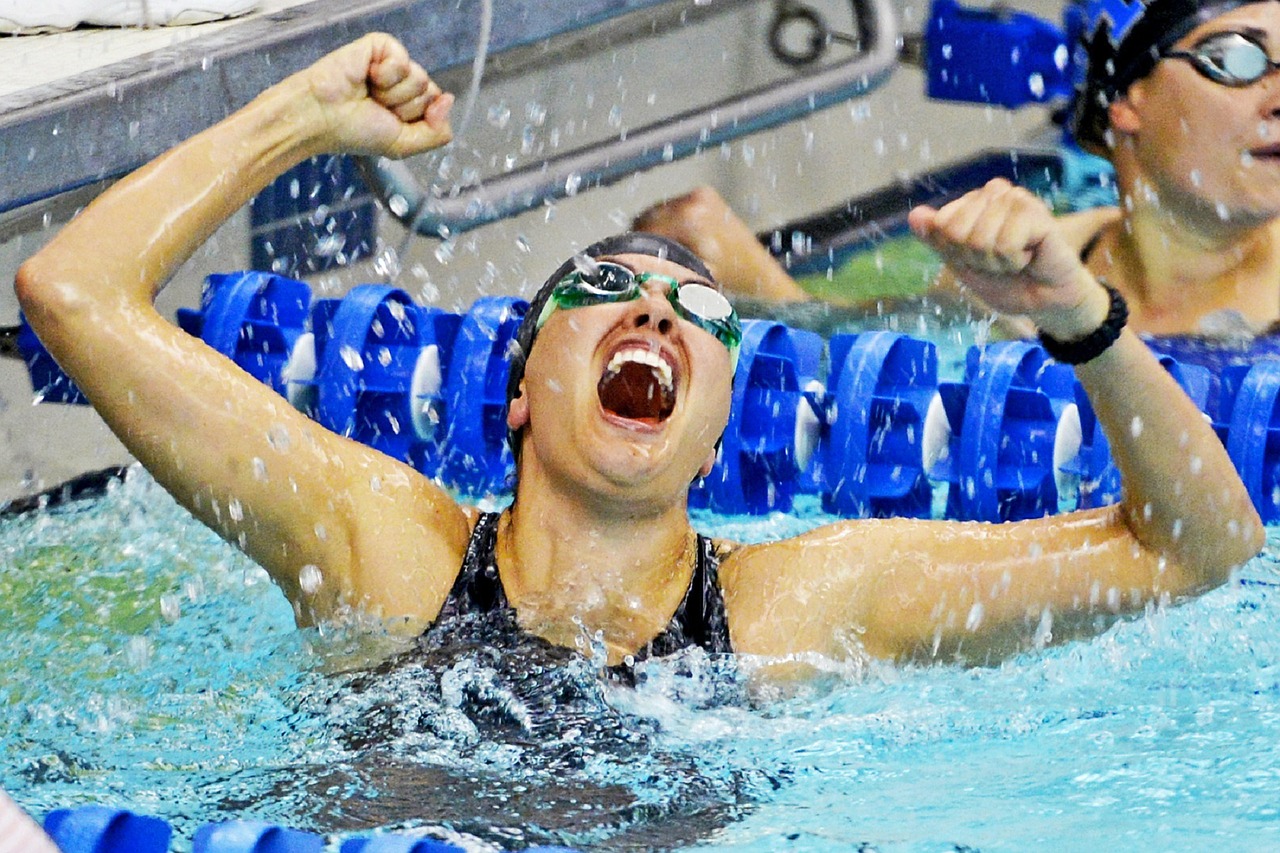
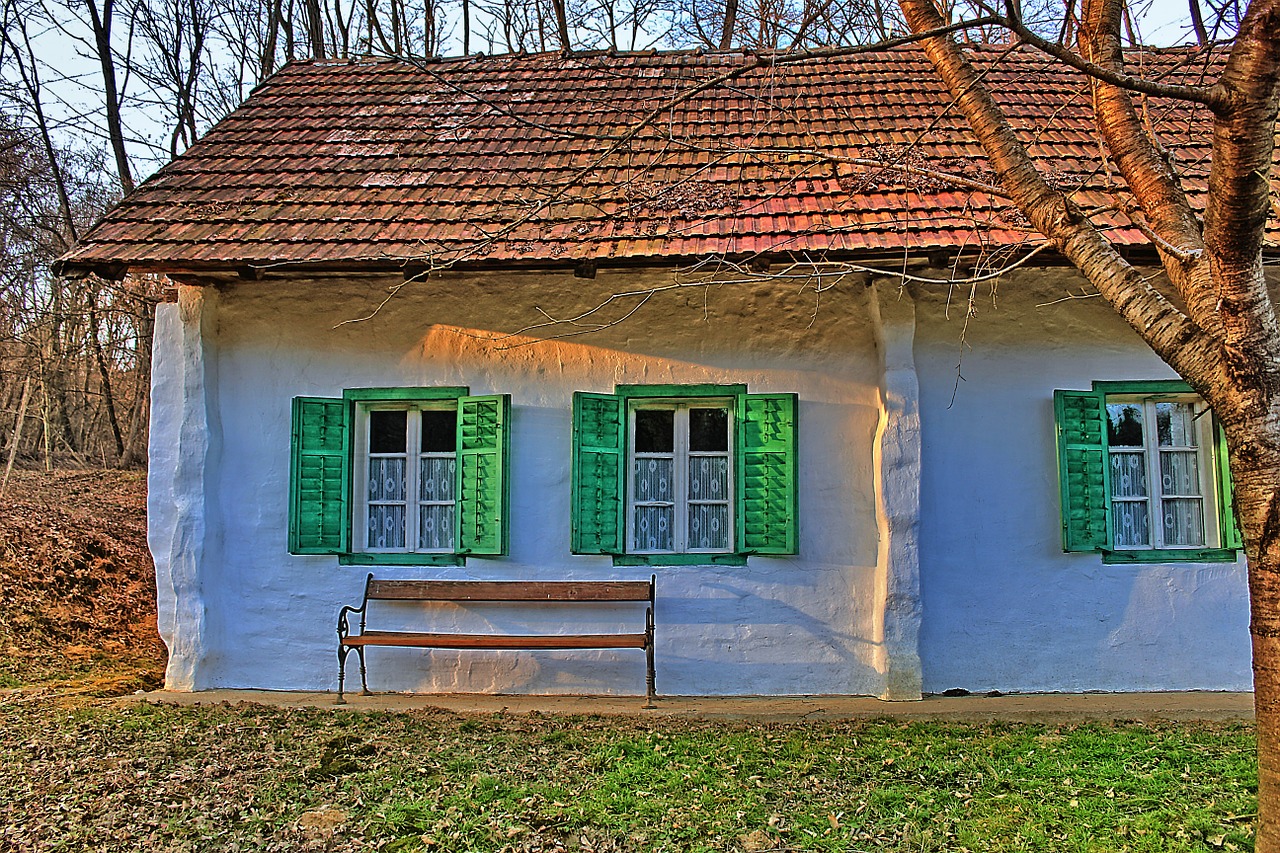
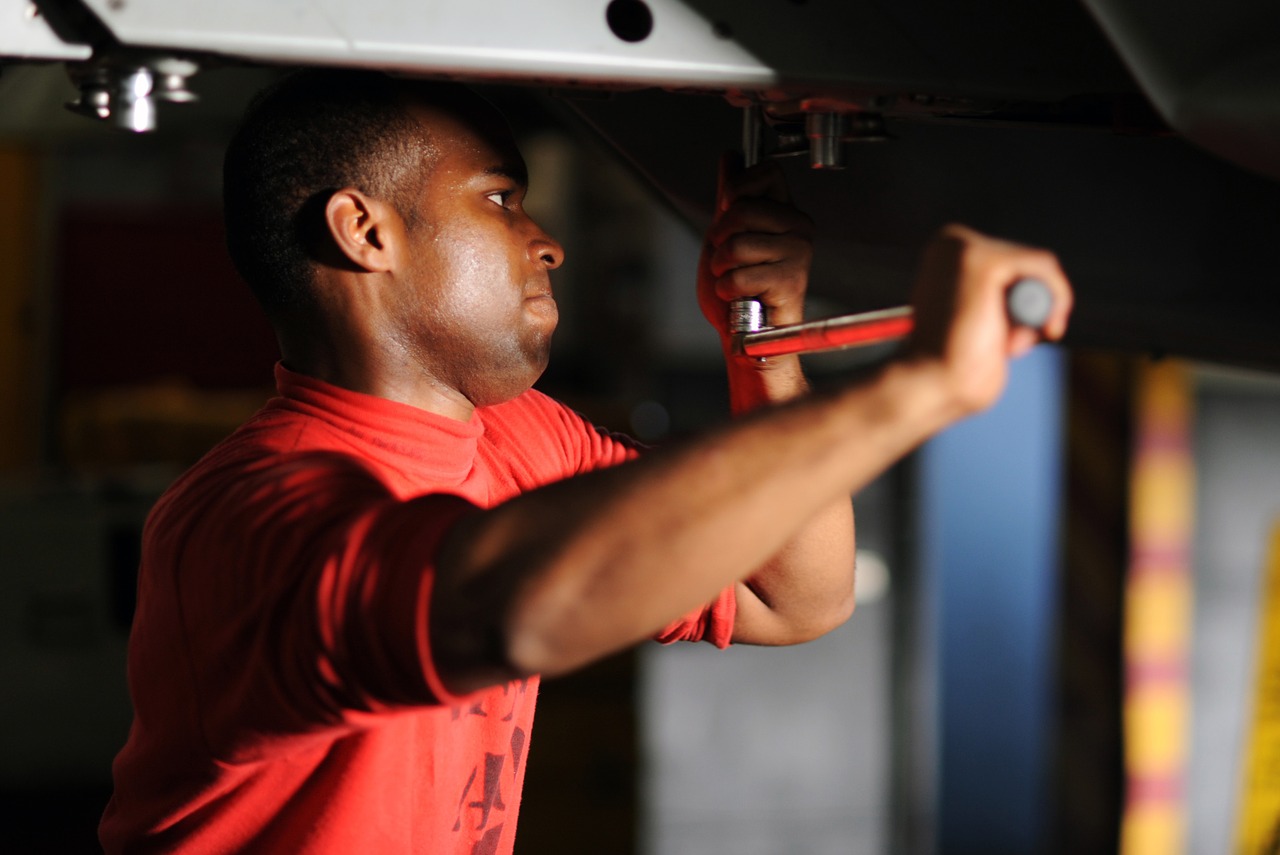
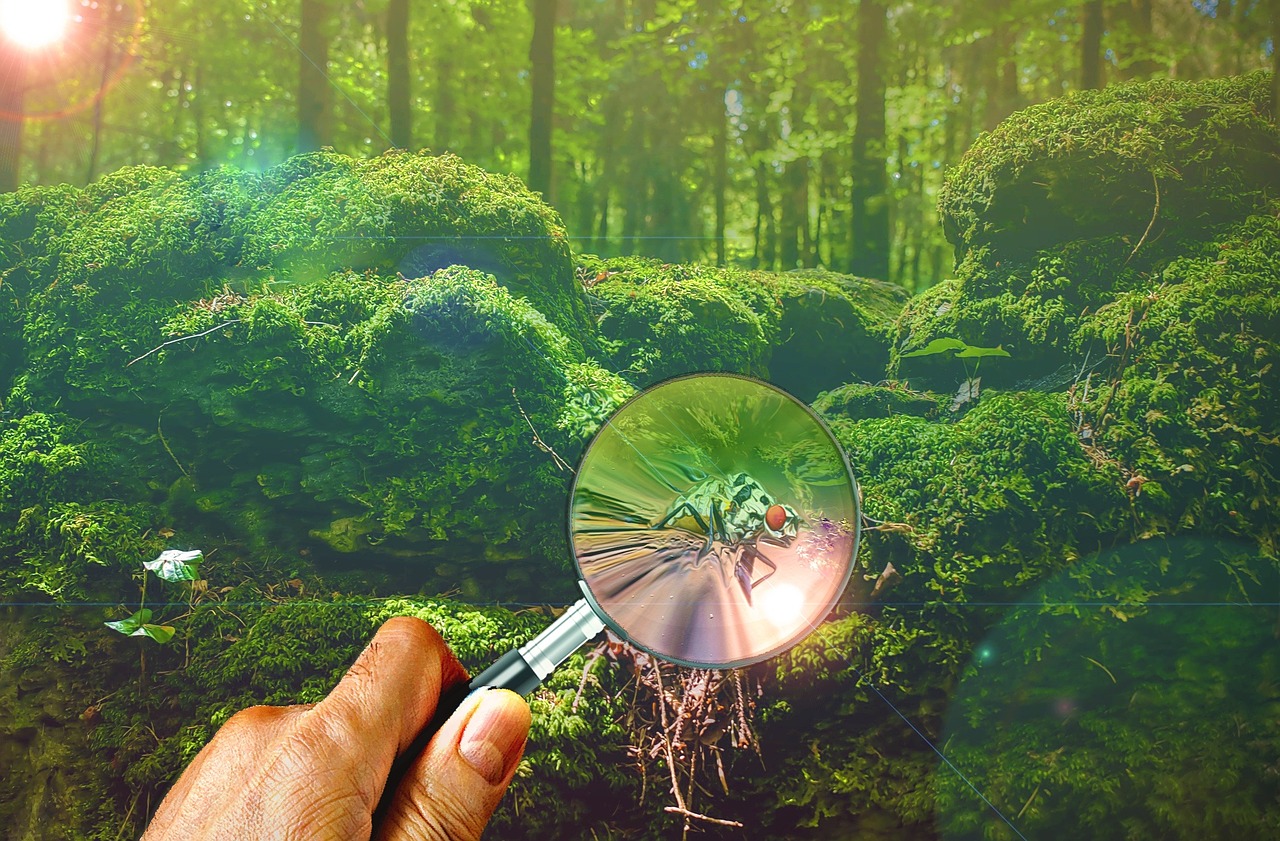
				 <p style="text-align: center;">Click play on the following audio player to listen along as you read this section.</p> <div class="textbox interactive-content interactive-content--oembed"><span class="interactive-content__icon"></span> <p>One or more interactive elements has been excluded from this version of the text. You can view them online here: <a href="#oembed-2" title="What's Your Story Audio" data-url="https://opentextbc.ca/abealfreader6/?p=23#oembed-2">https://opentextbc.ca/abealfreader6/?p=23#oembed-2</a> </p> </div> <p>Even though we tell stories every day at school, over the dinner table, and on the phone, being asked to write a story down on paper can feel <strong><span class="glossary-term">overwhelming</span></strong>. We may suddenly feel that what we have to say is not interesting&nbsp;or important enough to share. But a story doesn’t have to be as <strong><span class="glossary-term">dramatic</span></strong> as a Hollywood movie to be worth telling. Everyday life is full of <strong><span class="glossary-term">valuable</span></strong> stories. Joe Lambert of&nbsp;the Center for Digital Storytelling <strong><span class="glossary-term">identifies</span></strong> some common story types, as well as some questions that may help us find the story we want to tell.</p> <div class="wp-caption aligncenter" id="attachment_102" aria-describedby="caption-attachment-102" style="width: 199px"><a href="http://opentextbc.ca/abealfreader6/wp-content/uploads/sites/93/2015/05/bride-428105_1280.jpg" data-url="http://opentextbc.ca/abealfreader6/wp-content/uploads/sites/93/2015/05/bride-428105_1280.jpg"><img class="wp-image-102 size-medium" src="https://opentextbc.ca/abealfreader6/wp-content/uploads/sites/93/2015/05/bride-428105_1280-199x300.jpg" alt="a bride holding bouquet" width="199" height="300" srcset="https://opentextbc.ca/abealfreader6/wp-content/uploads/sites/93/2015/05/bride-428105_1280-199x300.jpg 199w, https://opentextbc.ca/abealfreader6/wp-content/uploads/sites/93/2015/05/bride-428105_1280-678x1024.jpg 678w, https://opentextbc.ca/abealfreader6/wp-content/uploads/sites/93/2015/05/bride-428105_1280-65x98.jpg 65w, https://opentextbc.ca/abealfreader6/wp-content/uploads/sites/93/2015/05/bride-428105_1280-225x340.jpg 225w, https://opentextbc.ca/abealfreader6/wp-content/uploads/sites/93/2015/05/bride-428105_1280-350x528.jpg 350w, https://opentextbc.ca/abealfreader6/wp-content/uploads/sites/93/2015/05/bride-428105_1280.jpg 848w" sizes="auto, (max-width: 199px) 100vw, 199px" title="" /></a><div class="wp-caption-text" id="caption-attachment-102">Someone important</div></div> <h1>Stories about someone important in your life</h1> <p>These stories may be about finding meaning in a relationship with a family member, friend, neighbour, or co-worker. The story may be a way to remember and honour someone who has passed away. It may be a story about romantic love.</p> <ul><li>What is your relationship to this person?</li> <li>How would you describe this person?</li> <li>Was there an event&nbsp;that really shows what kind of person they are?</li> <li>What about the person do you enjoy most?</li> <li>What about the person drives you crazy?</li> <li>What lesson did you learn from the person that you feel is most important?</li> <li>If you had something to say to the person, but they never had a chance to hear it, what would that be?</li> </ul> <div class="wp-caption aligncenter" id="attachment_103" aria-describedby="caption-attachment-103" style="width: 225px"><a href="http://opentextbc.ca/abealfreader6/wp-content/uploads/sites/93/2015/05/hiking-691738_1280.jpg" data-url="http://opentextbc.ca/abealfreader6/wp-content/uploads/sites/93/2015/05/hiking-691738_1280.jpg"><img class="wp-image-103" src="http://opentextbc.ca/abealfreader6/wp-content/uploads/sites/93/2015/05/hiking-691738_1280-300x200.jpg" alt="A group of hikers" width="225" height="150" srcset="https://opentextbc.ca/abealfreader6/wp-content/uploads/sites/93/2015/05/hiking-691738_1280-300x200.jpg 300w, https://opentextbc.ca/abealfreader6/wp-content/uploads/sites/93/2015/05/hiking-691738_1280-1024x682.jpg 1024w, https://opentextbc.ca/abealfreader6/wp-content/uploads/sites/93/2015/05/hiking-691738_1280-65x43.jpg 65w, https://opentextbc.ca/abealfreader6/wp-content/uploads/sites/93/2015/05/hiking-691738_1280-225x150.jpg 225w, https://opentextbc.ca/abealfreader6/wp-content/uploads/sites/93/2015/05/hiking-691738_1280-350x233.jpg 350w, https://opentextbc.ca/abealfreader6/wp-content/uploads/sites/93/2015/05/hiking-691738_1280.jpg 1280w" sizes="auto, (max-width: 225px) 100vw, 225px" title="" /></a><div class="wp-caption-text" id="caption-attachment-103">Adventure</div></div> <h1>Adventure stories</h1> <p>These are stories about our travels and what we realized along the way.</p> <ul><li>What was challenging about the trip?</li> <li>What was the best part&nbsp;of the trip?</li> <li>How did the trip help you see your regular life in a new way?</li> </ul> <div class="wp-caption aligncenter" id="attachment_136" aria-describedby="caption-attachment-136" style="width: 225px"><a href="http://opentextbc.ca/abealfreader6/wp-content/uploads/sites/93/2015/05/gold-medal-winner-381749_1280.jpg" data-url="http://opentextbc.ca/abealfreader6/wp-content/uploads/sites/93/2015/05/gold-medal-winner-381749_1280.jpg"><img class="wp-image-136" src="http://opentextbc.ca/abealfreader6/wp-content/uploads/sites/93/2015/05/gold-medal-winner-381749_1280-300x200.jpg" alt="a swimmer celebrating the win" width="225" height="150" srcset="https://opentextbc.ca/abealfreader6/wp-content/uploads/sites/93/2015/05/gold-medal-winner-381749_1280-300x200.jpg 300w, https://opentextbc.ca/abealfreader6/wp-content/uploads/sites/93/2015/05/gold-medal-winner-381749_1280-1024x682.jpg 1024w, https://opentextbc.ca/abealfreader6/wp-content/uploads/sites/93/2015/05/gold-medal-winner-381749_1280-65x43.jpg 65w, https://opentextbc.ca/abealfreader6/wp-content/uploads/sites/93/2015/05/gold-medal-winner-381749_1280-225x150.jpg 225w, https://opentextbc.ca/abealfreader6/wp-content/uploads/sites/93/2015/05/gold-medal-winner-381749_1280-350x233.jpg 350w, https://opentextbc.ca/abealfreader6/wp-content/uploads/sites/93/2015/05/gold-medal-winner-381749_1280.jpg 1280w" sizes="auto, (max-width: 225px) 100vw, 225px" title="" /></a><div class="wp-caption-text" id="caption-attachment-136">Accomplishment</div></div> <h1>Accomplishment stories</h1> <p>These are stories about <strong><span class="glossary-term">achieving</span></strong> a goal, like getting a job or winning a sports game.</p> <ul><li>What was the event?</li> <li>Where and when did the event happen?</li> <li>Who did you experience the event with?</li> <li>What moment stands out the most for you?</li> <li>How did you feel during the event?</li> <li>What did the event teach you?</li> <li>How did this event change your life?</li> </ul> <div class="wp-caption aligncenter" id="attachment_105" aria-describedby="caption-attachment-105" style="width: 225px"><a href="http://opentextbc.ca/abealfreader6/wp-content/uploads/sites/93/2015/05/home-671148_1280.jpg" data-url="http://opentextbc.ca/abealfreader6/wp-content/uploads/sites/93/2015/05/home-671148_1280.jpg"><img class="wp-image-105" src="http://opentextbc.ca/abealfreader6/wp-content/uploads/sites/93/2015/05/home-671148_1280-300x200.jpg" alt="a house" width="225" height="150" srcset="https://opentextbc.ca/abealfreader6/wp-content/uploads/sites/93/2015/05/home-671148_1280-300x200.jpg 300w, https://opentextbc.ca/abealfreader6/wp-content/uploads/sites/93/2015/05/home-671148_1280-1024x682.jpg 1024w, https://opentextbc.ca/abealfreader6/wp-content/uploads/sites/93/2015/05/home-671148_1280-65x43.jpg 65w, https://opentextbc.ca/abealfreader6/wp-content/uploads/sites/93/2015/05/home-671148_1280-225x150.jpg 225w, https://opentextbc.ca/abealfreader6/wp-content/uploads/sites/93/2015/05/home-671148_1280-350x233.jpg 350w, https://opentextbc.ca/abealfreader6/wp-content/uploads/sites/93/2015/05/home-671148_1280.jpg 1280w" sizes="auto, (max-width: 225px) 100vw, 225px" title="" /></a><div class="wp-caption-text" id="caption-attachment-105">Place</div></div> <h1 style="text-align: left;">Stories about a place in your life</h1> <p>These are stories about special places like a home, a town, a gathering place, a mountain, or a forest. These places can shape our values and sense of community.</p> <ul><li>How would you describe the place?</li> <li>Who shared this place with you?</li> <li>What experiences happened here?</li> <li>Does one of these experiences stand out?</li> <li>What lessons about yourself can you draw from this place?</li> <li>If you have returned to this place, how has it changed?</li> </ul> <div class="wp-caption aligncenter" id="attachment_106" aria-describedby="caption-attachment-106" style="width: 225px"><a href="http://opentextbc.ca/abealfreader6/wp-content/uploads/sites/93/2015/05/construction-703807_1280.jpg" data-url="http://opentextbc.ca/abealfreader6/wp-content/uploads/sites/93/2015/05/construction-703807_1280.jpg"><img class="wp-image-106" src="http://opentextbc.ca/abealfreader6/wp-content/uploads/sites/93/2015/05/construction-703807_1280-300x200.jpg" alt="a construction worker" width="225" height="150" srcset="https://opentextbc.ca/abealfreader6/wp-content/uploads/sites/93/2015/05/construction-703807_1280-300x200.jpg 300w, https://opentextbc.ca/abealfreader6/wp-content/uploads/sites/93/2015/05/construction-703807_1280-1024x684.jpg 1024w, https://opentextbc.ca/abealfreader6/wp-content/uploads/sites/93/2015/05/construction-703807_1280-65x43.jpg 65w, https://opentextbc.ca/abealfreader6/wp-content/uploads/sites/93/2015/05/construction-703807_1280-225x150.jpg 225w, https://opentextbc.ca/abealfreader6/wp-content/uploads/sites/93/2015/05/construction-703807_1280-350x234.jpg 350w, https://opentextbc.ca/abealfreader6/wp-content/uploads/sites/93/2015/05/construction-703807_1280.jpg 1280w" sizes="auto, (max-width: 225px) 100vw, 225px" title="" /></a><div class="wp-caption-text" id="caption-attachment-106">What you do</div></div> <h1>Stories about what you do</h1> <p>These are stories about your job, hobby, or volunteer role.</p> <ul><li>What is your job or hobby?</li> <li>What experiences prepared you for this activity?</li> <li>Was there an event that led you toward this interest?</li> <li>Who <strong><span class="glossary-term">influenced</span></strong>&nbsp;you or helped you develop&nbsp;this interest?</li> <li>How has this job or hobby affected your life as a whole?</li> <li>What has been the best part&nbsp;of doing&nbsp;this job, hobby, or volunteer role?</li> </ul> <div class="wp-caption aligncenter" id="attachment_108" aria-describedby="caption-attachment-108" style="width: 225px"><a href="http://opentextbc.ca/abealfreader6/wp-content/uploads/sites/93/2015/05/magnifying-glass-671858_1280.jpg" data-url="http://opentextbc.ca/abealfreader6/wp-content/uploads/sites/93/2015/05/magnifying-glass-671858_1280.jpg"><img class="wp-image-108" src="http://opentextbc.ca/abealfreader6/wp-content/uploads/sites/93/2015/05/magnifying-glass-671858_1280-300x197.jpg" alt="magnifying-glass" width="225" height="148" srcset="https://opentextbc.ca/abealfreader6/wp-content/uploads/sites/93/2015/05/magnifying-glass-671858_1280-300x197.jpg 300w, https://opentextbc.ca/abealfreader6/wp-content/uploads/sites/93/2015/05/magnifying-glass-671858_1280-1024x673.jpg 1024w, https://opentextbc.ca/abealfreader6/wp-content/uploads/sites/93/2015/05/magnifying-glass-671858_1280-65x43.jpg 65w, https://opentextbc.ca/abealfreader6/wp-content/uploads/sites/93/2015/05/magnifying-glass-671858_1280-225x148.jpg 225w, https://opentextbc.ca/abealfreader6/wp-content/uploads/sites/93/2015/05/magnifying-glass-671858_1280-350x230.jpg 350w, https://opentextbc.ca/abealfreader6/wp-content/uploads/sites/93/2015/05/magnifying-glass-671858_1280.jpg 1280w" sizes="auto, (max-width: 225px) 100vw, 225px" title="" /></a><div class="wp-caption-text" id="caption-attachment-108">Discovery</div></div> <h1>Discovery stories</h1> <p>These are stories about learning. They might be about a first, an embarrassing moment, or a mistake.</p> <ul><li>What was the event?</li> <li>Where and when did the event happen?</li> <li>Who did you experience the event with?</li> <li>What moment stands out the most for you?</li> <li>How did you feel during the event?</li> <li>What did the event teach you?</li> <li>How did the event change your life?</li> </ul> <div class="textbox shaded"><p>With all these possibilities, finding the right story to tell can be difficult. Lambert recommends the following activities to help you get started:</p> <ul><li>Choose a story type from the list above. Write whatever comes to mind on that topic for 10 minutes without stopping.</li> <li>Choose a story type from the list above. Record yourself as you answer the list of questions for that story type. Listen to your recording and write down what you said.</li> <li>Choose a story type from the list above. Have someone ask you the questions for that topic. Record the conversation. Listen to it and write down what you said.</li> <li>Draw a map of the neighbourhood you grew up in. Include the layout of the streets, as well as where friends lived, friendly or strange neighbours, stores, school, and so on. What events did this process remind you of?</li> <li>Look around your house for images that are meaningful to you. Do any images relate to each other? What memories link those images together?</li> </ul> </div> <p>There is a seed of a story somewhere in the thoughts <strong><span class="glossary-term">generated</span></strong> by these exercises. The key is to start with a small idea. Play with that small idea as though it’s a block of clay. Keep sculpting the details of your idea, looking at it from different angles until it starts to take on the rough shape of the story you want to tell.</p> <div class="wp-caption aligncenter" id="attachment_110" aria-describedby="caption-attachment-110" style="width: 225px"><a href="http://opentextbc.ca/abealfreader6/wp-content/uploads/sites/93/2015/05/clay-690404_1280.jpg" data-url="http://opentextbc.ca/abealfreader6/wp-content/uploads/sites/93/2015/05/clay-690404_1280.jpg"><img class="wp-image-110" src="http://opentextbc.ca/abealfreader6/wp-content/uploads/sites/93/2015/05/clay-690404_1280-300x200.jpg" alt="a pair of hands shaping clay" width="225" height="150" srcset="https://opentextbc.ca/abealfreader6/wp-content/uploads/sites/93/2015/05/clay-690404_1280-300x200.jpg 300w, https://opentextbc.ca/abealfreader6/wp-content/uploads/sites/93/2015/05/clay-690404_1280-1024x682.jpg 1024w, https://opentextbc.ca/abealfreader6/wp-content/uploads/sites/93/2015/05/clay-690404_1280-65x43.jpg 65w, https://opentextbc.ca/abealfreader6/wp-content/uploads/sites/93/2015/05/clay-690404_1280-225x150.jpg 225w, https://opentextbc.ca/abealfreader6/wp-content/uploads/sites/93/2015/05/clay-690404_1280-350x233.jpg 350w, https://opentextbc.ca/abealfreader6/wp-content/uploads/sites/93/2015/05/clay-690404_1280.jpg 1280w" sizes="auto, (max-width: 225px) 100vw, 225px" title="" /></a><div class="wp-caption-text" id="caption-attachment-110">Sculpting</div></div> <div class="textbox">Revisiting memories can remind us of difficult periods in our lives. Since school is a learning space rather than a <strong><span class="glossary-term">therapeutic</span></strong> space, it is important to avoid travelling into emotions you can’t return from. Choose topics that you feel comfortable and natural discussing. Listen to your gut. It will tell you if you are heading&nbsp;toward&nbsp;feelings that are best explored with a trusted friend or counsellor.</div> <div><div class="textbox textbox--exercises"><div class="textbox__header"><p class="textbox__title">Digital Story Spotlight</p> </div> <div class="textbox__content"><p>In 2012, 20 youth in the Native Youth Enrichment Program at the University of Washington participated in a digital storytelling workshop. Taté BlackBear, a Lakota teenager, was one of the <strong><span class="glossary-term">participants</span></strong>. The American and Canadian governments tried to erase Aboriginal languages and cultures for over 100 years, so the Lakota have had to work very hard to keep their language alive. There are about 6,000 people who can speak the Lakota language. Taté knew six words in his traditional&nbsp;language.</p> <p>As you watch, think about what <strong><span class="glossary-term">category</span></strong> his story falls into. Think of the reasons behind your decision.</p> <p>Watch <a href="https://www.youtube.com/watch?v=dB58Z85J70Q" target="_blank" rel="noopener" data-url="https://www.youtube.com/watch?v=dB58Z85J70Q"><em>7th Word</em></a>.</p> </div> </div> <div class="textbox shaded" style="text-align: center;">See <em><a href="http://opentextbc.ca/abealf6/chapter/whats-your-story/" data-url="http://opentextbc.ca/abealf6/chapter/whats-your-story/">What’s Your Story?</a></em>&nbsp;in <em><a href="http://opentextbc.ca/abealf6/" data-url="http://opentextbc.ca/abealf6/">BC Reads: Adult Literacy Fundamental English – Course Pack 6</a></em>.</div> </div> <div class="media-attributions clear"><h2>Media Attributions</h2><ul><li><a rel="cc:attributionURL" href="https://pixabay.com/photos/bride-bouquet-of-flowers-roses-girl-428105/" data-url="https://pixabay.com/photos/bride-bouquet-of-flowers-roses-girl-428105/">bride-428105_1280</a> © Takmeomeo is licensed under a <a rel="license" href="https://creativecommons.org/publicdomain/mark/1.0/" data-url="https://creativecommons.org/publicdomain/mark/1.0/">Public Domain</a> license</li><li><a rel="cc:attributionURL" href="https://pixabay.com/photos/hiking-hikers-backpacks-backpacking-691738/" data-url="https://pixabay.com/photos/hiking-hikers-backpacks-backpacking-691738/">hiking-691738_1280</a> © Unsplash is licensed under a <a rel="license" href="https://creativecommons.org/publicdomain/mark/1.0/" data-url="https://creativecommons.org/publicdomain/mark/1.0/">Public Domain</a> license</li><li><a rel="cc:attributionURL" href="https://pixabay.com/photos/gold-medal-winner-swimming-381749/" data-url="https://pixabay.com/photos/gold-medal-winner-swimming-381749/">gold-medal-winner-381749_1280</a> © skeeze is licensed under a <a rel="license" href="https://creativecommons.org/publicdomain/mark/1.0/" data-url="https://creativecommons.org/publicdomain/mark/1.0/">Public Domain</a> license</li><li><a rel="cc:attributionURL" href="https://pixabay.com/photos/gold-medal-winner-swimming-381749/" data-url="https://pixabay.com/photos/gold-medal-winner-swimming-381749/">home-671148_1280</a> © PIX1961 is licensed under a <a rel="license" href="https://creativecommons.org/publicdomain/mark/1.0/" data-url="https://creativecommons.org/publicdomain/mark/1.0/">Public Domain</a> license</li><li><a rel="cc:attributionURL" href="https://pixabay.com/photos/construction-worker-industry-male-703807/" data-url="https://pixabay.com/photos/construction-worker-industry-male-703807/">construction-703807_1280</a> © skeeze is licensed under a <a rel="license" href="https://creativecommons.org/publicdomain/mark/1.0/" data-url="https://creativecommons.org/publicdomain/mark/1.0/">Public Domain</a> license</li><li><a rel="cc:attributionURL" href="https://pixabay.com/illustrations/magnifying-glass-forest-insect-hand-671858/" data-url="https://pixabay.com/illustrations/magnifying-glass-forest-insect-hand-671858/">magnifying-glass-671858_1280</a> © johnsatwork is licensed under a <a rel="license" href="https://creativecommons.org/publicdomain/mark/1.0/" data-url="https://creativecommons.org/publicdomain/mark/1.0/">Public Domain</a> license</li><li><a rel="cc:attributionURL" href="https://pixabay.com/photos/clay-hands-sculpting-art-forming-690404/" data-url="https://pixabay.com/photos/clay-hands-sculpting-art-forming-690404/">clay-690404_1280</a> © Unsplash is licensed under a <a rel="license" href="https://creativecommons.org/publicdomain/mark/1.0/" data-url="https://creativecommons.org/publicdomain/mark/1.0/">Public Domain</a> license</li></ul></div> 
	</div>


	</div>
<div class="chapter standard " id="chapter-whatsyourmessage" title="What's Your Message?">
	<div class="chapter-title-wrap">
		<p class="chapter-number">3</p>
		<h1 class="chapter-title">What's Your Message?</h1>
								</div>
	<div class="ugc chapter-ugc">
				 <p style="text-align: center;">Click play on the following audio player to listen along as you read this section.</p> <div class="textbox interactive-content interactive-content--oembed"><span class="interactive-content__icon"></span> <p>One or more interactive elements has been excluded from this version of the text. You can view them online here: <a href="#oembed-2" title="What's Your Message Audio" data-url="https://opentextbc.ca/abealfreader6/?p=25#oembed-2">https://opentextbc.ca/abealfreader6/?p=25#oembed-2</a> </p> </div> <div class="wp-caption aligncenter" id="attachment_359" aria-describedby="caption-attachment-359" style="width: 450px"><a href="http://opentextbc.ca/abealfreader6/wp-content/uploads/sites/93/2015/06/megaphone-50092_640.jpg" data-url="http://opentextbc.ca/abealfreader6/wp-content/uploads/sites/93/2015/06/megaphone-50092_640.jpg"><img class="wp-image-359" src="http://opentextbc.ca/abealfreader6/wp-content/uploads/sites/93/2015/06/megaphone-50092_640.jpg" alt="a woman holding a magaphone" width="450" height="298" srcset="https://opentextbc.ca/abealfreader6/wp-content/uploads/sites/93/2015/06/megaphone-50092_640.jpg 640w, https://opentextbc.ca/abealfreader6/wp-content/uploads/sites/93/2015/06/megaphone-50092_640-300x199.jpg 300w, https://opentextbc.ca/abealfreader6/wp-content/uploads/sites/93/2015/06/megaphone-50092_640-65x43.jpg 65w, https://opentextbc.ca/abealfreader6/wp-content/uploads/sites/93/2015/06/megaphone-50092_640-225x149.jpg 225w, https://opentextbc.ca/abealfreader6/wp-content/uploads/sites/93/2015/06/megaphone-50092_640-350x232.jpg 350w" sizes="auto, (max-width: 450px) 100vw, 450px" title="" /></a><div class="wp-caption-text" id="caption-attachment-359">Megaphone</div></div> <p>The stories that stay with us tend to be more than an event with a beginning, middle, and end. The stories that stay with us hold a bit&nbsp;of <strong><span class="glossary-term">insight</span></strong> into what it means to be human. This <strong><span class="glossary-term">insight</span></strong> is the main idea or message of the story. For example, the Ojibwe nation has told stories for thousands of years about a character named Nanabush. Nanabush stories are used to teach children lessons such as the importance of sharing and the value of our elders.</p> <p>While listening to stories can leave the <strong><span class="glossary-term">audience</span></strong> with an important lesson, telling stories can also help the storyteller find a lesson. This is one of the goals of the digital storytelling process. <strong><span class="glossary-term">Examining</span></strong> our stories helps us <strong><span class="glossary-term">reflect</span></strong> on who we have been, who we are, and who we will become.</p> <p>For example, when putting together <em>All the Truly Important Things</em>, the storyteller learned that his lived experience of being <strong><span class="glossary-term">diagnosed</span></strong> with HIV allows him to bring comfort to his newly <strong><span class="glossary-term">diagnosed</span></strong> HIV-positive patients. When he tells these patients that all the truly important things in life are not lost, they can see that he is a living and breathing example of this truth. This hope may be the best <strong><span class="glossary-term">medicine</span></strong> he can share with his patients, and it’s a <strong><span class="glossary-term">medicine</span></strong> that would not be as healing if he did not share the same illness.</p> <p>In <em>7th Word</em>, Taté BlackBear’s message is that the classroom is everywhere. After the government spent over 100 years trying to erase the Lakota language, learning Lakota might seem impossible. But Taté’s successes keep him hungry to learn more. Some of his most <strong><span class="glossary-term">meaningful</span></strong> learning happens in the bus on the way to the skate park, or sitting around the kitchen table eating berry pudding. Taté’s digital story shows that by <strong><span class="glossary-term">embracing</span></strong> these moments, Taté has been — and will continue to be — an <strong><span class="glossary-term">active</span></strong> learner of Lakota language and culture.</p> <div class="textbox textbox--exercises"><div class="textbox__header"><p class="textbox__title">Digital Story Spotlight</p> </div> <div class="textbox__content"><p>In 2008, a project called Nurstory was launched. The project used digital storytelling to help nurses reflect on the way they practiced nursing. By sharing their digital stories with their colleagues, the nurses improved their ability to cope with a difficult job, work well with others, be leaders, and make ethical decisions.</p> <p>Cathy Jaynes is one of the nurses who participated in the Nurstory project. She worked as an emergency nurse. Her job involved flying in helicopters to the scene of an <strong><span class="glossary-term">accident</span></strong>. On the surface, her digital&nbsp;story <a href="https://www.youtube.com/watch?v=cVuF6lHZ-BE" target="_blank" rel="noopener" data-url="https://www.youtube.com/watch?v=cVuF6lHZ-BE"><em>Go Around</em></a> is about a helicopter ride that almost ended&nbsp;in disaster. But it’s really about the recognition of Cathy’s voice and value as a person. As you watch this digital story, consider these two questions:</p> <ul><li>How does this story show who Cathy is?</li> <li>How does this story show <em>why</em> Cathy is who she is?</li> </ul> <p>Watch&nbsp;<em><a href="https://www.youtube.com/watch?v=cVuF6lHZ-BE" target="_blank" rel="noopener" data-url="https://www.youtube.com/watch?v=cVuF6lHZ-BE">Go Around</a>.</em></p> </div> </div> <div class="textbox shaded"><p>Look at the seed of a&nbsp;story you found in the last chapter. Reflect on&nbsp;these two questions:</p> <ul><li>How does this story show who you are?</li> <li>How does this story show <em>why</em> you are who you are?</li> </ul> </div> <div class="textbox shaded" style="text-align: center;">See <em><a href="http://opentextbc.ca/abealf6/chapter/what-do-you-think-your-story-means/" data-url="http://opentextbc.ca/abealf6/chapter/what-do-you-think-your-story-means/">What’s Your Message?</a></em>&nbsp;in <em><a href="http://opentextbc.ca/abealf6/" data-url="http://opentextbc.ca/abealf6/">BC Reads: Adult Literacy Fundamental English – Course Pack 6</a></em>.</div> <div class="media-attributions clear"><h2>Media Attributions</h2><ul><li><a rel="cc:attributionURL" href="http://pixabay.com/en/megaphone-shout-action-call-scream-50092/" data-url="http://pixabay.com/en/megaphone-shout-action-call-scream-50092/">megaphone-50092_640</a> © mickyroo is licensed under a <a rel="license" href="https://creativecommons.org/publicdomain/mark/1.0/" data-url="https://creativecommons.org/publicdomain/mark/1.0/">Public Domain</a> license</li></ul></div> 

	</div>


	</div>
<div class="chapter standard " id="chapter-setting-the-tone" title="Setting the Tone">
	<div class="chapter-title-wrap">
		<p class="chapter-number">4</p>
		<h1 class="chapter-title">Setting the Tone</h1>
								</div>
	<div class="ugc chapter-ugc">
				 <p style="text-align: center;">Click play on the following audio player to listen along as you read this section.</p> <div class="textbox interactive-content interactive-content--oembed"><span class="interactive-content__icon"></span> <p>One or more interactive elements has been excluded from this version of the text. You can view them online here: <a href="#oembed-2" title="Setting the Tone Audio" data-url="https://opentextbc.ca/abealfreader6/?p=30#oembed-2">https://opentextbc.ca/abealfreader6/?p=30#oembed-2</a> </p> </div> <div class="wp-caption aligncenter" id="attachment_220" aria-describedby="caption-attachment-220" style="width: 450px"><a href="http://opentextbc.ca/abealfreader6/wp-content/uploads/sites/93/2015/05/tone3.jpg" data-url="http://opentextbc.ca/abealfreader6/wp-content/uploads/sites/93/2015/05/tone3.jpg"><img class="wp-image-220" src="http://opentextbc.ca/abealfreader6/wp-content/uploads/sites/93/2015/05/tone3.jpg" alt="the image is consisted of 5 emoticons (from left to right): smiley face, disgusted face with tongue out, angry face, loving face with hearts, awkward smiling face" width="450" height="88" srcset="https://opentextbc.ca/abealfreader6/wp-content/uploads/sites/93/2015/05/tone3.jpg 722w, https://opentextbc.ca/abealfreader6/wp-content/uploads/sites/93/2015/05/tone3-300x59.jpg 300w, https://opentextbc.ca/abealfreader6/wp-content/uploads/sites/93/2015/05/tone3-65x13.jpg 65w, https://opentextbc.ca/abealfreader6/wp-content/uploads/sites/93/2015/05/tone3-225x44.jpg 225w, https://opentextbc.ca/abealfreader6/wp-content/uploads/sites/93/2015/05/tone3-350x68.jpg 350w" sizes="auto, (max-width: 450px) 100vw, 450px" title="" /></a><div class="wp-caption-text" id="caption-attachment-220">Emotions</div></div> <p>Part of the magic of storytelling is that it can reduce the distance between people. It can create&nbsp;connection and community. In a world where <strong><span class="glossary-term">loneliness</span></strong> is&nbsp;far too common, this is a valuable&nbsp;gift.</p> <p>Stories reduce the distance between people when they honestly tap into the emotion of the events. If the emotions are <strong><span class="glossary-term">exaggerated</span></strong>, the story seems <strong><span class="glossary-term">dishonest</span></strong>. If there are no emotions, the story will also seem <strong><span class="glossary-term">dishonest</span></strong>.</p> <p>It can be difficult to honestly tap into the emotion of our stories. Many of us are not used to identifying our feelings. Our feelings vocabulary might need room to grow. Below is a list of words that might help you build&nbsp;your vocabulary.</p> <table style="height: 152px; width: 646px;"><tbody><tr><td style="text-align: center;">friendly</td> <td style="text-align: center;">loving</td> <td style="text-align: center;"><strong><span class="glossary-term">curious</span></strong></td> <td style="text-align: center;"><strong><span class="glossary-term">fascinated</span></strong></td> <td style="text-align: center;">hopeful</td> </tr> <tr><td style="text-align: center;"><strong><span class="glossary-term">confident</span></strong></td> <td style="text-align: center;">proud</td> <td style="text-align: center;"><strong><span class="glossary-term">empowered</span></strong></td> <td style="text-align: center;">safe</td> <td style="text-align: center;">excited</td> </tr> <tr><td style="text-align: center;">amazed</td> <td style="text-align: center;">surprised</td> <td style="text-align: center;">thankful</td> <td style="text-align: center;"><strong><span class="glossary-term">inspired</span></strong></td> <td style="text-align: center;">joyful</td> </tr> <tr><td style="text-align: center;"><strong><span class="glossary-term">amused</span></strong></td> <td style="text-align: center;"><strong><span class="glossary-term">thrilled</span></strong></td> <td style="text-align: center;">calm</td> <td style="text-align: center;">pleased</td> <td style="text-align: center;">relaxed</td> </tr> <tr><td style="text-align: center;">relieved</td> <td style="text-align: center;"></td> <td style="text-align: center;"></td> <td style="text-align: center;"></td> <td style="text-align: center;"></td> </tr> </tbody> </table> <div class="wp-caption aligncenter" id="attachment_222" aria-describedby="caption-attachment-222" style="width: 450px"><a href="http://opentextbc.ca/abealfreader6/wp-content/uploads/sites/93/2015/05/warm-feeling-651473_1280.jpg" data-url="http://opentextbc.ca/abealfreader6/wp-content/uploads/sites/93/2015/05/warm-feeling-651473_1280.jpg"><img class="wp-image-222" src="http://opentextbc.ca/abealfreader6/wp-content/uploads/sites/93/2015/05/warm-feeling-651473_1280-1024x681.jpg" alt="an old man holding a baby" width="450" height="299" srcset="https://opentextbc.ca/abealfreader6/wp-content/uploads/sites/93/2015/05/warm-feeling-651473_1280-1024x681.jpg 1024w, https://opentextbc.ca/abealfreader6/wp-content/uploads/sites/93/2015/05/warm-feeling-651473_1280-300x199.jpg 300w, https://opentextbc.ca/abealfreader6/wp-content/uploads/sites/93/2015/05/warm-feeling-651473_1280-65x43.jpg 65w, https://opentextbc.ca/abealfreader6/wp-content/uploads/sites/93/2015/05/warm-feeling-651473_1280-225x150.jpg 225w, https://opentextbc.ca/abealfreader6/wp-content/uploads/sites/93/2015/05/warm-feeling-651473_1280-350x233.jpg 350w, https://opentextbc.ca/abealfreader6/wp-content/uploads/sites/93/2015/05/warm-feeling-651473_1280.jpg 1280w" sizes="auto, (max-width: 450px) 100vw, 450px" title="" /></a><div class="wp-caption-text" id="caption-attachment-222">Happiness</div></div> <p>A story can&nbsp;contain many different emotions. The <strong><span class="glossary-term">overall</span></strong> emotional feeling of a story is called the tone. For example, the tone of <em>All the Important Things</em> might be described as hopeful. The storyteller has found a career that allows him to help others with HIV, and he is hopeful that he will have a bright future despite his illness. The tone of <em>7th Word</em> might be described as curious. The storyteller is surprised he knew the Lakota word for berry pudding and curious about what else he will learn from the world around him. The tone of <em>Go Around</em> might be described as empowered. The storyteller is empowered because she is able to use her voice to keep herself and others safe, and nowadays people listen to what she has to say.</p> <div class="textbox textbox--exercises"><div class="textbox__header"><p class="textbox__title">Digital Story Spotlight</p> </div> <div class="textbox__content"><p>Monte Hallis took part&nbsp;in the first workshop the Center for Digital Storytelling ever held, back in 1993. Monte created <em><a href="https://www.youtube.com/watch?v=D0zA9q7qJZc" target="_blank" rel="noopener" data-url="https://www.youtube.com/watch?v=D0zA9q7qJZc">Tanya</a></em>, a digital story about friendship. Monte built a friendship with a mother who was dying of AIDS. This was before there was a treatment for this illness. As she tells her story, Monte sounds like she is talking to a trusted friend. The emotional honesty of the story draws viewers in.</p> <ul><li>What feelings can you identify in this digital story?</li> <li>How would you describe the overall tone?</li> </ul> <p>Watch <a href="https://www.youtube.com/watch?v=D0zA9q7qJZc" target="_blank" rel="noopener" data-url="https://www.youtube.com/watch?v=D0zA9q7qJZc"><em>Tanya</em></a>.</p> </div> </div> <div class="textbox shaded">Think back to the events in your story. What feelings did you have during those moments? What overall tone would you like to create in your story?</div> <div class="textbox shaded" style="text-align: center;">See <em><a href="http://opentextbc.ca/abealf6/chapter/setting-the-tone/" data-url="http://opentextbc.ca/abealf6/chapter/setting-the-tone/">Setting the Tone</a></em>&nbsp;in <em><a href="http://opentextbc.ca/abealf6/" data-url="http://opentextbc.ca/abealf6/">BC Reads: Adult Literacy Fundamental English – Course Pack 6</a></em>.</div> <p>&nbsp;</p> <div class="media-attributions clear"><h2>Media Attributions</h2><ul><li><a rel="cc:attributionURL" href="https://pixabay.com/images/search/user:alexas_fotos%20emoticons/" data-url="https://pixabay.com/images/search/user:alexas_fotos%20emoticons/">Emoticons</a> © <a rel="dc:creator" href="https://pixabay.com/users/alexas_fotos-686414/" data-url="https://pixabay.com/users/alexas_fotos-686414/">Alexas_Fotos</a> is licensed under a <a rel="license" href="https://creativecommons.org/publicdomain/mark/1.0/" data-url="https://creativecommons.org/publicdomain/mark/1.0/">Public Domain</a> license</li><li><a rel="cc:attributionURL" href="https://pixabay.com/photos/warm-feeling-great-grandfather-sweet-651473/" data-url="https://pixabay.com/photos/warm-feeling-great-grandfather-sweet-651473/">warm-feeling-651473_1280</a> © jackal1974630 is licensed under a <a rel="license" href="https://creativecommons.org/publicdomain/mark/1.0/" data-url="https://creativecommons.org/publicdomain/mark/1.0/">Public Domain</a> license</li></ul></div> 
	</div>


	</div>
<div class="chapter standard " id="chapter-writing-the-script" title="Writing the Script">
	<div class="chapter-title-wrap">
		<p class="chapter-number">5</p>
		<h1 class="chapter-title">Writing the Script</h1>
								</div>
	<div class="ugc chapter-ugc">
				 <p style="text-align: center;">Click play on the following audio player to listen along as you read this section.</p> <div class="textbox interactive-content interactive-content--oembed"><span class="interactive-content__icon"></span> <p>One or more interactive elements has been excluded from this version of the text. You can view them online here: <a href="#oembed-2" title="Writing the Script Audio" data-url="https://opentextbc.ca/abealfreader6/?p=34#oembed-2">https://opentextbc.ca/abealfreader6/?p=34#oembed-2</a> </p> </div> <div class="wp-caption aligncenter" id="attachment_96" aria-describedby="caption-attachment-96" style="width: 450px"><a href="http://opentextbc.ca/abealfreader6/wp-content/uploads/sites/93/2015/05/office-581127_1280.jpg" data-url="http://opentextbc.ca/abealfreader6/wp-content/uploads/sites/93/2015/05/office-581127_1280.jpg"><img class="wp-image-96" src="http://opentextbc.ca/abealfreader6/wp-content/uploads/sites/93/2015/05/office-581127_1280-1024x682.jpg" alt="a book on a table" width="450" height="300" srcset="https://opentextbc.ca/abealfreader6/wp-content/uploads/sites/93/2015/05/office-581127_1280-1024x682.jpg 1024w, https://opentextbc.ca/abealfreader6/wp-content/uploads/sites/93/2015/05/office-581127_1280-300x200.jpg 300w, https://opentextbc.ca/abealfreader6/wp-content/uploads/sites/93/2015/05/office-581127_1280-65x43.jpg 65w, https://opentextbc.ca/abealfreader6/wp-content/uploads/sites/93/2015/05/office-581127_1280-225x150.jpg 225w, https://opentextbc.ca/abealfreader6/wp-content/uploads/sites/93/2015/05/office-581127_1280-350x233.jpg 350w, https://opentextbc.ca/abealfreader6/wp-content/uploads/sites/93/2015/05/office-581127_1280.jpg 1280w" sizes="auto, (max-width: 450px) 100vw, 450px" title="" /></a><div class="wp-caption-text" id="caption-attachment-96">Book</div></div> <p>One of the most common pieces of <strong><span class="glossary-term">advice</span></strong> given to storytellers is, “Show, don’t tell.” This means that a storyteller should allow the audience to experience the story through <strong><span class="glossary-term">scenes</span></strong>, rather than through a summary of events. A <strong><span class="glossary-term">scene</span></strong> is alive with action, words, thoughts, feelings, and senses. A summary simply tells the facts of what happened. We will return to the difference shortly.</p> <p>Before creating a <strong><span class="glossary-term">scene</span></strong>, the storyteller needs to identify which <strong><span class="glossary-term">scenes</span></strong> will best tell the story and its insight. There may be one <strong><span class="glossary-term">scene</span></strong> or many. The most important <strong><span class="glossary-term">scene</span></strong> to include is usually the moment of change. In <em>Tanya</em>, Monte Hallis starts by explaining she didn’t really know what a friend was. The digital story ends with a <strong><span class="glossary-term">scene</span></strong> where Tanya asks Monte to lie down&nbsp;next to her so she can tell her a secret. In this moment, Tanya refers to her as “Monte Faye.” Monte was <strong><span class="glossary-term">stunned</span></strong> that Tanya knew her middle name. Monte does not say, “This is when I knew I had made a real friend,” but the audience&nbsp;can <strong><span class="glossary-term">powerfully</span></strong> feel it through the scene. This was Monte’s moment of change.</p> <p>In <em>Go Around</em>, Cathy Jaynes starts by explaining she had been in an <strong><span class="glossary-term">abusive</span></strong> relationship. During that time, her feelings and her voice didn’t matter. She once told a helicopter pilot that he was about to crash and he <strong><span class="glossary-term">ignored</span></strong> her warning. Once again, what she had to say was <strong><span class="glossary-term">ignored</span></strong>. The digital story ends with a scene where Cathy tells a helicopter pilot to stop, or they will land on a bunch of wires. The pilot listens. Cathy did not say, “This was when I knew that my voice matters and there are people who will listen to me,” but the audience&nbsp;can feel it through the <strong><span class="glossary-term">scene</span></strong>. This was Cathy’s moment of change.</p> <p>What was the moment of change in your story?</p> <p>The structure of the story can be&nbsp;built around this moment of change.&nbsp;Keep in mind that the script should be quite short — between 250 and 375 words long. This will result in a digital story of about three to five minutes. You can rely on the audience’s <strong><span class="glossary-term">common sense</span></strong> to fill in some of the more <strong><span class="glossary-term">obvious</span></strong> details. You will also be able to rely on images to tell part of the story. A storyteller gives the audience just enough information to understand the importance of this moment. If the audience is <strong><span class="glossary-term">overloaded</span></strong> with information, they may grow bored.</p> <div class="textbox textbox--exercises"><div class="textbox__header"><p class="textbox__title">Digital Story Spotlight</p> </div> <div class="textbox__content"><p>In <em><a href="https://www.youtube.com/watch?v=9NgO-qu9UL4" target="_blank" rel="noopener" data-url="https://www.youtube.com/watch?v=9NgO-qu9UL4">Memory</a></em>, Salomeja Karaseviciute demonstrates what it means to “show, not tell.” She begins her tale by talking about cheques that arrive every month. At first, she does not tell us that she receives these cheques as <strong><span class="glossary-term">compensation</span></strong> from the government for <strong><span class="glossary-term">deporting</span></strong> one of her parents. However, we know this because the image shows the words “deportee daughter.” When someone is deported from a country, they are forced to leave. When Salomeja does reveal that her parent was deported, she once again shows us rather than tells us. She creates a scene about the day she learned about the deportation. Now the audience&nbsp;has just enough information to understand why Salomeja is receiving these cheques. We can imagine feeling that there is no right&nbsp;way to spend the money that she receives to make up&nbsp;for her parent’s&nbsp;suffering. Salomeja’s moment of change comes when she finally spends the money. She does not say, “This moment changed me,” but we know that it does.</p> <ul><li>What detail tells you she changed?</li> <li>How do you think she has changed?</li> </ul> <p>Watch <a href="https://www.youtube.com/watch?v=9NgO-qu9UL4" target="_blank" rel="noopener" data-url="https://www.youtube.com/watch?v=9NgO-qu9UL4"><em>Memory</em></a>.</p> </div> </div> <div class="textbox shaded"><p>Think back to the moment of change in your story.</p> <ul><li>What scenes are important to include to help someone understand how you changed?</li> <li>What details show that you changed?</li> </ul> <div class="wp-caption aligncenter" id="attachment_97" aria-describedby="caption-attachment-97" style="width: 250px"><a href="http://opentextbc.ca/abealfreader6/wp-content/uploads/sites/93/2015/05/flash-card-147112_1280.png" data-url="http://opentextbc.ca/abealfreader6/wp-content/uploads/sites/93/2015/05/flash-card-147112_1280.png"><img class="wp-image-97" src="http://opentextbc.ca/abealfreader6/wp-content/uploads/sites/93/2015/05/flash-card-147112_1280-300x238.png" alt="." width="250" height="198" srcset="https://opentextbc.ca/abealfreader6/wp-content/uploads/sites/93/2015/05/flash-card-147112_1280-300x238.png 300w, https://opentextbc.ca/abealfreader6/wp-content/uploads/sites/93/2015/05/flash-card-147112_1280-1024x812.png 1024w, https://opentextbc.ca/abealfreader6/wp-content/uploads/sites/93/2015/05/flash-card-147112_1280-65x52.png 65w, https://opentextbc.ca/abealfreader6/wp-content/uploads/sites/93/2015/05/flash-card-147112_1280-225x178.png 225w, https://opentextbc.ca/abealfreader6/wp-content/uploads/sites/93/2015/05/flash-card-147112_1280-350x278.png 350w, https://opentextbc.ca/abealfreader6/wp-content/uploads/sites/93/2015/05/flash-card-147112_1280.png 1280w" sizes="auto, (max-width: 250px) 100vw, 250px" title="" /></a><div class="wp-caption-text" id="caption-attachment-97">Cue card</div></div> <p>Spend some time writing down your ideas. Then, ask your instructor for a single cue card. Take 10 minutes to write a first draft of your story. Write whatever comes to mind. Don’t worry about grammar or spelling. Write as if you are talking to a dear friend. Don’t stop until your time runs out or you have filled up your cue card.</p> </div> <div class="textbox shaded" style="text-align: center;">See <em><a href="http://opentextbc.ca/abealf6/chapter/writing-the-script/" data-url="http://opentextbc.ca/abealf6/chapter/writing-the-script/">Writing the Script</a></em>&nbsp;in <em><a href="http://opentextbc.ca/abealf6/" data-url="http://opentextbc.ca/abealf6/">BC Reads: Adult Literacy Fundamental English – Course Pack 6</a></em>.</div> <div class="media-attributions clear"><h2>Media Attributions</h2><ul><li><a rel="cc:attributionURL" href="https://pixabay.com/photos/office-creative-coffee-designer-581127/" data-url="https://pixabay.com/photos/office-creative-coffee-designer-581127/">office-581127_1280</a> © markusspiske is licensed under a <a rel="license" href="https://creativecommons.org/publicdomain/mark/1.0/" data-url="https://creativecommons.org/publicdomain/mark/1.0/">Public Domain</a> license</li><li><a rel="cc:attributionURL" href="http://pixabay.com/en/flash-card-paper-lines-blank-write-147112/" data-url="http://pixabay.com/en/flash-card-paper-lines-blank-write-147112/">flash-card-147112_1280</a> © OpenClipartVectors is licensed under a <a rel="license" href="https://creativecommons.org/publicdomain/mark/1.0/" data-url="https://creativecommons.org/publicdomain/mark/1.0/">Public Domain</a> license</li></ul></div> 
	</div>


	</div>
<div class="chapter standard " id="chapter-seeing-and-hearing-your-digital-story" title="Seeing and Hearing Your Digital Story">
	<div class="chapter-title-wrap">
		<p class="chapter-number">6</p>
		<h1 class="chapter-title">Seeing and Hearing Your Digital Story</h1>
								</div>
	<div class="ugc chapter-ugc">
				 <p style="text-align: center;">Click play on the following audio player to listen along as you read this section.</p> <div class="textbox interactive-content interactive-content--oembed"><span class="interactive-content__icon"></span> <p>One or more interactive elements has been excluded from this version of the text. You can view them online here: <a href="#oembed-2" title="Seeing and Hearing Your Digital Story Audio" data-url="https://opentextbc.ca/abealfreader6/?p=39#oembed-2">https://opentextbc.ca/abealfreader6/?p=39#oembed-2</a> </p> </div> <div class="wp-caption aligncenter" id="attachment_91" aria-describedby="caption-attachment-91" style="width: 450px"><a href="http://opentextbc.ca/abealfreader6/wp-content/uploads/sites/93/2015/05/photo-256887_1280.jpg" data-url="http://opentextbc.ca/abealfreader6/wp-content/uploads/sites/93/2015/05/photo-256887_1280.jpg"><img class="wp-image-91" src="http://opentextbc.ca/abealfreader6/wp-content/uploads/sites/93/2015/05/photo-256887_1280-1024x678.jpg" alt="a pile of black and white pictures" width="450" height="298" srcset="https://opentextbc.ca/abealfreader6/wp-content/uploads/sites/93/2015/05/photo-256887_1280-1024x678.jpg 1024w, https://opentextbc.ca/abealfreader6/wp-content/uploads/sites/93/2015/05/photo-256887_1280-300x199.jpg 300w, https://opentextbc.ca/abealfreader6/wp-content/uploads/sites/93/2015/05/photo-256887_1280-65x43.jpg 65w, https://opentextbc.ca/abealfreader6/wp-content/uploads/sites/93/2015/05/photo-256887_1280-225x149.jpg 225w, https://opentextbc.ca/abealfreader6/wp-content/uploads/sites/93/2015/05/photo-256887_1280-350x232.jpg 350w, https://opentextbc.ca/abealfreader6/wp-content/uploads/sites/93/2015/05/photo-256887_1280.jpg 1280w" sizes="auto, (max-width: 450px) 100vw, 450px" title="" /></a><div class="wp-caption-text" id="caption-attachment-91">Pictures</div></div> <p>A digital story has many parts, including <span class="glossary-term">visual elements</span> and <span class="glossary-term">audio elements</span>. <span class="glossary-term">Visual elements</span> are things you can see. People use all kinds of <span class="glossary-term">visual elements</span> in a digital story: photos, drawings, maps, videos, letters, pages from a book, and clothing. Photos are the most common.</p> <div class="wp-caption aligncenter" id="attachment_93" aria-describedby="caption-attachment-93" style="width: 450px"><a href="http://opentextbc.ca/abealfreader6/wp-content/uploads/sites/93/2015/05/headphones-690685_1280.jpg" data-url="http://opentextbc.ca/abealfreader6/wp-content/uploads/sites/93/2015/05/headphones-690685_1280.jpg"><img class="wp-image-93" src="http://opentextbc.ca/abealfreader6/wp-content/uploads/sites/93/2015/05/headphones-690685_1280-1024x683.jpg" alt="." width="450" height="300" srcset="https://opentextbc.ca/abealfreader6/wp-content/uploads/sites/93/2015/05/headphones-690685_1280-1024x683.jpg 1024w, https://opentextbc.ca/abealfreader6/wp-content/uploads/sites/93/2015/05/headphones-690685_1280-300x200.jpg 300w, https://opentextbc.ca/abealfreader6/wp-content/uploads/sites/93/2015/05/headphones-690685_1280-65x43.jpg 65w, https://opentextbc.ca/abealfreader6/wp-content/uploads/sites/93/2015/05/headphones-690685_1280-225x150.jpg 225w, https://opentextbc.ca/abealfreader6/wp-content/uploads/sites/93/2015/05/headphones-690685_1280-350x234.jpg 350w, https://opentextbc.ca/abealfreader6/wp-content/uploads/sites/93/2015/05/headphones-690685_1280.jpg 1280w" sizes="auto, (max-width: 450px) 100vw, 450px" title="" /></a><div class="wp-caption-text" id="caption-attachment-93">Headphones</div></div> <p><span class="glossary-term">Audio elements</span> are the things you can hear. A digital story has the sound of someone telling their story, called a “voiceover.” It can also have background music, called a “soundtrack.” The soundtrack might be music recorded by the storyteller or their friend, a song from a CD, or a song <span class="glossary-term">downloaded</span> from the Internet.</p> <p>Before you start to gather the images and sounds for your digital story, it can help to set up a&nbsp;folder on the computer to keep everything organized. Creating folders is a very useful computer literacy skill.</p> <p>A computer works like a filing cabinet. It uses folders to organize and store files. Most computers come with a folder that holds your music, a folder that holds your pictures, a folder that holds your downloads, and a folder that holds your <span class="glossary-term">documents</span>. You can also make your own folders.</p> <div class="textbox shaded"><p>Try making some folders to organize your digital storytelling files. Follow the steps in <a href="#back-matter-appendix-making-folders-for-your-digital-story" data-url="/abealfreader6/back-matter/appendix-making-folders-for-your-digital-story/">Appendix 2: Making a Folder for Your Digital Story</a>.</p> <p>Look at the story you have written. Think about what images would help the audience understand your story and your message. Make a list of up to 20 images you would like to use. Some of these images may be photos, letters, maps, or drawings you have at home. Other images may need to be created or found on the Internet. (If this is the case, don’t worry about finding images on the web quite yet. Just write down what you want to look for). Keep your list in a safe place. You’ll need it again later.</p> </div> <p>As you choose <span class="glossary-term">visual</span> and <span class="glossary-term">audio elements</span>, it is important to think about copyright. A copyright is a law that gives the owner of a creative work (like a story, song, or picture) the right to decide what other people can do with it. A person can only include items in their digital story that they have <span class="glossary-term">permission</span> to use. Fortunately, many&nbsp;people make their creative works <span class="glossary-term">available</span> for anyone to use for free. You will learn how to <span class="glossary-term">access</span> these later in this book.</p> <p>Once you have decided the <span class="glossary-term">visual elements</span> you’ll use, you are ready to plan out how they will come together in your digital story. Filmmakers use a tool called a “storyboard” for this purpose. A storyboard is a place to plan a <span class="glossary-term">visual</span> story. It is also a place to plan what the audience will see and hear during each part of your story.</p> <div class="textbox textbox--exercises"><div class="textbox__header"><p class="textbox__title">Digital Story Spotlight</p> </div> <div class="textbox__content"><p>Daniel Weinshanker is a <span class="glossary-term">facilitator</span> with the Center for Digital Storytelling. He created a moving digital story about the last trip his family went on before his parents got a divorce. The picture below is an example of a storyboard for this digital story.</p> <p><a href="https://opentextbc.ca/abealfreader6/wp-content/uploads/sites/93/2015/05/Grand-Canyons-Storyboard-scaled.jpg" data-url="https://opentextbc.ca/abealfreader6/wp-content/uploads/sites/93/2015/05/Grand-Canyons-Storyboard-scaled.jpg"><img class="alignnone size-full wp-image-772" src="https://opentextbc.ca/abealfreader6/wp-content/uploads/sites/93/2015/05/Grand-Canyons-Storyboard-scaled.jpg" alt="" width="2560" height="1560" srcset="https://opentextbc.ca/abealfreader6/wp-content/uploads/sites/93/2015/05/Grand-Canyons-Storyboard-scaled.jpg 2560w, https://opentextbc.ca/abealfreader6/wp-content/uploads/sites/93/2015/05/Grand-Canyons-Storyboard-300x183.jpg 300w, https://opentextbc.ca/abealfreader6/wp-content/uploads/sites/93/2015/05/Grand-Canyons-Storyboard-1024x624.jpg 1024w, https://opentextbc.ca/abealfreader6/wp-content/uploads/sites/93/2015/05/Grand-Canyons-Storyboard-768x468.jpg 768w, https://opentextbc.ca/abealfreader6/wp-content/uploads/sites/93/2015/05/Grand-Canyons-Storyboard-1536x936.jpg 1536w, https://opentextbc.ca/abealfreader6/wp-content/uploads/sites/93/2015/05/Grand-Canyons-Storyboard-2048x1248.jpg 2048w, https://opentextbc.ca/abealfreader6/wp-content/uploads/sites/93/2015/05/Grand-Canyons-Storyboard-65x40.jpg 65w, https://opentextbc.ca/abealfreader6/wp-content/uploads/sites/93/2015/05/Grand-Canyons-Storyboard-225x137.jpg 225w, https://opentextbc.ca/abealfreader6/wp-content/uploads/sites/93/2015/05/Grand-Canyons-Storyboard-350x213.jpg 350w" sizes="auto, (max-width: 2560px) 100vw, 2560px" title="" /></a></p> <p>Examine the <a href="https://opentextbc.ca/abealfreader6/wp-content/uploads/sites/93/2015/05/Grand-Canyons-Storyboard-1.pdf" data-url="https://opentextbc.ca/abealfreader6/wp-content/uploads/sites/93/2015/05/Grand-Canyons-Storyboard-1.pdf">Grand Canyons Storyboard [PDF]</a>, then watch the digital story <a href="https://youtu.be/LEoTKxr9EyY" data-url="https://youtu.be/LEoTKxr9EyY"><em>Grand Canyons</em> [Youtube]</a> to see how they connect.</p> </div> </div> <div class="textbox shaded">Use the Storyboard <span class="glossary-term">template</span>&nbsp;to plan your digital story. The storyboard has boxes with lines below them. Copy your story onto the lines. In the box above the lines, draw&nbsp;the image your audience will see at that point in the story. Don’t worry if drawing is not one of your strengths. As long as you know what your drawings&nbsp;represent, whatever scribbles you make will work just fine! You will probably need more than one copy of the <span class="glossary-term">template</span> to fit your whole story. When you are done, keep your storyboard somewhere safe. You will need it later.</div> <p><a href="http://opentextbc.ca/abealfreader6/wp-content/uploads/sites/93/2015/05/Screen-Shot-2015-05-24-at-1.53.31-PM.png" data-url="http://opentextbc.ca/abealfreader6/wp-content/uploads/sites/93/2015/05/Screen-Shot-2015-05-24-at-1.53.31-PM.png"><img class="aligncenter wp-image-245" src="http://opentextbc.ca/abealfreader6/wp-content/uploads/sites/93/2015/05/Screen-Shot-2015-05-24-at-1.53.31-PM-1024x612.png" alt="empty storyboard template" width="450" height="269" srcset="https://opentextbc.ca/abealfreader6/wp-content/uploads/sites/93/2015/05/Screen-Shot-2015-05-24-at-1.53.31-PM-1024x612.png 1024w, https://opentextbc.ca/abealfreader6/wp-content/uploads/sites/93/2015/05/Screen-Shot-2015-05-24-at-1.53.31-PM-300x179.png 300w, https://opentextbc.ca/abealfreader6/wp-content/uploads/sites/93/2015/05/Screen-Shot-2015-05-24-at-1.53.31-PM-65x39.png 65w, https://opentextbc.ca/abealfreader6/wp-content/uploads/sites/93/2015/05/Screen-Shot-2015-05-24-at-1.53.31-PM-225x134.png 225w, https://opentextbc.ca/abealfreader6/wp-content/uploads/sites/93/2015/05/Screen-Shot-2015-05-24-at-1.53.31-PM-350x209.png 350w, https://opentextbc.ca/abealfreader6/wp-content/uploads/sites/93/2015/05/Screen-Shot-2015-05-24-at-1.53.31-PM.png 1874w" sizes="auto, (max-width: 450px) 100vw, 450px" title="" /></a></p> <div class="textbox shaded" style="text-align: center;">See <em><a href="http://opentextbc.ca/abealf6/chapter/seeing-and-hearing-your-digital-story/" data-url="http://opentextbc.ca/abealf6/chapter/seeing-and-hearing-your-digital-story/">Seeing and Hearing Your Digital Story</a></em>&nbsp;in <em><a href="http://opentextbc.ca/abealf6/" data-url="http://opentextbc.ca/abealf6/">BC Reads: Adult Literacy Fundamental English – Course Pack 6</a></em>.</div> <div class="media-attributions clear"><h2>Media Attributions</h2><ul><li><a rel="cc:attributionURL" href="https://pixabay.com/photos/photo-photographer-old-photos-256887/" data-url="https://pixabay.com/photos/photo-photographer-old-photos-256887/">photo-256887_1280</a> © jarmoluk is licensed under a <a rel="license" href="https://creativecommons.org/publicdomain/mark/1.0/" data-url="https://creativecommons.org/publicdomain/mark/1.0/">Public Domain</a> license</li><li><a rel="cc:attributionURL" href="https://pixabay.com/photos/headphones-headset-audio-technology-690685/" data-url="https://pixabay.com/photos/headphones-headset-audio-technology-690685/">headphones-690685_1280</a> © Unsplashed is licensed under a <a rel="license" href="https://creativecommons.org/publicdomain/mark/1.0/" data-url="https://creativecommons.org/publicdomain/mark/1.0/">Public Domain</a> license</li><li>Grand-Canyons-Storyboard </li><li>Storyboard Template © Shantel Ivits </li></ul></div> 
	</div>


	</div>
<div class="chapter standard " id="chapter-upload-your-computer-files" title="Uploading Your Computer Files">
	<div class="chapter-title-wrap">
		<p class="chapter-number">7</p>
		<h1 class="chapter-title">Uploading Your Computer Files</h1>
								</div>
	<div class="ugc chapter-ugc">
				 <div style="text-align: center;">Click play on the following audio player to listen along as you read this section.</div> <div class="textbox interactive-content interactive-content--oembed"><span class="interactive-content__icon"></span> <p>One or more interactive elements has been excluded from this version of the text. You can view them online here: <a href="#oembed-2" title="Uploading Your Computer Files Audio" data-url="https://opentextbc.ca/abealfreader6/?p=43#oembed-2">https://opentextbc.ca/abealfreader6/?p=43#oembed-2</a> </p> </div> <div class="textbox shaded">First, read through these instructions. Then, answer the <a href="http://opentextbc.ca/abealf6/chapter/seeing-and-hearing-your-digital-story/#check1" data-url="http://opentextbc.ca/abealf6/chapter/seeing-and-hearing-your-digital-story/#check1">Check Your Understanding</a> questions in the course pack. Finally, try out the steps yourself.</div> <p>Remember that&nbsp;folder you made on the computer? Now it’s time to use it. A folder is just a place that holds files. Each picture, document, or recording on your computer is a file. The next step is to create the computer files that will go into your digital story.</p> <p>Collect, make, and find the images from the list you made earlier. You might bring the images from home, take them with a digital camera, or find them on the Internet.</p> <p style="text-align: center;"><a href="http://opentextbc.ca/abealfreader6/wp-content/uploads/sites/93/2015/05/Screen-Shot-2015-05-22-at-8.01.18-PM.png" data-url="http://opentextbc.ca/abealfreader6/wp-content/uploads/sites/93/2015/05/Screen-Shot-2015-05-22-at-8.01.18-PM.png"><img class="aligncenter wp-image-125" src="http://opentextbc.ca/abealfreader6/wp-content/uploads/sites/93/2015/05/Screen-Shot-2015-05-22-at-8.01.18-PM-300x168.png" alt="Screen Shot of pixabay" width="400" height="225" srcset="https://opentextbc.ca/abealfreader6/wp-content/uploads/sites/93/2015/05/Screen-Shot-2015-05-22-at-8.01.18-PM-300x168.png 300w, https://opentextbc.ca/abealfreader6/wp-content/uploads/sites/93/2015/05/Screen-Shot-2015-05-22-at-8.01.18-PM-1024x575.png 1024w, https://opentextbc.ca/abealfreader6/wp-content/uploads/sites/93/2015/05/Screen-Shot-2015-05-22-at-8.01.18-PM-65x36.png 65w, https://opentextbc.ca/abealfreader6/wp-content/uploads/sites/93/2015/05/Screen-Shot-2015-05-22-at-8.01.18-PM-225x126.png 225w, https://opentextbc.ca/abealfreader6/wp-content/uploads/sites/93/2015/05/Screen-Shot-2015-05-22-at-8.01.18-PM-350x196.png 350w" sizes="auto, (max-width: 400px) 100vw, 400px" title="" /></a></p> <p style="text-align: left;">If you need to download images from the Internet, follow the steps in <a href="#back-matter-appendix-1-how-to-download-a-picture-from-pixabay" target="_blank" rel="noopener" data-url="/abealfreader6/back-matter/appendix-1-how-to-download-a-picture-from-pixabay/">Appendix 3: Downloading a Picture from Pixabay</a>.</p> <div class="wp-caption aligncenter" id="attachment_142" aria-describedby="caption-attachment-142" style="width: 300px"><a href="http://opentextbc.ca/abealfreader6/wp-content/uploads/sites/93/2015/05/scanner-23359_1280.png" target="_blank" rel="noopener" data-url="http://opentextbc.ca/abealfreader6/wp-content/uploads/sites/93/2015/05/scanner-23359_1280.png"><img class="wp-image-142 size-medium" src="https://opentextbc.ca/abealfreader6/wp-content/uploads/sites/93/2015/05/scanner-23359_1280-300x272.png" alt="." width="300" height="272" srcset="https://opentextbc.ca/abealfreader6/wp-content/uploads/sites/93/2015/05/scanner-23359_1280-300x272.png 300w, https://opentextbc.ca/abealfreader6/wp-content/uploads/sites/93/2015/05/scanner-23359_1280-1024x929.png 1024w, https://opentextbc.ca/abealfreader6/wp-content/uploads/sites/93/2015/05/scanner-23359_1280-65x59.png 65w, https://opentextbc.ca/abealfreader6/wp-content/uploads/sites/93/2015/05/scanner-23359_1280-225x204.png 225w, https://opentextbc.ca/abealfreader6/wp-content/uploads/sites/93/2015/05/scanner-23359_1280-350x317.png 350w, https://opentextbc.ca/abealfreader6/wp-content/uploads/sites/93/2015/05/scanner-23359_1280.png 1280w" sizes="auto, (max-width: 300px) 100vw, 300px" title="" /></a><div class="wp-caption-text" id="caption-attachment-142">Scanner</div></div> <p style="text-align: left;">If your image is on a piece of paper (like a photo, map, book, or drawing), scan it and save it on the computer. Follow the steps in <a href="#back-matter-appendix-how-to-scan-an-image" target="_blank" rel="noopener" data-url="/abealfreader6/back-matter/appendix-how-to-scan-an-image/">Appendix 4: Scanning an Image</a>.</p> <div class="wp-caption aligncenter" id="attachment_154" aria-describedby="caption-attachment-154" style="width: 300px"><a href="http://opentextbc.ca/abealfreader6/wp-content/uploads/sites/93/2015/05/digital-camera-600645_1280.jpg" target="_blank" rel="noopener" data-url="http://opentextbc.ca/abealfreader6/wp-content/uploads/sites/93/2015/05/digital-camera-600645_1280.jpg"><img class="wp-image-154 size-medium" src="https://opentextbc.ca/abealfreader6/wp-content/uploads/sites/93/2015/05/digital-camera-600645_1280-300x200.jpg" alt="." width="300" height="200" srcset="https://opentextbc.ca/abealfreader6/wp-content/uploads/sites/93/2015/05/digital-camera-600645_1280-300x200.jpg 300w, https://opentextbc.ca/abealfreader6/wp-content/uploads/sites/93/2015/05/digital-camera-600645_1280-1024x682.jpg 1024w, https://opentextbc.ca/abealfreader6/wp-content/uploads/sites/93/2015/05/digital-camera-600645_1280-65x43.jpg 65w, https://opentextbc.ca/abealfreader6/wp-content/uploads/sites/93/2015/05/digital-camera-600645_1280-225x150.jpg 225w, https://opentextbc.ca/abealfreader6/wp-content/uploads/sites/93/2015/05/digital-camera-600645_1280-350x233.jpg 350w, https://opentextbc.ca/abealfreader6/wp-content/uploads/sites/93/2015/05/digital-camera-600645_1280.jpg 1280w" sizes="auto, (max-width: 300px) 100vw, 300px" title="" /></a><div class="wp-caption-text" id="caption-attachment-154">Digital camera</div></div> <p style="text-align: center;">If your image is in a digital camera, transfer it to the computer. Follow the steps in <a href="#back-matter-appendix-importing-files-from-your-digital-camera" target="_blank" rel="noopener" data-url="/abealfreader6/back-matter/appendix-importing-files-from-your-digital-camera/">Appendix 5: Importing Pictures from Your Digital Camera</a>.</p> <div class="textbox shaded" style="text-align: center;">Literacy exercises for this reading are found in <em><a href="http://opentextbc.ca/abealf6/chapter/seeing-and-hearing-your-digital-story/" data-url="http://opentextbc.ca/abealf6/chapter/seeing-and-hearing-your-digital-story/">Seeing and Hearing Your Digital Story</a></em> in <em><a href="http://opentextbc.ca/abealf6/" data-url="http://opentextbc.ca/abealf6/">BC Reads: Adult Literacy Fundamental English – Course Pack 6</a></em>.</div> <div class="media-attributions clear"><h2>Media Attributions</h2><ul><li><a rel="cc:attributionURL" href="https://pixabay.com" data-url="https://pixabay.com">Pixabay Search</a> © Pixabay adapted by Shantel Ivits </li><li><a rel="cc:attributionURL" href="https://pixabay.com/vectors/scanner-flatbed-hardware-peripheral-23359/" data-url="https://pixabay.com/vectors/scanner-flatbed-hardware-peripheral-23359/">scanner-23359_1280</a> © ClkerFreeVectorImages is licensed under a <a rel="license" href="https://creativecommons.org/publicdomain/mark/1.0/" data-url="https://creativecommons.org/publicdomain/mark/1.0/">Public Domain</a> license</li><li><a rel="cc:attributionURL" href="https://pixabay.com/photos/digital-camera-lens-zoom-lens-600645/" data-url="https://pixabay.com/photos/digital-camera-lens-zoom-lens-600645/">digital-camera-600645_1280</a> © PIX1961 is licensed under a <a rel="license" href="https://creativecommons.org/publicdomain/mark/1.0/" data-url="https://creativecommons.org/publicdomain/mark/1.0/">Public Domain</a> license</li></ul></div> 
	</div>


	</div>
<div class="chapter standard " id="chapter-getting-started-with-wevideo" title="Getting Started with WeVideo">
	<div class="chapter-title-wrap">
		<p class="chapter-number">8</p>
		<h1 class="chapter-title">Getting Started with WeVideo</h1>
								</div>
	<div class="ugc chapter-ugc">
				 <div style="text-align: center;">Click play on the following audio player to listen along as you read this section.</div> <div class="textbox interactive-content interactive-content--oembed"><span class="interactive-content__icon"></span> <p>One or more interactive elements has been excluded from this version of the text. You can view them online here: <a href="#oembed-2" title="Getting Started with WeVideo Audio" data-url="https://opentextbc.ca/abealfreader6/?p=45#oembed-2">https://opentextbc.ca/abealfreader6/?p=45#oembed-2</a> </p> </div> <div class="textbox shaded">First, read through these instructions. Then, answer the <a href="http://opentextbc.ca/abealf6/chapter/getting-started-with-wevideo/#check2" data-url="http://opentextbc.ca/abealf6/chapter/getting-started-with-wevideo/#check2">Check Your Understanding</a> questions in the course pack. Finally, try out the steps yourself.</div> <p>Many different <strong><span class="glossary-term">programs</span></strong> can be used to make a digital story. WeVideo is the <strong>program</strong> explained in this book because it is free and easy to learn. To use WeVideo, you’ll need to create an <strong>account</strong>. This requires you to have an email address, because your email address will be your <strong>log in</strong> name. (If you don’t have an email address, follow the steps in <a href="#back-matter-appendix-importing-files-from-your-digital-camera" data-url="/abealfreader6/back-matter/appendix-importing-files-from-your-digital-camera/">Appendix 5</a>: Creating a Gmail <strong><span class="glossary-term">Account</span></strong>.) Follow these steps to create a WeVideo <strong><span class="glossary-term">account</span></strong>:</p> <p>1. Open an <strong><span class="glossary-term">Internet browser</span></strong>, like Explorer, Chrome, or Firefox.</p> <p>2. Type www.wevideo.com in the <strong><span class="glossary-term">address bar</span></strong> at the top. Press ENTER.</p> <p><a href="http://opentextbc.ca/abealfreader6/wp-content/uploads/sites/93/2015/05/address-bar.jpg" data-url="http://opentextbc.ca/abealfreader6/wp-content/uploads/sites/93/2015/05/address-bar.jpg"><img class="aligncenter wp-image-312" src="http://opentextbc.ca/abealfreader6/wp-content/uploads/sites/93/2015/05/address-bar-1024x640.jpg" alt="address bar - screenshot" width="450" height="281" srcset="https://opentextbc.ca/abealfreader6/wp-content/uploads/sites/93/2015/05/address-bar-1024x640.jpg 1024w, https://opentextbc.ca/abealfreader6/wp-content/uploads/sites/93/2015/05/address-bar-300x188.jpg 300w, https://opentextbc.ca/abealfreader6/wp-content/uploads/sites/93/2015/05/address-bar-65x41.jpg 65w, https://opentextbc.ca/abealfreader6/wp-content/uploads/sites/93/2015/05/address-bar-225x141.jpg 225w, https://opentextbc.ca/abealfreader6/wp-content/uploads/sites/93/2015/05/address-bar-350x219.jpg 350w, https://opentextbc.ca/abealfreader6/wp-content/uploads/sites/93/2015/05/address-bar.jpg 1440w" sizes="auto, (max-width: 450px) 100vw, 450px" title="" /></a></p> <p>3. Click SIGN UP in the top right corner.</p> <p>4. You’ll see three different options. Choose GET STARTED, under the word FREE.</p> <p>5. Click FIRST&nbsp;NAME and type your first name.</p> <p>6. Repeat step 5 for your last name, email, and password. Your password needs to have at least six letters. Write down your password and keep it somewhere safe.</p> <p><a href="http://opentextbc.ca/abealfreader6/wp-content/uploads/sites/93/2015/05/Sign-Up.png" data-url="http://opentextbc.ca/abealfreader6/wp-content/uploads/sites/93/2015/05/Sign-Up.png"><img class="aligncenter wp-image-52" src="http://opentextbc.ca/abealfreader6/wp-content/uploads/sites/93/2015/05/Sign-Up-1024x601.png" alt="Sign Up for we video- screenshot" width="450" height="264" srcset="https://opentextbc.ca/abealfreader6/wp-content/uploads/sites/93/2015/05/Sign-Up-1024x601.png 1024w, https://opentextbc.ca/abealfreader6/wp-content/uploads/sites/93/2015/05/Sign-Up-300x176.png 300w, https://opentextbc.ca/abealfreader6/wp-content/uploads/sites/93/2015/05/Sign-Up-65x38.png 65w, https://opentextbc.ca/abealfreader6/wp-content/uploads/sites/93/2015/05/Sign-Up-225x132.png 225w, https://opentextbc.ca/abealfreader6/wp-content/uploads/sites/93/2015/05/Sign-Up-350x205.png 350w" sizes="auto, (max-width: 450px) 100vw, 450px" title="" /></a></p> <p>7. Click SIGN&nbsp;UP.</p> <p>8. A video will pop up. Don’t watch it. Click CLOSE.</p> <p><a href="http://opentextbc.ca/abealfreader6/wp-content/uploads/sites/93/2015/05/Video-you-should-close.png" data-url="http://opentextbc.ca/abealfreader6/wp-content/uploads/sites/93/2015/05/Video-you-should-close.png"><img class="aligncenter wp-image-51" src="http://opentextbc.ca/abealfreader6/wp-content/uploads/sites/93/2015/05/Video-you-should-close-1024x802.png" alt="Video you should close - screenshot" width="450" height="353" srcset="https://opentextbc.ca/abealfreader6/wp-content/uploads/sites/93/2015/05/Video-you-should-close-1024x802.png 1024w, https://opentextbc.ca/abealfreader6/wp-content/uploads/sites/93/2015/05/Video-you-should-close-300x235.png 300w, https://opentextbc.ca/abealfreader6/wp-content/uploads/sites/93/2015/05/Video-you-should-close-65x51.png 65w, https://opentextbc.ca/abealfreader6/wp-content/uploads/sites/93/2015/05/Video-you-should-close-225x176.png 225w, https://opentextbc.ca/abealfreader6/wp-content/uploads/sites/93/2015/05/Video-you-should-close-350x274.png 350w, https://opentextbc.ca/abealfreader6/wp-content/uploads/sites/93/2015/05/Video-you-should-close.png 1322w" sizes="auto, (max-width: 450px) 100vw, 450px" title="" /></a></p> <p>&nbsp;</p> <p>Now you have your own WeVideo <strong><span class="glossary-term">account</span></strong>! You can access it from any computer that has Internet. Just remember, with your free <strong><span class="glossary-term">account</span></strong>, you can only create five minutes of video each month. Don’t hit the&nbsp;<strong>PUBLISH&nbsp;</strong>button until you are sure you are finished.</p> <p>1. Press the GET&nbsp;STARTED button.</p> <p>2. There is one more short form to fill out. Click the buttons beside the options that are true for you. Choose NONE&nbsp;for “editing experience,” even if you have done video editing before.</p> <p><a href="http://opentextbc.ca/abealfreader6/wp-content/uploads/sites/93/2015/05/Filled-in-Survey.png" data-url="http://opentextbc.ca/abealfreader6/wp-content/uploads/sites/93/2015/05/Filled-in-Survey.png"><img class="aligncenter wp-image-48" src="http://opentextbc.ca/abealfreader6/wp-content/uploads/sites/93/2015/05/Filled-in-Survey-1024x454.png" alt="Filled in Survey - screenshot" width="450" height="200" srcset="https://opentextbc.ca/abealfreader6/wp-content/uploads/sites/93/2015/05/Filled-in-Survey-1024x454.png 1024w, https://opentextbc.ca/abealfreader6/wp-content/uploads/sites/93/2015/05/Filled-in-Survey-300x133.png 300w, https://opentextbc.ca/abealfreader6/wp-content/uploads/sites/93/2015/05/Filled-in-Survey-65x29.png 65w, https://opentextbc.ca/abealfreader6/wp-content/uploads/sites/93/2015/05/Filled-in-Survey-225x100.png 225w, https://opentextbc.ca/abealfreader6/wp-content/uploads/sites/93/2015/05/Filled-in-Survey-350x155.png 350w, https://opentextbc.ca/abealfreader6/wp-content/uploads/sites/93/2015/05/Filled-in-Survey.png 1448w" sizes="auto, (max-width: 450px) 100vw, 450px" title="" /></a></p> <p>3. Click START&nbsp;EDITING. You will be taken to a screen called the Editor. This is where you combine all of your <strong><span class="glossary-term">media</span></strong> into a film.</p> <p><a href="http://opentextbc.ca/abealfreader6/wp-content/uploads/sites/93/2015/05/Start-Editing.png" data-url="http://opentextbc.ca/abealfreader6/wp-content/uploads/sites/93/2015/05/Start-Editing.png"><img class="aligncenter wp-image-47" src="http://opentextbc.ca/abealfreader6/wp-content/uploads/sites/93/2015/05/Start-Editing.png" alt="Start Editing - screenshot" width="450" height="180" srcset="https://opentextbc.ca/abealfreader6/wp-content/uploads/sites/93/2015/05/Start-Editing.png 1008w, https://opentextbc.ca/abealfreader6/wp-content/uploads/sites/93/2015/05/Start-Editing-300x120.png 300w, https://opentextbc.ca/abealfreader6/wp-content/uploads/sites/93/2015/05/Start-Editing-65x26.png 65w, https://opentextbc.ca/abealfreader6/wp-content/uploads/sites/93/2015/05/Start-Editing-225x90.png 225w, https://opentextbc.ca/abealfreader6/wp-content/uploads/sites/93/2015/05/Start-Editing-350x140.png 350w" sizes="auto, (max-width: 450px) 100vw, 450px" title="" /></a></p> <p>Let’s upload your visual media to the WeVideo Editor. Right now your files are on your computer, but they need to be saved to the MyMedia folder in WeVideo so that you can use them. Moving files from your computer to the Internet is called <strong><span class="glossary-term">uploading</span></strong>. Here’s how to do it:</p> <p></p> <div class="textbox interactive-content interactive-content--iframe"><span class="interactive-content__icon"></span> <p>One or more interactive elements has been excluded from this version of the text. You can view them online here: <a href="https://opentextbc.ca/abealfreader6/?p=45" title="Getting Started with WeVideo" data-url="https://opentextbc.ca/abealfreader6/?p=45">https://opentextbc.ca/abealfreader6/?p=45</a> </p> </div> <p>1. At the top of the Editor, there is a menu that says: Home, Projects, <strong><span class="glossary-term">Media</span></strong>, and Exports. Click <strong>MEDIA</strong>.</p> <p>2. Click the big green UPLOAD&nbsp;<strong>MEDIA</strong>&nbsp;button.</p> <p><a href="http://opentextbc.ca/abealfreader6/wp-content/uploads/sites/93/2015/05/Upload-Media.png" data-url="http://opentextbc.ca/abealfreader6/wp-content/uploads/sites/93/2015/05/Upload-Media.png"><img class="aligncenter wp-image-63" src="http://opentextbc.ca/abealfreader6/wp-content/uploads/sites/93/2015/05/Upload-Media-1024x570.png" alt="Upload Media - screenshot" width="450" height="251" srcset="https://opentextbc.ca/abealfreader6/wp-content/uploads/sites/93/2015/05/Upload-Media-1024x570.png 1024w, https://opentextbc.ca/abealfreader6/wp-content/uploads/sites/93/2015/05/Upload-Media-300x167.png 300w, https://opentextbc.ca/abealfreader6/wp-content/uploads/sites/93/2015/05/Upload-Media-65x36.png 65w, https://opentextbc.ca/abealfreader6/wp-content/uploads/sites/93/2015/05/Upload-Media-225x125.png 225w, https://opentextbc.ca/abealfreader6/wp-content/uploads/sites/93/2015/05/Upload-Media-350x195.png 350w" sizes="auto, (max-width: 450px) 100vw, 450px" title="" /></a></p> <p>3. Click BROWSE TO SELECT</p> <p><a href="http://opentextbc.ca/abealfreader6/wp-content/uploads/sites/93/2015/05/Upload.png" data-url="http://opentextbc.ca/abealfreader6/wp-content/uploads/sites/93/2015/05/Upload.png"><img class="aligncenter wp-image-62" src="http://opentextbc.ca/abealfreader6/wp-content/uploads/sites/93/2015/05/Upload-1024x571.png" alt="Upload - screenshot" width="450" height="251" srcset="https://opentextbc.ca/abealfreader6/wp-content/uploads/sites/93/2015/05/Upload-1024x571.png 1024w, https://opentextbc.ca/abealfreader6/wp-content/uploads/sites/93/2015/05/Upload-300x167.png 300w, https://opentextbc.ca/abealfreader6/wp-content/uploads/sites/93/2015/05/Upload-65x36.png 65w, https://opentextbc.ca/abealfreader6/wp-content/uploads/sites/93/2015/05/Upload-225x125.png 225w, https://opentextbc.ca/abealfreader6/wp-content/uploads/sites/93/2015/05/Upload-350x195.png 350w, https://opentextbc.ca/abealfreader6/wp-content/uploads/sites/93/2015/05/Upload.png 1890w" sizes="auto, (max-width: 450px) 100vw, 450px" title="" /></a></p> <p>4. A window will pop up. Click <strong>DESKTOP</strong>&nbsp;from the list on the left.</p> <p><a href="http://opentextbc.ca/abealfreader6/wp-content/uploads/sites/93/2015/05/Choose-media-files.png" data-url="http://opentextbc.ca/abealfreader6/wp-content/uploads/sites/93/2015/05/Choose-media-files.png"><img class="aligncenter wp-image-64" src="http://opentextbc.ca/abealfreader6/wp-content/uploads/sites/93/2015/05/Choose-media-files-1024x866.png" alt="Choose media files - screenshot" width="450" height="380" srcset="https://opentextbc.ca/abealfreader6/wp-content/uploads/sites/93/2015/05/Choose-media-files-1024x866.png 1024w, https://opentextbc.ca/abealfreader6/wp-content/uploads/sites/93/2015/05/Choose-media-files-300x254.png 300w, https://opentextbc.ca/abealfreader6/wp-content/uploads/sites/93/2015/05/Choose-media-files-65x55.png 65w, https://opentextbc.ca/abealfreader6/wp-content/uploads/sites/93/2015/05/Choose-media-files-225x190.png 225w, https://opentextbc.ca/abealfreader6/wp-content/uploads/sites/93/2015/05/Choose-media-files-350x296.png 350w, https://opentextbc.ca/abealfreader6/wp-content/uploads/sites/93/2015/05/Choose-media-files.png 1410w" sizes="auto, (max-width: 450px) 100vw, 450px" title="" /></a></p> <p>5. Click your folder (the one named after you). Click CHOOSE.</p> <p>6. Click EDIT&nbsp;from the menu at the top of the screen.</p> <p>7. Click SELECT&nbsp;ALL. Now all of your images will be highlighted.</p> <p>8. Click CHOOSE&nbsp;again. Now all of your images will be uploaded to the MyMedia folder in WeVideo. This may take some time. When all the bars are green, the images are done <strong><span class="glossary-term">uploading</span></strong>. Click the X in the top right corner. This will close the Upload window.</p> <p><a href="http://opentextbc.ca/abealfreader6/wp-content/uploads/sites/93/2015/05/Upload-activity-complete.png" data-url="http://opentextbc.ca/abealfreader6/wp-content/uploads/sites/93/2015/05/Upload-activity-complete.png"><img class="aligncenter wp-image-65" src="http://opentextbc.ca/abealfreader6/wp-content/uploads/sites/93/2015/05/Upload-activity-complete-1024x566.png" alt="Upload activity complete - screenshot" width="450" height="249" srcset="https://opentextbc.ca/abealfreader6/wp-content/uploads/sites/93/2015/05/Upload-activity-complete-1024x566.png 1024w, https://opentextbc.ca/abealfreader6/wp-content/uploads/sites/93/2015/05/Upload-activity-complete-300x166.png 300w, https://opentextbc.ca/abealfreader6/wp-content/uploads/sites/93/2015/05/Upload-activity-complete-65x36.png 65w, https://opentextbc.ca/abealfreader6/wp-content/uploads/sites/93/2015/05/Upload-activity-complete-225x124.png 225w, https://opentextbc.ca/abealfreader6/wp-content/uploads/sites/93/2015/05/Upload-activity-complete-350x193.png 350w, https://opentextbc.ca/abealfreader6/wp-content/uploads/sites/93/2015/05/Upload-activity-complete.png 1854w" sizes="auto, (max-width: 450px) 100vw, 450px" title="" /></a></p> <p>9. To log out, click on the small picture of a grey person’s head and shoulders in the top right corner. Then click LOG&nbsp;OUT.</p> <div class="textbox textbox--exercises"><div class="textbox__header"><p class="textbox__title">Digital Story Spotlight</p> </div> <div class="textbox__content"><p>Between&nbsp;2006 and 2013, over 280 homeless people died on the streets of British Columbia. Homeless people tend to die much earlier than people who have&nbsp;housing. These deaths are often the result of having no protection from very hot or cold&nbsp;weather, illness, violence, and drug or alcohol poisoning. Very often, these deaths could be prevented. Many people are working to end homelessness and save lives.</p> <p>Wayne Richard is a man from Chicago who grew up in foster care and then ended up living on the streets. In 2008, he made a digital story as part of a project with the Chicago <strong><span class="glossary-term">Coalition</span></strong> for the Homeless. His story is called <em><a href="https://www.youtube.com/watch?v=VPrnDD51Y5s" target="_blank" rel="noopener" data-url="https://www.youtube.com/watch?v=VPrnDD51Y5s">Sofas</a></em>. As you watch it, think about how Wayne uses his voice:</p> <ul><li>Notice where he pauses and what effect this has on you as a viewer.</li> <li>What else do you notice about how Wayne uses his voice to tell his story?</li> <li>How do you want to use your voice when you tell your story?</li> </ul> <p>Watch <a href="https://www.youtube.com/watch?v=VPrnDD51Y5s" target="_blank" rel="noopener" data-url="https://www.youtube.com/watch?v=VPrnDD51Y5s"><em>Sofas</em></a>.</p> </div> </div> <div class="textbox shaded" style="text-align: center;">See <em><a href="http://opentextbc.ca/abealf6/chapter/getting-started-with-wevideo/" data-url="http://opentextbc.ca/abealf6/chapter/getting-started-with-wevideo/">Getting Started with WeVideo</a></em>&nbsp;in <em><a href="http://opentextbc.ca/abealf6/" data-url="http://opentextbc.ca/abealf6/">BC Reads: Adult Literacy Fundamental English – Course Pack 6</a></em>.</div> <div class="media-attributions clear"><h2>Media Attributions</h2><ul><li>address bar adapted by Shantel Ivits </li><li><a rel="cc:attributionURL" href="https://www.wevideo.com/" data-url="https://www.wevideo.com/">Sign Up</a> © WeVideo adapted by Shantel Ivits </li><li><a rel="cc:attributionURL" href="https://www.wevideo.com/" data-url="https://www.wevideo.com/">Video you should close</a> © WeVideo adapted by Shantal Ivits </li><li><a rel="cc:attributionURL" href="https://www.wevideo.com/" data-url="https://www.wevideo.com/">Filled in Survey</a> © WeVideo adapted by Shantel Ivits </li><li><a rel="cc:attributionURL" href="https://www.wevideo.com/" data-url="https://www.wevideo.com/">Start Editing</a> © WeVideo adapted by Shantel Ivits </li><li><a rel="cc:attributionURL" href="https://www.youtube.com/watch?v=VPrnDD51Y5s" data-url="https://www.youtube.com/watch?v=VPrnDD51Y5s">Upload Media</a> © WeVideo adapted by Shantel Ivits </li><li><a rel="cc:attributionURL" href="https://www.youtube.com/watch?v=VPrnDD51Y5s" data-url="https://www.youtube.com/watch?v=VPrnDD51Y5s">Upload</a> © WeVideo adapted by Shantel Ivits </li><li>Choose media files © Shantal Ivits </li><li><a rel="cc:attributionURL" href="https://www.wevideo.com/" data-url="https://www.wevideo.com/">Upload activity complete</a> © WeVideo adapted by Shantel Ivits </li></ul></div> 
	</div>


	</div>
<div class="chapter standard " id="chapter-record-your-voiceover" title="Recording Your Voiceover">
	<div class="chapter-title-wrap">
		<p class="chapter-number">9</p>
		<h1 class="chapter-title">Recording Your Voiceover</h1>
								</div>
	<div class="ugc chapter-ugc">
				 <p style="text-align: center;">Click play on the following audio player to listen along as you read this section.</p> <div class="textbox interactive-content interactive-content--oembed"><span class="interactive-content__icon"></span> <p>One or more interactive elements has been excluded from this version of the text. You can view them online here: <a href="#oembed-2" title="Recording Your Voiceover Audio" data-url="https://opentextbc.ca/abealfreader6/?p=69#oembed-2">https://opentextbc.ca/abealfreader6/?p=69#oembed-2</a> </p> </div> <div class="wp-caption aligncenter" id="attachment_130" aria-describedby="caption-attachment-130" style="width: 300px"><a href="http://opentextbc.ca/abealfreader6/wp-content/uploads/sites/93/2015/05/microphone-338481_1280.jpg" data-url="http://opentextbc.ca/abealfreader6/wp-content/uploads/sites/93/2015/05/microphone-338481_1280.jpg"><img class="wp-image-130 size-medium" src="https://opentextbc.ca/abealfreader6/wp-content/uploads/sites/93/2015/05/microphone-338481_1280-300x199.jpg" alt="." width="300" height="199" srcset="https://opentextbc.ca/abealfreader6/wp-content/uploads/sites/93/2015/05/microphone-338481_1280-300x199.jpg 300w, https://opentextbc.ca/abealfreader6/wp-content/uploads/sites/93/2015/05/microphone-338481_1280-1024x680.jpg 1024w, https://opentextbc.ca/abealfreader6/wp-content/uploads/sites/93/2015/05/microphone-338481_1280-65x43.jpg 65w, https://opentextbc.ca/abealfreader6/wp-content/uploads/sites/93/2015/05/microphone-338481_1280-225x149.jpg 225w, https://opentextbc.ca/abealfreader6/wp-content/uploads/sites/93/2015/05/microphone-338481_1280-350x232.jpg 350w, https://opentextbc.ca/abealfreader6/wp-content/uploads/sites/93/2015/05/microphone-338481_1280.jpg 1280w" sizes="auto, (max-width: 300px) 100vw, 300px" title="" /></a><div class="wp-caption-text" id="caption-attachment-130">Microphone</div></div> <div class="textbox shaded">First, read through these instructions. Then, answer the <a href="http://opentextbc.ca/abealf6/chapter/getting-started-with-wevideo/#check2" data-url="http://opentextbc.ca/abealf6/chapter/getting-started-with-wevideo/#check2">Check Your Understanding</a> questions in the course pack. Finally, try the steps out yourself.</div> <p>After your images are uploaded, it’s time to create your voiceover. You will record yourself reading your story. This makes some people nervous, because it can feel strange to hear your own voice on a recording. But just think: your voice is an instrument that only you will ever get to play. Speak from your heart and you can’t go wrong. You may wish to practice reading your story out loud a few times. When you’re ready, ask your instructor if there is a quiet place you can record your voiceover. Then follow these steps:</p> <p>1. Return to WeVideo at www.wevideo.com. You may need to log in again with your email and password. Once you’re in your account, click CREATE A NEW VIDEO. This will load the Editor.</p> <p>2. On the bottom left of the screen, you will see a picture of a microphone. Click the microphone.</p> <p><a href="http://opentextbc.ca/abealfreader6/wp-content/uploads/sites/93/2015/05/Screen-Shot-2015-05-21-at-4.57.57-PM.png" data-url="http://opentextbc.ca/abealfreader6/wp-content/uploads/sites/93/2015/05/Screen-Shot-2015-05-21-at-4.57.57-PM.png"><img class="aligncenter wp-image-72 size-full" src="https://opentextbc.ca/abealfreader6/wp-content/uploads/sites/93/2015/05/Screen-Shot-2015-05-21-at-4.57.57-PM.png" alt="grey microphone icon" width="120" height="102" srcset="https://opentextbc.ca/abealfreader6/wp-content/uploads/sites/93/2015/05/Screen-Shot-2015-05-21-at-4.57.57-PM.png 120w, https://opentextbc.ca/abealfreader6/wp-content/uploads/sites/93/2015/05/Screen-Shot-2015-05-21-at-4.57.57-PM-65x55.png 65w" sizes="auto, (max-width: 120px) 100vw, 120px" title="" /></a></p> <p>3. When you are ready to record your voice, click the microphone again. (If any boxes pop up, click ALLOW.) You will see a countdown. Then the computer will start recording.</p> <p><a href="http://opentextbc.ca/abealfreader6/wp-content/uploads/sites/93/2015/05/Screen-Shot-2015-05-22-at-4.45.08-PM.png" data-url="http://opentextbc.ca/abealfreader6/wp-content/uploads/sites/93/2015/05/Screen-Shot-2015-05-22-at-4.45.08-PM.png"><img class="aligncenter wp-image-73" src="http://opentextbc.ca/abealfreader6/wp-content/uploads/sites/93/2015/05/Screen-Shot-2015-05-22-at-4.45.08-PM.png" alt="Red microphone icon, with a box and text below saying &amp;quot;preview while recording&amp;quot;" width="399" height="208" srcset="https://opentextbc.ca/abealfreader6/wp-content/uploads/sites/93/2015/05/Screen-Shot-2015-05-22-at-4.45.08-PM.png 622w, https://opentextbc.ca/abealfreader6/wp-content/uploads/sites/93/2015/05/Screen-Shot-2015-05-22-at-4.45.08-PM-300x156.png 300w, https://opentextbc.ca/abealfreader6/wp-content/uploads/sites/93/2015/05/Screen-Shot-2015-05-22-at-4.45.08-PM-65x34.png 65w, https://opentextbc.ca/abealfreader6/wp-content/uploads/sites/93/2015/05/Screen-Shot-2015-05-22-at-4.45.08-PM-225x117.png 225w, https://opentextbc.ca/abealfreader6/wp-content/uploads/sites/93/2015/05/Screen-Shot-2015-05-22-at-4.45.08-PM-350x182.png 350w" sizes="auto, (max-width: 399px) 100vw, 399px" title="" /></a></p> <p>4. If you make a mistake and want to start over, press stop. Then press the microphone button on the screen when you are ready to try again. You will be asked if you want to replace your previous recording. Click YES&nbsp;if you are okay with recording over top of it. Click NO&nbsp;if you want to keep it.</p> <p>5. Once you are happy with your voiceover recording, click the green checkmark on the left. Your voiceover will be saved. This may take a minute.</p> <p><a href="http://opentextbc.ca/abealfreader6/wp-content/uploads/sites/93/2015/05/Screen-Shot-2015-05-22-at-4.45.18-PM-e1432349866143.png" data-url="http://opentextbc.ca/abealfreader6/wp-content/uploads/sites/93/2015/05/Screen-Shot-2015-05-22-at-4.45.18-PM-e1432349866143.png"><img class="aligncenter wp-image-74 size-full" src="https://opentextbc.ca/abealfreader6/wp-content/uploads/sites/93/2015/05/Screen-Shot-2015-05-22-at-4.45.18-PM-e1432349866143.png" alt="Checkmark" width="138" height="156" srcset="https://opentextbc.ca/abealfreader6/wp-content/uploads/sites/93/2015/05/Screen-Shot-2015-05-22-at-4.45.18-PM-e1432349866143.png 138w, https://opentextbc.ca/abealfreader6/wp-content/uploads/sites/93/2015/05/Screen-Shot-2015-05-22-at-4.45.18-PM-e1432349866143-65x73.png 65w" sizes="auto, (max-width: 138px) 100vw, 138px" title="" /></a></p> <p>&nbsp;</p> <p>6. Click on the MENU and click SAVE.</p> <div class="textbox"><p><strong>What if your computer does not have a built in microphone?</strong> Here are some options:</p> <p>• Ask your instructor if there is a microphone you can plug into the microphone jack (hole) in the computer. The hole&nbsp;will have a tiny image of a microphone next to it.</p> <p>• Ask your instructor if you have access to another computer that has a built-in microphone. For example, many laptops have built-in microphones. Use this computer to record your voiceover.</p> <p>• If you have a cellphone or tablet, check to see if you can record your voice on it. For example, all iPhones and iPads have a Voice Memos app in the Extras folders. Record your voiceover on your cellphone or tablet. Then ask your instructor to help you transfer it to your computer by emailing it to yourself or by using a cable.</p> </div> <p>To log out, click on the small picture of a grey person’s head and shoulders in the top right corner. Then click LOG OUT.</p> <div class="textbox shaded" style="text-align: center;">Literacy exercises for this reading are found in <em><a href="http://opentextbc.ca/abealf6/chapter/getting-started-with-wevideo/" data-url="http://opentextbc.ca/abealf6/chapter/getting-started-with-wevideo/">Getting Started with WeVideo</a></em> in <em><a href="http://opentextbc.ca/abealf6/" data-url="http://opentextbc.ca/abealf6/">BC Reads: Adult Literacy Fundamental English – Course Pack 6</a></em>.</div> <p>&nbsp;</p> <div class="media-attributions clear"><h2>Media Attributions</h2><ul><li><a rel="cc:attributionURL" href="https://pixabay.com/photos/microphone-audio-computer-338481/" data-url="https://pixabay.com/photos/microphone-audio-computer-338481/">microphone-338481_1280</a> © The Angry Teddy is licensed under a <a rel="license" href="https://creativecommons.org/publicdomain/mark/1.0/" data-url="https://creativecommons.org/publicdomain/mark/1.0/">Public Domain</a> license</li><li>Grey Microphone adapted by Shantal Ivits </li><li>Red Microphone adapted by Shantel Ivits </li><li>checkmark adapted by Shantel Ivits </li></ul></div> 
	</div>


	</div>
<div class="chapter standard " id="chapter-bringing-it-all-together" title="Bringing It All Together">
	<div class="chapter-title-wrap">
		<p class="chapter-number">10</p>
		<h1 class="chapter-title">Bringing It All Together</h1>
								</div>
	<div class="ugc chapter-ugc">
				 <p style="text-align: center;">Click play on the following audio player to listen along as you read this section.</p> <div class="textbox interactive-content interactive-content--oembed"><span class="interactive-content__icon"></span> <p>One or more interactive elements has been excluded from this version of the text. You can view them online here: <a href="#oembed-2" title="Bringing It All Together Audio" data-url="https://opentextbc.ca/abealfreader6/?p=76#oembed-2">https://opentextbc.ca/abealfreader6/?p=76#oembed-2</a> </p> </div> <div class="wp-caption aligncenter" id="attachment_381" aria-describedby="caption-attachment-381" style="width: 450px"><a href="http://opentextbc.ca/abealfreader6/wp-content/uploads/sites/93/2015/06/pictures-661946_1280.jpg" data-url="http://opentextbc.ca/abealfreader6/wp-content/uploads/sites/93/2015/06/pictures-661946_1280.jpg"><img class="wp-image-381" src="http://opentextbc.ca/abealfreader6/wp-content/uploads/sites/93/2015/06/pictures-661946_1280-1024x806.jpg" alt="." width="450" height="354" srcset="https://opentextbc.ca/abealfreader6/wp-content/uploads/sites/93/2015/06/pictures-661946_1280-1024x806.jpg 1024w, https://opentextbc.ca/abealfreader6/wp-content/uploads/sites/93/2015/06/pictures-661946_1280-300x236.jpg 300w, https://opentextbc.ca/abealfreader6/wp-content/uploads/sites/93/2015/06/pictures-661946_1280-65x51.jpg 65w, https://opentextbc.ca/abealfreader6/wp-content/uploads/sites/93/2015/06/pictures-661946_1280-225x177.jpg 225w, https://opentextbc.ca/abealfreader6/wp-content/uploads/sites/93/2015/06/pictures-661946_1280-350x276.jpg 350w, https://opentextbc.ca/abealfreader6/wp-content/uploads/sites/93/2015/06/pictures-661946_1280.jpg 1280w" sizes="auto, (max-width: 450px) 100vw, 450px" title="" /></a><div class="wp-caption-text" id="caption-attachment-381">Filmstrip</div></div> <div class="textbox shaded">Pull out the storyboard you made in an earlier lesson. You’ve already decided what order your images will go in, and which images will match up with which part of the story. Now you will follow this plan to build your digital story on the computer. First, read through these instructions. Then, answer the <a href="http://opentextbc.ca/abealf6/chapter/bringing-it-all-together/#CP6" data-url="http://opentextbc.ca/abealf6/chapter/bringing-it-all-together/#CP6">Check Your Understanding</a> questions in the course pack. Finally, try out the steps yourself.</div> <p>1. Return to WeVideo at www.wevideo.com. You may need to log in again with your email and password. Once you’re in your account, you should see the video you last edited. It is probably called <strong><span class="glossary-term">Untitled</span></strong> Video. Click CONTINUE EDITING.</p> <p>2. Now you are looking at the Editor. Let’s get to know each feature of the Editor.</p> <p><a href="http://opentextbc.ca/abealfreader6/wp-content/uploads/sites/93/2015/05/Features-of-Editor.jpg" data-url="http://opentextbc.ca/abealfreader6/wp-content/uploads/sites/93/2015/05/Features-of-Editor.jpg"><img class="aligncenter wp-image-53" src="http://opentextbc.ca/abealfreader6/wp-content/uploads/sites/93/2015/05/Features-of-Editor-1024x546.jpg" alt="WeVideo Editor is consisted of a menu on the left, a media folder and preview screen in the centre, and a story board at the bottom" width="450" height="240" srcset="https://opentextbc.ca/abealfreader6/wp-content/uploads/sites/93/2015/05/Features-of-Editor-1024x546.jpg 1024w, https://opentextbc.ca/abealfreader6/wp-content/uploads/sites/93/2015/05/Features-of-Editor-300x160.jpg 300w, https://opentextbc.ca/abealfreader6/wp-content/uploads/sites/93/2015/05/Features-of-Editor-65x35.jpg 65w, https://opentextbc.ca/abealfreader6/wp-content/uploads/sites/93/2015/05/Features-of-Editor-225x120.jpg 225w, https://opentextbc.ca/abealfreader6/wp-content/uploads/sites/93/2015/05/Features-of-Editor-350x187.jpg 350w, https://opentextbc.ca/abealfreader6/wp-content/uploads/sites/93/2015/05/Features-of-Editor.jpg 1486w" sizes="auto, (max-width: 450px) 100vw, 450px" title="" /></a></p> <p style="padding-left: 30px;">a. On the top left of the Editor is the Menu. Click on it to see a number of options, such as SAVE. Click anywhere else on the screen and the Menu will disappear.</p> <p style="padding-left: 30px;">b. Below the Menu is&nbsp;a folder called MyMedia. It <strong><span class="glossary-term">displays</span></strong> all of the visual media you have uploaded. There is a grey <strong><span class="glossary-term">scroll bar</span></strong> on the right side of the area that holds all your visual media. If you click down on it and don’t release your finger, you can move that bar up and down to see all of your media. Try this.</p> <p style="padding-left: 30px;">c. Beside the media panel is a <strong><span class="glossary-term">Preview</span></strong> Screen. It has a button to rewind, play, and fast-forward. This space allows you to see what your digital story looks like while you build it. Press play and watch what happens.</p> <p style="padding-left: 30px;">d. Along the bottom of the Editor is a Storyboard, similar to the one you made on paper. This is where you arrange your visual media in the right order, decide how long each image will <strong><span class="glossary-term">appear</span></strong>, and add a soundtrack.</p> <p>If you are using a&nbsp;print version of this book, refer to the online version for videos that guide you through the steps below.</p> <h1>Giving Your Digital Story a Title</h1> <p></p> <div class="textbox interactive-content interactive-content--iframe"><span class="interactive-content__icon"></span> <p>One or more interactive elements has been excluded from this version of the text. You can view them online here: <a href="https://opentextbc.ca/abealfreader6/?p=76" title="Bringing It All Together" data-url="https://opentextbc.ca/abealfreader6/?p=76">https://opentextbc.ca/abealfreader6/?p=76</a> </p> </div> <p>1. Find the first box in the storyboard. Hold your <strong><span class="glossary-term">mouse pointer</span></strong> over it.</p> <p>2. Click the EDIT button that appears.</p> <p>3. Click in the grey box. Type in a title for your digital story.</p> <p>4. Click the green DONE EDITING box.</p> <p>5. Click on the Menu and click SAVE.</p> <h1>Adding Images to the Storyboard</h1> <p></p> <div class="textbox interactive-content interactive-content--iframe"><span class="interactive-content__icon"></span> <p>One or more interactive elements has been excluded from this version of the text. You can view them online here: <a href="https://opentextbc.ca/abealfreader6/?p=76" title="Bringing It All Together" data-url="https://opentextbc.ca/abealfreader6/?p=76">https://opentextbc.ca/abealfreader6/?p=76</a> </p> </div> <br /> 1. <strong><span class="glossary-term">Note</span></strong> what image is supposed to appear first. <p>2. Find the image in your MyMedia folder. Hold your <strong><span class="glossary-term">mouse pointer</span></strong> over it.</p> <p>3. Click the ADD button that appears. The image will appear in the storyboard at the bottom of the screen.</p> <h1>Changing the Order of Images in the Storyboard</h1> <p>1. Hold your <strong><span class="glossary-term">mouse pointer</span></strong> over the image you want to move. Move your mouse pointer to the sides of the image until the pointer turns to four arrows.</p> <p>2. Left-click and keep holding the mouse button down. The four arrows will turn to a grabbing hand. Move the mouse to position the image in the right spot. Let go of&nbsp;the button when the image is in the right position.</p> <h2>Deleting Images from the Storyboard<br /> <span class="interactive-content__icon"></span> One or more interactive elements has been excluded from this version of the text. You can view them online here: <a href="https://opentextbc.ca/abealfreader6/?p=76" title="Bringing It All Together" data-url="https://opentextbc.ca/abealfreader6/?p=76">https://opentextbc.ca/abealfreader6/?p=76</a> </h2> <p>1. Hold your <strong><span class="glossary-term">mouse pointer</span></strong> over the image in the storyboard you want to delete.</p> <p>2. Click the trashcan button.</p> <h2>Changing&nbsp;the Timing of an Image</h2> <p></p> <div class="textbox interactive-content interactive-content--iframe"><span class="interactive-content__icon"></span> <p>One or more interactive elements has been excluded from this version of the text. You can view them online here: <a href="https://opentextbc.ca/abealfreader6/?p=76" title="Bringing It All Together" data-url="https://opentextbc.ca/abealfreader6/?p=76">https://opentextbc.ca/abealfreader6/?p=76</a> </p> </div> <br /> Your goal is to get the images to match the voiceover in the way you planned on your paper storyboard. <p>1. Click the rewind button under the preview screen. It looks like two arrows pointing backwards.</p> <p>2. Click the&nbsp;play button. Watch the video to see how the image matches up with the voiceover. Decide whether the image&nbsp;appears for too much time or too little time. Press the play button again to stop the preview.</p> <p>3. Hold your <strong><span class="glossary-term">mouse pointer</span></strong> over the right side of the first box in the storyboard. The pointer will change to two arrows. Click down on the mouse button and don’t let go. Drag&nbsp;the mouse to the left to make the image appear for a shorter time. Drag&nbsp;the mouse to the right to make the images appear for a longer time.</p> <p>4. Click the rewind button.</p> <p>5. Click the play button.&nbsp;Watch the&nbsp;video to see whether the image&nbsp;appears for the right amount of time. Press the play button again to stop the preview.</p> <p>6. Repeat steps 1&nbsp;to&nbsp;5 until the image shows for the right amount of time. When that image is done, work on&nbsp;the next image&nbsp;right beside it.</p> <p>Continue these steps until the images match the voiceover in a way you are happy with.</p> <h2>Adding a Soundtrack</h2> <p></p> <div class="textbox interactive-content interactive-content--iframe"><span class="interactive-content__icon"></span> <p>One or more interactive elements has been excluded from this version of the text. You can view them online here: <a href="https://opentextbc.ca/abealfreader6/?p=76" title="Bringing It All Together" data-url="https://opentextbc.ca/abealfreader6/?p=76">https://opentextbc.ca/abealfreader6/?p=76</a> </p> </div> <p>1. Click the MUSIC NOTE&nbsp;button on the left side of the storyboard.</p> <p>2. Click the FREE MUSIC folder.</p> <p>3. Choose a folder with a name that&nbsp;matches the tone of your story, such as “Serious, sad, worried” or “Exploring, tension.”</p> <p>4. Click on a song and listen to how it sounds. Repeat until you find one you like.</p> <p>5. Turn the volume down so viewers&nbsp;will be able to&nbsp;hear your voiceover above the soundtrack. To do this, click on the volume slider and don’t let go of the button. Drag the slider to the left to make the soundtrack quieter.</p> <p>6. Click the USE THIS <strong>TRACK</strong> button.</p> <p>7. Rewind your digital story.</p> <p>8. Press the play button to see how everything looks and sounds together.</p> <p>You can repeat these steps to choose a different song.</p> <div class="textbox textbox--exercises"><div class="textbox__header"><p class="textbox__title">Exercises</p> </div> <div class="textbox__content"><p>Nazbah Tom is a Two-Spirit person from the Diné Nation. A Two-Spirit person is an Aboriginal person who has both a <strong><span class="glossary-term">masculine</span></strong> and <strong><span class="glossary-term">feminine</span></strong> spirit. <em><a href="https://www.youtube.com/watch?v=j_QNVfNXEgY" target="_blank" rel="noopener" data-url="https://www.youtube.com/watch?v=j_QNVfNXEgY">Mountain of Stories</a></em> is a digital story about when Nazbah came out to her mother as Two-Spirit. “Coming out” is the process of telling someone you are queer*, trans, or Two-Spirit. When people come out, they may experience the loss of friends and family, unfair treatment, and violence. As a result, coming out can be a difficult process.</p> <p>As you watch Nazbah’s story, think about these questions:</p> <ul><li>How do the images help you understand the story?</li> <li>How does the music help you understand the story?</li> <li>How does Nazbah’s voice help you understand the story?</li> <li>What tone do the images, music, and Nazbah’s voice work together to create?</li> </ul> <p>Watch <a href="https://www.youtube.com/watch?v=j_QNVfNXEgY" target="_blank" rel="noopener" data-url="https://www.youtube.com/watch?v=j_QNVfNXEgY"><em>Mountain of Stories</em></a><em>.</em></p> </div> </div> <p>*Queer can be used to refer to people whose sexual orientations and gender identities fall outside of what society traditionally expects. This term has been — and still is — used in hateful ways, so&nbsp;some people feel uncomfortable with it. It is important to use this word with care.</p> <div class="textbox shaded" style="text-align: center;">See <em><a href="http://opentextbc.ca/abealf6/chapter/bringing-it-all-together/" data-url="http://opentextbc.ca/abealf6/chapter/bringing-it-all-together/">Bringing It All Together</a></em>&nbsp;in <em><a href="http://opentextbc.ca/abealf6/" data-url="http://opentextbc.ca/abealf6/">BC Reads: Adult Literacy Fundamental English – Course Pack 6</a></em>.</div> <p>&nbsp;</p> <div class="media-attributions clear"><h2>Media Attributions</h2><ul><li><a rel="cc:attributionURL" href="http://pixabay.com/en/pictures-filmstrip-photos-661946/" data-url="http://pixabay.com/en/pictures-filmstrip-photos-661946/">Filmstrip</a> © Erbs55 is licensed under a <a rel="license" href="https://creativecommons.org/publicdomain/mark/1.0/" data-url="https://creativecommons.org/publicdomain/mark/1.0/">Public Domain</a> license</li><li><a rel="cc:attributionURL" href="https://www.wevideo.com/" data-url="https://www.wevideo.com/">Features-of-Editor</a> © WeVideo adapted by Shantel Ivits </li></ul></div> 
	</div>


	</div>
<div class="chapter standard " id="chapter-sharing-your-digital-story" title="Sharing Your Digital Story">
	<div class="chapter-title-wrap">
		<p class="chapter-number">11</p>
		<h1 class="chapter-title">Sharing Your Digital Story</h1>
								</div>
	<div class="ugc chapter-ugc">
				 <p style="text-align: center;">Click play on the following audio player to listen along as you read this section.</p> <div class="textbox interactive-content interactive-content--oembed"><span class="interactive-content__icon"></span> <p>One or more interactive elements has been excluded from this version of the text. You can view them online here: <a href="#oembed-2" title="Sharing Your Digital Story Audio" data-url="https://opentextbc.ca/abealfreader6/?p=80#oembed-2">https://opentextbc.ca/abealfreader6/?p=80#oembed-2</a> </p> </div> <div class="wp-caption aligncenter" id="attachment_376" aria-describedby="caption-attachment-376" style="width: 450px"><a href="http://opentextbc.ca/abealfreader6/wp-content/uploads/sites/93/2015/06/theatre-603076_1280.jpg" data-url="http://opentextbc.ca/abealfreader6/wp-content/uploads/sites/93/2015/06/theatre-603076_1280.jpg"><img class="wp-image-376" src="http://opentextbc.ca/abealfreader6/wp-content/uploads/sites/93/2015/06/theatre-603076_1280-1024x576.jpg" alt="." width="450" height="253" srcset="https://opentextbc.ca/abealfreader6/wp-content/uploads/sites/93/2015/06/theatre-603076_1280-1024x576.jpg 1024w, https://opentextbc.ca/abealfreader6/wp-content/uploads/sites/93/2015/06/theatre-603076_1280-300x169.jpg 300w, https://opentextbc.ca/abealfreader6/wp-content/uploads/sites/93/2015/06/theatre-603076_1280-65x37.jpg 65w, https://opentextbc.ca/abealfreader6/wp-content/uploads/sites/93/2015/06/theatre-603076_1280-225x127.jpg 225w, https://opentextbc.ca/abealfreader6/wp-content/uploads/sites/93/2015/06/theatre-603076_1280-350x197.jpg 350w, https://opentextbc.ca/abealfreader6/wp-content/uploads/sites/93/2015/06/theatre-603076_1280.jpg 1280w" sizes="auto, (max-width: 450px) 100vw, 450px" title="" /></a><div class="wp-caption-text" id="caption-attachment-376">Theatre</div></div> <p>Stories are usually created to be shared with an audience. Some stories are meant for an audience of one person. Other stories are meant to be shown to a group at a special event. Many stories are put online for a worldwide audience.</p> <div class="textbox textbox--exercises"><div class="textbox__header"><p class="textbox__title">Digital Story Spotlight</p> </div> <div class="textbox__content"><p>Ed Popovitz created a digital story for his dog, Opie. This digital story is available for anyone to see.</p> <ul><li>If Ed’s story was meant for his dog, why do you think he shared it with the online world?</li> </ul> <p>Watch <a href="https://www.youtube.com/watch?v=FxO0BRZVt8I" target="_blank" rel="noopener" data-url="https://www.youtube.com/watch?v=FxO0BRZVt8I"><em>The</em>&nbsp;<em>8th Step</em></a><em>.</em></p> </div> </div> <div class="textbox shaded"><p>Who is the audience for your story? How would you like to share it?</p> <p>Once you have finished editing your story in WeVideo, the <strong><span class="glossary-term">final</span></strong> step is to publish it. Publishing your digital story <strong><span class="glossary-term">converts</span></strong> your <strong><span class="glossary-term">creation</span></strong> into a <strong><span class="glossary-term">version</span></strong> you can share with others.</p> <p>Read below about how to publish your digital story. Then, answer the Check Your Understanding questions in the course pack. Finally, try the steps out yourself.</p> </div> <p>1. Return to WeVideo at <a href="http://www.wevideo.com" target="_blank" rel="noopener" data-url="http://www.wevideo.com">www.wevideo.com</a>. You may need to log in again with your email and password.</p> <p>2. Once you’re in your account, you will see the video you last edited. It is probably called Untitled Video. Click CONTINUE EDITING.</p> <p>3. Push the PUBLISH button near the top of the Editor.</p> <p><a href="http://opentextbc.ca/abealfreader6/wp-content/uploads/sites/93/2015/05/publish-video.png" data-url="http://opentextbc.ca/abealfreader6/wp-content/uploads/sites/93/2015/05/publish-video.png"><img class="aligncenter wp-image-84" src="http://opentextbc.ca/abealfreader6/wp-content/uploads/sites/93/2015/05/publish-video.png" alt="publish video button" width="209" height="74" srcset="https://opentextbc.ca/abealfreader6/wp-content/uploads/sites/93/2015/05/publish-video.png 322w, https://opentextbc.ca/abealfreader6/wp-content/uploads/sites/93/2015/05/publish-video-300x106.png 300w, https://opentextbc.ca/abealfreader6/wp-content/uploads/sites/93/2015/05/publish-video-65x23.png 65w, https://opentextbc.ca/abealfreader6/wp-content/uploads/sites/93/2015/05/publish-video-225x80.png 225w" sizes="auto, (max-width: 209px) 100vw, 209px" title="" /></a>4. A window will pop up asking you to set a title for your video. Type your title and press the green SET button.</p> <p><a href="http://opentextbc.ca/abealfreader6/wp-content/uploads/sites/93/2015/05/Screen-Shot-2015-05-22-at-2.58.29-PM.png" data-url="http://opentextbc.ca/abealfreader6/wp-content/uploads/sites/93/2015/05/Screen-Shot-2015-05-22-at-2.58.29-PM.png"><img class="aligncenter wp-image-85" src="http://opentextbc.ca/abealfreader6/wp-content/uploads/sites/93/2015/05/Screen-Shot-2015-05-22-at-2.58.29-PM-1024x412.png" alt="screenshot of &amp;quot;set a title for your video &amp;quot;" width="450" height="181" srcset="https://opentextbc.ca/abealfreader6/wp-content/uploads/sites/93/2015/05/Screen-Shot-2015-05-22-at-2.58.29-PM-1024x412.png 1024w, https://opentextbc.ca/abealfreader6/wp-content/uploads/sites/93/2015/05/Screen-Shot-2015-05-22-at-2.58.29-PM-300x121.png 300w, https://opentextbc.ca/abealfreader6/wp-content/uploads/sites/93/2015/05/Screen-Shot-2015-05-22-at-2.58.29-PM-65x26.png 65w, https://opentextbc.ca/abealfreader6/wp-content/uploads/sites/93/2015/05/Screen-Shot-2015-05-22-at-2.58.29-PM-225x91.png 225w, https://opentextbc.ca/abealfreader6/wp-content/uploads/sites/93/2015/05/Screen-Shot-2015-05-22-at-2.58.29-PM-350x141.png 350w, https://opentextbc.ca/abealfreader6/wp-content/uploads/sites/93/2015/05/Screen-Shot-2015-05-22-at-2.58.29-PM.png 1202w" sizes="auto, (max-width: 450px) 100vw, 450px" title="" /></a></p> <p>5. You will see a new screen. Decide whether you want your video to be <strong><span class="glossary-term">public</span></strong> or private. If the video is <strong><span class="glossary-term">public</span></strong>, anyone you give the link to will be able to watch it. If the video is private, only you will be able to watch it.&nbsp;Choose&nbsp;one of these buttons.</p> <p><a href="http://opentextbc.ca/abealfreader6/wp-content/uploads/sites/93/2015/05/public.png" data-url="http://opentextbc.ca/abealfreader6/wp-content/uploads/sites/93/2015/05/public.png"><img class="aligncenter wp-image-86" src="http://opentextbc.ca/abealfreader6/wp-content/uploads/sites/93/2015/05/public.png" alt="public icon" width="183" height="81" srcset="https://opentextbc.ca/abealfreader6/wp-content/uploads/sites/93/2015/05/public.png 244w, https://opentextbc.ca/abealfreader6/wp-content/uploads/sites/93/2015/05/public-65x29.png 65w, https://opentextbc.ca/abealfreader6/wp-content/uploads/sites/93/2015/05/public-225x100.png 225w" sizes="auto, (max-width: 183px) 100vw, 183px" title="" /></a><a href="http://opentextbc.ca/abealfreader6/wp-content/uploads/sites/93/2015/05/private.png" data-url="http://opentextbc.ca/abealfreader6/wp-content/uploads/sites/93/2015/05/private.png"><img class="aligncenter wp-image-87" src="http://opentextbc.ca/abealfreader6/wp-content/uploads/sites/93/2015/05/private.png" alt="private icon" width="185" height="80" srcset="https://opentextbc.ca/abealfreader6/wp-content/uploads/sites/93/2015/05/private.png 240w, https://opentextbc.ca/abealfreader6/wp-content/uploads/sites/93/2015/05/private-65x28.png 65w, https://opentextbc.ca/abealfreader6/wp-content/uploads/sites/93/2015/05/private-225x98.png 225w" sizes="auto, (max-width: 185px) 100vw, 185px" title="" /></a></p> <p>6. Click the green PUBLISH VIDEO button.</p> <p><a href="http://opentextbc.ca/abealfreader6/wp-content/uploads/sites/93/2015/05/publish-video.png" data-url="http://opentextbc.ca/abealfreader6/wp-content/uploads/sites/93/2015/05/publish-video.png"><img class="aligncenter wp-image-84" src="http://opentextbc.ca/abealfreader6/wp-content/uploads/sites/93/2015/05/publish-video.png" alt="publish video button" width="220" height="78" srcset="https://opentextbc.ca/abealfreader6/wp-content/uploads/sites/93/2015/05/publish-video.png 322w, https://opentextbc.ca/abealfreader6/wp-content/uploads/sites/93/2015/05/publish-video-300x106.png 300w, https://opentextbc.ca/abealfreader6/wp-content/uploads/sites/93/2015/05/publish-video-65x23.png 65w, https://opentextbc.ca/abealfreader6/wp-content/uploads/sites/93/2015/05/publish-video-225x80.png 225w" sizes="auto, (max-width: 220px) 100vw, 220px" title="" /></a></p> <p>7. A new window may pop up asking you if you want to try Timeline Mode. Click the X in the top right corner to close this window.</p> <p>8. Your video will take some time to process. When the green bar says 100%, it is done. Click WATCH THIS VIDEO to see your final digital story.</p> <p>9. From this screen, you can DOWNLOAD the video to your computer, so you can watch it even if you are not on the Internet.</p> <p>10. Click the SHARE button (which looks like a link) to get a <strong><span class="glossary-term">web address</span></strong> you can give to people who you want to watch your video. A window will pop up with a web address. Carefully write this web address down and keep it in a safe place. Later on, you can email it to any friends you want to share it with.</p> <p><a href="http://opentextbc.ca/abealfreader6/wp-content/uploads/sites/93/2015/05/share-video-not-highlighted.png" data-url="http://opentextbc.ca/abealfreader6/wp-content/uploads/sites/93/2015/05/share-video-not-highlighted.png"><img class="aligncenter wp-image-88" src="http://opentextbc.ca/abealfreader6/wp-content/uploads/sites/93/2015/05/share-video-not-highlighted.png" alt="share video via facebook, twitter or embedded link" width="450" height="270" srcset="https://opentextbc.ca/abealfreader6/wp-content/uploads/sites/93/2015/05/share-video-not-highlighted.png 986w, https://opentextbc.ca/abealfreader6/wp-content/uploads/sites/93/2015/05/share-video-not-highlighted-300x180.png 300w, https://opentextbc.ca/abealfreader6/wp-content/uploads/sites/93/2015/05/share-video-not-highlighted-65x39.png 65w, https://opentextbc.ca/abealfreader6/wp-content/uploads/sites/93/2015/05/share-video-not-highlighted-225x135.png 225w, https://opentextbc.ca/abealfreader6/wp-content/uploads/sites/93/2015/05/share-video-not-highlighted-350x210.png 350w" sizes="auto, (max-width: 450px) 100vw, 450px" title="" /></a></p> <p>Creating a digital story is more about the <strong><span class="glossary-term">process</span></strong> than the <strong><span class="glossary-term">product</span></strong>. This means that, whether you are thrilled or disappointed with your digital story, what matters most is what you have learned. The final task in this book is to reflect on the <strong><span class="glossary-term">process</span></strong> and your learning.</p> <div class="textbox shaded"><p>Think about these questions:</p> <ul><li>What was the <strong><span class="glossary-term">process</span></strong> like, developing a story from a small idea into a digital story?</li> <li>Was this story useful for you to reflect on at this time in your life?</li> </ul> </div> <p>You are coming to the end of a difficult, but hopefully very <strong><span class="glossary-term">rewarding</span></strong> journey. Whatever experiences await you in the future, know&nbsp;that your inner storyteller is always there to help you make sense of this weird and wonderful world&nbsp;we live in.</p> <div class="textbox shaded" style="text-align: center;">See <em><a href="http://opentextbc.ca/abealf6/chapter/sharing-your-digital-story/" data-url="http://opentextbc.ca/abealf6/chapter/sharing-your-digital-story/">Sharing Your Digital Story</a></em>&nbsp;in <em><a href="http://opentextbc.ca/abealf6/" data-url="http://opentextbc.ca/abealf6/">BC Reads: Adult Literacy Fundamental English – Course Pack 6</a></em>.</div> <div class="media-attributions clear"><h2>Media Attributions</h2><ul><li><a rel="cc:attributionURL" href="https://www.youtube.com/watch?v=FxO0BRZVt8I" data-url="https://www.youtube.com/watch?v=FxO0BRZVt8I">theatre-603076_1280</a> © funnytools is licensed under a <a rel="license" href="https://creativecommons.org/publicdomain/mark/1.0/" data-url="https://creativecommons.org/publicdomain/mark/1.0/">Public Domain</a> license</li><li>publish video © WeVideo adapted by Shantel Ivits </li><li>Set Title © WeVideo adapted by Shantel Ivits </li><li>public © WeVideo adapted by Shantel Ivits </li><li>private © WeVideo adapted by Shantel Ivits </li><li>share video not highlighted © WeVideo adapted by Shantel Ivits </li></ul></div> 
	</div>


	</div>

</div>
<div class="back-matter miscellaneous " id="back-matter-audio-book" title="Audio Book">
	<div class="back-matter-title-wrap">
		<p class="back-matter-number">1</p>
		<h1 class="back-matter-title">Audio Book</h1>
								</div>
	<div class="ugc back-matter-ugc">
				 <div id="content" class="site-content" tabindex="-1"><div class="miscellaneous post-744 back-matter type-back-matter status-publish hentry focusable" tabindex="-1" data-type="miscellaneous">In 2022, this book was made into an audio book. This audio book is available as an <strong>audio-only version</strong> or as a <strong>video version</strong>, which allows you to listen to the audio while you read the text in the video. <p>The audio versions are embedded at the beginning of each story in this book. In addition, all of the audio and video versions have been uploaded to a media-hosting platform where they can be accessed online: <a href="https://media.bccampus.ca/playlist/details/0_7my0zh1d/categoryId/175673" target="_blank" rel="noopener" data-url="https://media.bccampus.ca/playlist/details/0_7my0zh1d/categoryId/175673">BC Reads: Reader 6 Audio Book</a>.</p> <h1>How to Download</h1> <p>While all of the files can be played online, you can also download them for offline use:</p> <ol><li>Open the playlist: <a href="https://media.bccampus.ca/playlist/details/0_7my0zh1d/categoryId/175673" target="_blank" rel="noopener" data-url="https://media.bccampus.ca/playlist/details/0_7my0zh1d/categoryId/175673">BC Reads: Reader 6 Audio Book</a></li> <li>Click the title of the video or audio that you want to download, which will open up a page with a media player.</li> <li>Find the “Download” tab underneath the media player.</li> <li>Click the download icon (see the below screenshot).</li> </ol> <p>This will download either an .mp4 file (for videos) or an .mp3 file (for audio).</p> <div class="wp-nocaption alignnone size-full wp-image-849"><a href="https://opentextbc.ca/abealfreader1/wp-content/uploads/sites/88/2022/07/download-kaltura.jpg" data-url="https://opentextbc.ca/abealfreader1/wp-content/uploads/sites/88/2022/07/download-kaltura.jpg"><img class="alignnone size-full wp-image-849" src="https://opentextbc.ca/abealfreader1/wp-content/uploads/sites/88/2022/07/download-kaltura.jpg" srcset="https://opentextbc.ca/abealfreader1/wp-content/uploads/sites/88/2022/07/download-kaltura.jpg 1183w, https://opentextbc.ca/abealfreader1/wp-content/uploads/sites/88/2022/07/download-kaltura-300x86.jpg 300w, https://opentextbc.ca/abealfreader1/wp-content/uploads/sites/88/2022/07/download-kaltura-1024x294.jpg 1024w, https://opentextbc.ca/abealfreader1/wp-content/uploads/sites/88/2022/07/download-kaltura-768x221.jpg 768w, https://opentextbc.ca/abealfreader1/wp-content/uploads/sites/88/2022/07/download-kaltura-65x19.jpg 65w, https://opentextbc.ca/abealfreader1/wp-content/uploads/sites/88/2022/07/download-kaltura-225x65.jpg 225w, https://opentextbc.ca/abealfreader1/wp-content/uploads/sites/88/2022/07/download-kaltura-350x101.jpg 350w" alt="" width="1183" height="340" title="" /></a></div> </div> </div> 
	</div>


	</div>
<div class="back-matter appendix " id="back-matter-appendix" title="Appendix 1: Creating a Gmail Account">
	<div class="back-matter-title-wrap">
		<p class="back-matter-number">2</p>
		<h1 class="back-matter-title">Appendix 1: Creating a Gmail Account</h1>
								</div>
	<div class="ugc back-matter-ugc">
				 <div class="wp-caption aligncenter" id="attachment_228" aria-describedby="caption-attachment-228" style="width: 450px"><a href="http://opentextbc.ca/abealfreader6/wp-content/uploads/sites/93/2015/05/google-485611_1280.jpg.png" data-url="http://opentextbc.ca/abealfreader6/wp-content/uploads/sites/93/2015/05/google-485611_1280.jpg.png"><img src="http://opentextbc.ca/abealfreader6/wp-content/uploads/sites/93/2015/05/google-485611_1280.jpg-1024x723.png" alt="google website behind a magnifying glass" class="wp-image-228" height="318" width="450" srcset="https://opentextbc.ca/abealfreader6/wp-content/uploads/sites/93/2015/05/google-485611_1280.jpg-1024x723.png 1024w, https://opentextbc.ca/abealfreader6/wp-content/uploads/sites/93/2015/05/google-485611_1280.jpg-300x212.png 300w, https://opentextbc.ca/abealfreader6/wp-content/uploads/sites/93/2015/05/google-485611_1280.jpg-65x46.png 65w, https://opentextbc.ca/abealfreader6/wp-content/uploads/sites/93/2015/05/google-485611_1280.jpg-225x159.png 225w, https://opentextbc.ca/abealfreader6/wp-content/uploads/sites/93/2015/05/google-485611_1280.jpg-350x247.png 350w, https://opentextbc.ca/abealfreader6/wp-content/uploads/sites/93/2015/05/google-485611_1280.jpg.png 1280w" sizes="auto, (max-width: 450px) 100vw, 450px" title="" /></a><div class="wp-caption-text" id="caption-attachment-228">Google</div></div> <p>There are many different companies that offer free email service. Gmail is a popular email service. To get a Gmail account, follow these steps:</p> <ol><li>Open an Internet browser, like Explorer, Firefox, or Chrome.</li> <li>Type www.gmail.com in the address bar at the top.</li> <li>Click CREATE AN ACCOUNT. A form will appear. The form has many areas to type in, called fields.</li> <li>Click inside the first field. Type in your first name. Repeat this step to enter your last name.</li> <li>Enter&nbsp;a username, such as firstname.lastname83 (use numbers that are easy for you to remember, like your year of birth). You may be told “Someone already has that username.” Try again with a different username.</li> <li>Enter&nbsp;a password. It should have at least eight letters or numbers.</li> <li>Enter&nbsp;your password again in the next line.</li> <li>Enter&nbsp;your birthday month, day, and year.</li> <li>Enter your gender.</li> <li>You can leave the Mobile Phone field and Current Email Address field empty.</li> <li>Type the text you see in the picture. This proves you are not a robot.</li> <li>Click the box beside “I agree to Google’s Terms of Service.”</li> <li>Click NEXT STEP.</li> </ol> <p>You now have your own email address! This book does not teach you how to send and receive email. If you want to learn this skill, ask your instructor if your school offers computer classes or check with your local library.</p> <p>&nbsp;</p> <div class="media-attributions clear"><h2>Media Attributions</h2><ul><li><a rel="cc:attributionURL" href="https://pixabay.com/photos/google-www-online-search-search-485611/" data-url="https://pixabay.com/photos/google-www-online-search-search-485611/">google-485611_1280.jpg</a> © HebiFot is licensed under a <a rel="license" href="https://creativecommons.org/publicdomain/mark/1.0/" data-url="https://creativecommons.org/publicdomain/mark/1.0/">Public Domain</a> license</li></ul></div> 
	</div>


	</div>
<div class="back-matter appendix " id="back-matter-appendix-making-folders-for-your-digital-story" title="Appendix 2: Making a Folder for Your Digital Story">
	<div class="back-matter-title-wrap">
		<p class="back-matter-number">3</p>
		<h1 class="back-matter-title">Appendix 2: Making a Folder for Your Digital Story</h1>
								</div>
	<div class="ugc back-matter-ugc">
				 <p>Turn on the computer you will be using to store your images. When the computer is ready to use, follow these steps:</p> <p>1. Right-click on any empty space on the desktop.</p> <p>2. A menu will pop up. Left-click on NEW. Another menu will pop up. Left-click on FOLDER.</p> <p><a href="http://opentextbc.ca/abealfreader6/wp-content/uploads/sites/93/2015/05/New-Folder1.jpg" data-url="http://opentextbc.ca/abealfreader6/wp-content/uploads/sites/93/2015/05/New-Folder1.jpg"><img src="http://opentextbc.ca/abealfreader6/wp-content/uploads/sites/93/2015/05/New-Folder1-1024x640.jpg" alt="New Folder - screenshot by author" class="aligncenter wp-image-175" height="281" width="450" srcset="https://opentextbc.ca/abealfreader6/wp-content/uploads/sites/93/2015/05/New-Folder1-1024x640.jpg 1024w, https://opentextbc.ca/abealfreader6/wp-content/uploads/sites/93/2015/05/New-Folder1-300x188.jpg 300w, https://opentextbc.ca/abealfreader6/wp-content/uploads/sites/93/2015/05/New-Folder1-65x41.jpg 65w, https://opentextbc.ca/abealfreader6/wp-content/uploads/sites/93/2015/05/New-Folder1-225x141.jpg 225w, https://opentextbc.ca/abealfreader6/wp-content/uploads/sites/93/2015/05/New-Folder1-350x219.jpg 350w, https://opentextbc.ca/abealfreader6/wp-content/uploads/sites/93/2015/05/New-Folder1.jpg 1440w" sizes="auto, (max-width: 450px) 100vw, 450px" title="" /></a></p> <p>3. A small picture, or icon, of a folder will appear.</p> <p>4. Type in a name for the folder, such as your name. Press ENTER.</p> <p><a href="http://opentextbc.ca/abealfreader6/wp-content/uploads/sites/93/2015/05/Shantel-Folder1.jpg" data-url="http://opentextbc.ca/abealfreader6/wp-content/uploads/sites/93/2015/05/Shantel-Folder1.jpg"><img src="http://opentextbc.ca/abealfreader6/wp-content/uploads/sites/93/2015/05/Shantel-Folder1-1024x640.jpg" alt="Shantel Folder - screenshot by author" class="aligncenter wp-image-177" height="281" width="450" srcset="https://opentextbc.ca/abealfreader6/wp-content/uploads/sites/93/2015/05/Shantel-Folder1-1024x640.jpg 1024w, https://opentextbc.ca/abealfreader6/wp-content/uploads/sites/93/2015/05/Shantel-Folder1-300x188.jpg 300w, https://opentextbc.ca/abealfreader6/wp-content/uploads/sites/93/2015/05/Shantel-Folder1-65x41.jpg 65w, https://opentextbc.ca/abealfreader6/wp-content/uploads/sites/93/2015/05/Shantel-Folder1-225x141.jpg 225w, https://opentextbc.ca/abealfreader6/wp-content/uploads/sites/93/2015/05/Shantel-Folder1-350x219.jpg 350w, https://opentextbc.ca/abealfreader6/wp-content/uploads/sites/93/2015/05/Shantel-Folder1.jpg 1440w" sizes="auto, (max-width: 450px) 100vw, 450px" title="" /></a></p> <p>You have now made a folder for your personal use. This is the place where you will save files that you scan, import from a digital camera, or download from the Internet.</p> <p>&nbsp;</p> <div class="media-attributions clear"><h2>Media Attributions</h2><ul><li>New Folder © Shantel Ivits </li><li>Shantel Folder © Shantel Ivits </li></ul></div> 
	</div>


	</div>
<div class="back-matter appendix " id="back-matter-appendix-1-how-to-download-a-picture-from-pixabay" title="Appendix 3: Downloading a Picture from Pixabay">
	<div class="back-matter-title-wrap">
		<p class="back-matter-number">4</p>
		<h1 class="back-matter-title">Appendix 3: Downloading a Picture from Pixabay</h1>
								</div>
	<div class="ugc back-matter-ugc">
				 <p>There are many websites that allow you to download pictures. Pixabay is recommended because the public&nbsp;has permission to use any of the images on this site. Images from other websites may have a copyright, which makes it against the law to use them without permission.</p> <p>To download images from Pixabay, follow these steps:</p> <p>1. Go onto the Internet. To do this, look for the icon of an Internet browser, like Explorer, Firefox, or Chrome. Left click the icon quickly two times.</p> <p>2. In the address bar at the top of the screen, type in www.pixabay.com and press ENTER.</p> <p><a href="http://opentextbc.ca/abealfreader6/wp-content/uploads/sites/93/2015/05/Screen-Shot-2015-05-22-at-8.00.11-PM.png" data-url="http://opentextbc.ca/abealfreader6/wp-content/uploads/sites/93/2015/05/Screen-Shot-2015-05-22-at-8.00.11-PM.png"><img src="https://opentextbc.ca/abealfreader6/wp-content/uploads/sites/93/2015/05/Screen-Shot-2015-05-22-at-8.00.11-PM-300x140.png" alt="screenshot of Pixabay site" class="aligncenter wp-image-124 size-medium" height="140" width="300" srcset="https://opentextbc.ca/abealfreader6/wp-content/uploads/sites/93/2015/05/Screen-Shot-2015-05-22-at-8.00.11-PM-300x140.png 300w, https://opentextbc.ca/abealfreader6/wp-content/uploads/sites/93/2015/05/Screen-Shot-2015-05-22-at-8.00.11-PM-1024x479.png 1024w, https://opentextbc.ca/abealfreader6/wp-content/uploads/sites/93/2015/05/Screen-Shot-2015-05-22-at-8.00.11-PM-65x30.png 65w, https://opentextbc.ca/abealfreader6/wp-content/uploads/sites/93/2015/05/Screen-Shot-2015-05-22-at-8.00.11-PM-225x105.png 225w, https://opentextbc.ca/abealfreader6/wp-content/uploads/sites/93/2015/05/Screen-Shot-2015-05-22-at-8.00.11-PM-350x164.png 350w" sizes="auto, (max-width: 300px) 100vw, 300px" title="" /></a></p> <p>3. Type in one or more words that describe what you want a picture of and press ENTER. You will be shown a bunch of pictures.</p> <p><a href="http://opentextbc.ca/abealfreader6/wp-content/uploads/sites/93/2015/05/Screen-Shot-2015-05-22-at-8.01.18-PM.png" data-url="http://opentextbc.ca/abealfreader6/wp-content/uploads/sites/93/2015/05/Screen-Shot-2015-05-22-at-8.01.18-PM.png"><img src="https://opentextbc.ca/abealfreader6/wp-content/uploads/sites/93/2015/05/Screen-Shot-2015-05-22-at-8.01.18-PM-300x168.png" alt="screen shots of pixabay search" class="aligncenter wp-image-125 size-medium" height="168" width="300" srcset="https://opentextbc.ca/abealfreader6/wp-content/uploads/sites/93/2015/05/Screen-Shot-2015-05-22-at-8.01.18-PM-300x168.png 300w, https://opentextbc.ca/abealfreader6/wp-content/uploads/sites/93/2015/05/Screen-Shot-2015-05-22-at-8.01.18-PM-1024x575.png 1024w, https://opentextbc.ca/abealfreader6/wp-content/uploads/sites/93/2015/05/Screen-Shot-2015-05-22-at-8.01.18-PM-65x36.png 65w, https://opentextbc.ca/abealfreader6/wp-content/uploads/sites/93/2015/05/Screen-Shot-2015-05-22-at-8.01.18-PM-225x126.png 225w, https://opentextbc.ca/abealfreader6/wp-content/uploads/sites/93/2015/05/Screen-Shot-2015-05-22-at-8.01.18-PM-350x196.png 350w" sizes="auto, (max-width: 300px) 100vw, 300px" title="" /></a></p> <p>4. Use the mouse to point the arrow at a picture. The picture will get bigger so you can have a closer look.</p> <p>5. When you find a picture you want, use the mouse to point the arrow at the picture. Click on the picture with the left mouse button.</p> <p><a href="http://opentextbc.ca/abealfreader6/wp-content/uploads/sites/93/2015/05/Screen-Shot-2015-05-22-at-8.02.11-PM.png" data-url="http://opentextbc.ca/abealfreader6/wp-content/uploads/sites/93/2015/05/Screen-Shot-2015-05-22-at-8.02.11-PM.png"><img src="https://opentextbc.ca/abealfreader6/wp-content/uploads/sites/93/2015/05/Screen-Shot-2015-05-22-at-8.02.11-PM-300x161.png" alt="an image in pixabay" class="aligncenter wp-image-126 size-medium" height="161" width="300" srcset="https://opentextbc.ca/abealfreader6/wp-content/uploads/sites/93/2015/05/Screen-Shot-2015-05-22-at-8.02.11-PM-300x161.png 300w, https://opentextbc.ca/abealfreader6/wp-content/uploads/sites/93/2015/05/Screen-Shot-2015-05-22-at-8.02.11-PM-1024x550.png 1024w, https://opentextbc.ca/abealfreader6/wp-content/uploads/sites/93/2015/05/Screen-Shot-2015-05-22-at-8.02.11-PM-65x35.png 65w, https://opentextbc.ca/abealfreader6/wp-content/uploads/sites/93/2015/05/Screen-Shot-2015-05-22-at-8.02.11-PM-225x121.png 225w, https://opentextbc.ca/abealfreader6/wp-content/uploads/sites/93/2015/05/Screen-Shot-2015-05-22-at-8.02.11-PM-350x188.png 350w" sizes="auto, (max-width: 300px) 100vw, 300px" title="" /></a></p> <p>6. Click the green DOWNLOAD&nbsp;button.</p> <p>7. A little box will pop up with a picture and a place to type. Use the mouse to point the arrow over the place to type. Left click once. Type in the number you see in the picture. (The website wants to know that you are a human and not a robot!)</p> <p><a href="http://opentextbc.ca/abealfreader6/wp-content/uploads/sites/93/2015/05/Screen-Shot-2015-05-22-at-8.02.54-PM.png" data-url="http://opentextbc.ca/abealfreader6/wp-content/uploads/sites/93/2015/05/Screen-Shot-2015-05-22-at-8.02.54-PM.png"><img src="https://opentextbc.ca/abealfreader6/wp-content/uploads/sites/93/2015/05/Screen-Shot-2015-05-22-at-8.02.54-PM-294x300.png" alt="downloading image from Pixabay" class="aligncenter wp-image-127 size-medium" height="300" width="294" srcset="https://opentextbc.ca/abealfreader6/wp-content/uploads/sites/93/2015/05/Screen-Shot-2015-05-22-at-8.02.54-PM-294x300.png 294w, https://opentextbc.ca/abealfreader6/wp-content/uploads/sites/93/2015/05/Screen-Shot-2015-05-22-at-8.02.54-PM-65x66.png 65w, https://opentextbc.ca/abealfreader6/wp-content/uploads/sites/93/2015/05/Screen-Shot-2015-05-22-at-8.02.54-PM-225x230.png 225w, https://opentextbc.ca/abealfreader6/wp-content/uploads/sites/93/2015/05/Screen-Shot-2015-05-22-at-8.02.54-PM-350x357.png 350w, https://opentextbc.ca/abealfreader6/wp-content/uploads/sites/93/2015/05/Screen-Shot-2015-05-22-at-8.02.54-PM.png 588w" sizes="auto, (max-width: 294px) 100vw, 294px" title="" /></a></p> <p>8. Click the green DOWNLOAD&nbsp;button.</p> <p>9.&nbsp;A box will pop up along the bottom of the screen. It will ask you if you want to open or save the image. Click OPEN.</p> <p><a href="http://opentextbc.ca/abealfreader6/wp-content/uploads/sites/93/2015/05/download-from-pixabay-save.jpg" data-url="http://opentextbc.ca/abealfreader6/wp-content/uploads/sites/93/2015/05/download-from-pixabay-save.jpg"><img src="http://opentextbc.ca/abealfreader6/wp-content/uploads/sites/93/2015/05/download-from-pixabay-save-1024x640.jpg" alt="download from pixabay save - screenshot by author" class="aligncenter wp-image-180" height="281" width="450" srcset="https://opentextbc.ca/abealfreader6/wp-content/uploads/sites/93/2015/05/download-from-pixabay-save-1024x640.jpg 1024w, https://opentextbc.ca/abealfreader6/wp-content/uploads/sites/93/2015/05/download-from-pixabay-save-300x188.jpg 300w, https://opentextbc.ca/abealfreader6/wp-content/uploads/sites/93/2015/05/download-from-pixabay-save-65x41.jpg 65w, https://opentextbc.ca/abealfreader6/wp-content/uploads/sites/93/2015/05/download-from-pixabay-save-225x141.jpg 225w, https://opentextbc.ca/abealfreader6/wp-content/uploads/sites/93/2015/05/download-from-pixabay-save-350x219.jpg 350w, https://opentextbc.ca/abealfreader6/wp-content/uploads/sites/93/2015/05/download-from-pixabay-save.jpg 1440w" sizes="auto, (max-width: 450px) 100vw, 450px" title="" /></a></p> <p>10. Click FILE and then MAKE A COPY.</p> <p><a href="http://opentextbc.ca/abealfreader6/wp-content/uploads/sites/93/2015/05/file-make-a-copy.jpg" data-url="http://opentextbc.ca/abealfreader6/wp-content/uploads/sites/93/2015/05/file-make-a-copy.jpg"><img src="http://opentextbc.ca/abealfreader6/wp-content/uploads/sites/93/2015/05/file-make-a-copy-1024x640.jpg" alt="file make a copy - screenshot by author" class="aligncenter wp-image-181" height="281" width="450" srcset="https://opentextbc.ca/abealfreader6/wp-content/uploads/sites/93/2015/05/file-make-a-copy-1024x640.jpg 1024w, https://opentextbc.ca/abealfreader6/wp-content/uploads/sites/93/2015/05/file-make-a-copy-300x188.jpg 300w, https://opentextbc.ca/abealfreader6/wp-content/uploads/sites/93/2015/05/file-make-a-copy-65x41.jpg 65w, https://opentextbc.ca/abealfreader6/wp-content/uploads/sites/93/2015/05/file-make-a-copy-225x141.jpg 225w, https://opentextbc.ca/abealfreader6/wp-content/uploads/sites/93/2015/05/file-make-a-copy-350x219.jpg 350w, https://opentextbc.ca/abealfreader6/wp-content/uploads/sites/93/2015/05/file-make-a-copy.jpg 1440w" sizes="auto, (max-width: 450px) 100vw, 450px" title="" /></a></p> <p>11. A box will pop up. Click DESKTOP once and then double-click the FOLDER&nbsp;you named after yourself.</p> <p><a href="http://opentextbc.ca/abealfreader6/wp-content/uploads/sites/93/2015/05/file-make-a-copSAVE2.jpg" data-url="http://opentextbc.ca/abealfreader6/wp-content/uploads/sites/93/2015/05/file-make-a-copSAVE2.jpg"><img src="http://opentextbc.ca/abealfreader6/wp-content/uploads/sites/93/2015/05/file-make-a-copSAVE2-1024x640.jpg" alt="file make a copSAVE2 - screenshot by author" class="aligncenter wp-image-183" height="281" width="450" srcset="https://opentextbc.ca/abealfreader6/wp-content/uploads/sites/93/2015/05/file-make-a-copSAVE2-1024x640.jpg 1024w, https://opentextbc.ca/abealfreader6/wp-content/uploads/sites/93/2015/05/file-make-a-copSAVE2-300x188.jpg 300w, https://opentextbc.ca/abealfreader6/wp-content/uploads/sites/93/2015/05/file-make-a-copSAVE2-65x41.jpg 65w, https://opentextbc.ca/abealfreader6/wp-content/uploads/sites/93/2015/05/file-make-a-copSAVE2-225x141.jpg 225w, https://opentextbc.ca/abealfreader6/wp-content/uploads/sites/93/2015/05/file-make-a-copSAVE2-350x219.jpg 350w, https://opentextbc.ca/abealfreader6/wp-content/uploads/sites/93/2015/05/file-make-a-copSAVE2.jpg 1440w" sizes="auto, (max-width: 450px) 100vw, 450px" title="" /></a></p> <p>12. Type in a name that describes the picture. For example, if it’s a picture of a flower, type <em>flower.</em></p> <p><a href="http://opentextbc.ca/abealfreader6/wp-content/uploads/sites/93/2015/05/name-the-file.jpg" data-url="http://opentextbc.ca/abealfreader6/wp-content/uploads/sites/93/2015/05/name-the-file.jpg"><img src="http://opentextbc.ca/abealfreader6/wp-content/uploads/sites/93/2015/05/name-the-file-1024x640.jpg" alt="name the file - screenshot by author" class="aligncenter wp-image-184" height="281" width="450" srcset="https://opentextbc.ca/abealfreader6/wp-content/uploads/sites/93/2015/05/name-the-file-1024x640.jpg 1024w, https://opentextbc.ca/abealfreader6/wp-content/uploads/sites/93/2015/05/name-the-file-300x188.jpg 300w, https://opentextbc.ca/abealfreader6/wp-content/uploads/sites/93/2015/05/name-the-file-65x41.jpg 65w, https://opentextbc.ca/abealfreader6/wp-content/uploads/sites/93/2015/05/name-the-file-225x141.jpg 225w, https://opentextbc.ca/abealfreader6/wp-content/uploads/sites/93/2015/05/name-the-file-350x219.jpg 350w, https://opentextbc.ca/abealfreader6/wp-content/uploads/sites/93/2015/05/name-the-file.jpg 1440w" sizes="auto, (max-width: 450px) 100vw, 450px" title="" /></a></p> <p>13. Click SAVE.</p> <p>14. Click the red X to close the image.</p> <p><a href="http://opentextbc.ca/abealfreader6/wp-content/uploads/sites/93/2015/05/click-red-box.jpg" data-url="http://opentextbc.ca/abealfreader6/wp-content/uploads/sites/93/2015/05/click-red-box.jpg"><img src="http://opentextbc.ca/abealfreader6/wp-content/uploads/sites/93/2015/05/click-red-box-1024x640.jpg" alt="click red box - screenshot by author" class="aligncenter wp-image-185" height="281" width="450" srcset="https://opentextbc.ca/abealfreader6/wp-content/uploads/sites/93/2015/05/click-red-box-1024x640.jpg 1024w, https://opentextbc.ca/abealfreader6/wp-content/uploads/sites/93/2015/05/click-red-box-300x188.jpg 300w, https://opentextbc.ca/abealfreader6/wp-content/uploads/sites/93/2015/05/click-red-box-65x41.jpg 65w, https://opentextbc.ca/abealfreader6/wp-content/uploads/sites/93/2015/05/click-red-box-225x141.jpg 225w, https://opentextbc.ca/abealfreader6/wp-content/uploads/sites/93/2015/05/click-red-box-350x219.jpg 350w, https://opentextbc.ca/abealfreader6/wp-content/uploads/sites/93/2015/05/click-red-box.jpg 1440w" sizes="auto, (max-width: 450px) 100vw, 450px" title="" /></a></p> <div class="media-attributions clear"><h2>Media Attributions</h2><ul><li><a rel="cc:attributionURL" href="https://pixabay.com/" data-url="https://pixabay.com/">Screenshot Pixabay</a> © Pixabay adapted by Shantel Ivits </li><li><a rel="cc:attributionURL" href="https://pixabay.com" data-url="https://pixabay.com">Pixabay Search</a> © Pixabay adapted by Shantel Ivits </li><li><a rel="cc:attributionURL" href="https://pixabay.com/" data-url="https://pixabay.com/">an image in pixabay</a> © Pixabay adapted by Shantel Ivits </li><li><a rel="cc:attributionURL" href="https://pixabay.com/" data-url="https://pixabay.com/">Download Screenshot</a> © Pixabay adapted by Shantel Ivits </li><li>download from pixabay save © Pixabay adapted by Shantel Ivits </li><li>file make a copy © Shantel Ivits </li><li>file make a copSAVE2 © Shantel Ivits </li><li>name the file © Shantel Ivits </li><li>click red box © Shantel Ivits </li></ul></div> 
	</div>


	</div>
<div class="back-matter appendix " id="back-matter-appendix-how-to-scan-an-image" title="Appendix 4: Scanning an Image">
	<div class="back-matter-title-wrap">
		<p class="back-matter-number">5</p>
		<h1 class="back-matter-title">Appendix 4: Scanning an Image</h1>
								</div>
	<div class="ugc back-matter-ugc">
				 <div class="wp-caption aligncenter" aria-describedby="caption-attachment-142" style="width: 350px"><a href="http://opentextbc.ca/abealfreader6/wp-content/uploads/sites/93/2015/05/scanner-23359_1280.png" data-url="http://opentextbc.ca/abealfreader6/wp-content/uploads/sites/93/2015/05/scanner-23359_1280.png"><img src="http://opentextbc.ca/abealfreader6/wp-content/uploads/sites/93/2015/05/scanner-23359_1280-1024x929.png" alt="scanner-23359_1280" class="wp-image-142" height="317" width="350" srcset="https://opentextbc.ca/abealfreader6/wp-content/uploads/sites/93/2015/05/scanner-23359_1280-1024x929.png 1024w, https://opentextbc.ca/abealfreader6/wp-content/uploads/sites/93/2015/05/scanner-23359_1280-300x272.png 300w, https://opentextbc.ca/abealfreader6/wp-content/uploads/sites/93/2015/05/scanner-23359_1280-65x59.png 65w, https://opentextbc.ca/abealfreader6/wp-content/uploads/sites/93/2015/05/scanner-23359_1280-225x204.png 225w, https://opentextbc.ca/abealfreader6/wp-content/uploads/sites/93/2015/05/scanner-23359_1280-350x317.png 350w, https://opentextbc.ca/abealfreader6/wp-content/uploads/sites/93/2015/05/scanner-23359_1280.png 1280w" sizes="auto, (max-width: 350px) 100vw, 350px" title="" /></a><div class="wp-caption-text">Scanner</div></div> <p>A scanner is a tool that can take&nbsp;a picture of an&nbsp;image and save it on a&nbsp;computer. To scan an image:</p> <p>1. Press the power button on your scanner to turn it on.</p> <p>2. Open the program that came with your scanner. Different scanners come with&nbsp;different programs. If you aren’t sure what program to use, click on the Windows button in the lower left corner of the screen, and then click MY PROGRAMS. You will probably find a program&nbsp;with the word “Scan” in it. Click on that program.</p> <p>3. Open the lid of the scanner. Lay the image face down on the glass. Place it in a corner so that you know it is straight. Close the cover.</p> <p>4. Find&nbsp;a button on the screen that says PREVIEW. Click it.</p> <p>5. The scanner will take a picture of your image so you can see it on your screen. The picture the scanner takes will include all the glass space around your image.&nbsp;You won’t want this. To get rid of it, draw a rectangle around your image. Left click the mouse and slowly move it around to make the shape of a rectangle. Release the mouse button when you’ve made a rectangle around your image.</p> <p>6. Click the SCAN&nbsp;button. The scanner will now take a picture of the area you put the rectangle around.</p> <p>7. You will be asked to save the image file on your computer. Click DESKTOP from the choices of folders on the left. Click the folder you named after yourself. Now you have told the computer where to save the image.</p> <p>8. In the white space where you can type, enter&nbsp;a short&nbsp;name that describes your image. For example, if it’s a picture of you at the beach, you might name it <em>Beach</em>.</p> <p>9. Click SAVE.</p> <p>Repeat steps 2 to 9&nbsp;to scan any other images you need.</p> <div class="media-attributions clear"><h2>Media Attributions</h2><ul><li><a rel="cc:attributionURL" href="https://pixabay.com/vectors/scanner-flatbed-hardware-peripheral-23359/" data-url="https://pixabay.com/vectors/scanner-flatbed-hardware-peripheral-23359/">scanner-23359_1280</a> © ClkerFreeVectorImages is licensed under a <a rel="license" href="https://creativecommons.org/publicdomain/mark/1.0/" data-url="https://creativecommons.org/publicdomain/mark/1.0/">Public Domain</a> license</li></ul></div> 
	</div>


	</div>
<div class="back-matter appendix " id="back-matter-appendix-importing-files-from-your-digital-camera" title="Appendix 5: Importing Pictures from Your Digital Camera">
	<div class="back-matter-title-wrap">
		<p class="back-matter-number">6</p>
		<h1 class="back-matter-title">Appendix 5: Importing Pictures from Your Digital Camera</h1>
								</div>
	<div class="ugc back-matter-ugc">
				 <div class="wp-caption aligncenter" aria-describedby="caption-attachment-154" style="width: 300px"><a href="http://opentextbc.ca/abealfreader6/wp-content/uploads/sites/93/2015/05/digital-camera-600645_1280.jpg" data-url="http://opentextbc.ca/abealfreader6/wp-content/uploads/sites/93/2015/05/digital-camera-600645_1280.jpg"><img src="http://opentextbc.ca/abealfreader6/wp-content/uploads/sites/93/2015/05/digital-camera-600645_1280-300x200.jpg" alt="digital-camera-600645_1280" class="wp-image-154 size-medium" height="200" width="300" srcset="https://opentextbc.ca/abealfreader6/wp-content/uploads/sites/93/2015/05/digital-camera-600645_1280-300x200.jpg 300w, https://opentextbc.ca/abealfreader6/wp-content/uploads/sites/93/2015/05/digital-camera-600645_1280-1024x682.jpg 1024w, https://opentextbc.ca/abealfreader6/wp-content/uploads/sites/93/2015/05/digital-camera-600645_1280-65x43.jpg 65w, https://opentextbc.ca/abealfreader6/wp-content/uploads/sites/93/2015/05/digital-camera-600645_1280-225x150.jpg 225w, https://opentextbc.ca/abealfreader6/wp-content/uploads/sites/93/2015/05/digital-camera-600645_1280-350x233.jpg 350w, https://opentextbc.ca/abealfreader6/wp-content/uploads/sites/93/2015/05/digital-camera-600645_1280.jpg 1280w" sizes="auto, (max-width: 300px) 100vw, 300px" title="" /></a><div class="wp-caption-text">Digital camera</div></div> <p>A digital camera takes&nbsp;pictures that can be imported, or transferred, directly to a&nbsp;computer.</p> <p>If your digital camera came with a memory card like the one below, follow these steps:</p> <div class="wp-caption aligncenter" id="attachment_149" aria-describedby="caption-attachment-149" style="width: 300px"><a href="http://opentextbc.ca/abealfreader6/wp-content/uploads/sites/93/2015/05/micro-sd-card-72141_640.jpg" data-url="http://opentextbc.ca/abealfreader6/wp-content/uploads/sites/93/2015/05/micro-sd-card-72141_640.jpg"><img src="https://opentextbc.ca/abealfreader6/wp-content/uploads/sites/93/2015/05/micro-sd-card-72141_640-300x200.jpg" alt="." class="wp-image-149 size-medium" height="200" width="300" srcset="https://opentextbc.ca/abealfreader6/wp-content/uploads/sites/93/2015/05/micro-sd-card-72141_640-300x200.jpg 300w, https://opentextbc.ca/abealfreader6/wp-content/uploads/sites/93/2015/05/micro-sd-card-72141_640-65x43.jpg 65w, https://opentextbc.ca/abealfreader6/wp-content/uploads/sites/93/2015/05/micro-sd-card-72141_640-225x150.jpg 225w, https://opentextbc.ca/abealfreader6/wp-content/uploads/sites/93/2015/05/micro-sd-card-72141_640-350x233.jpg 350w, https://opentextbc.ca/abealfreader6/wp-content/uploads/sites/93/2015/05/micro-sd-card-72141_640.jpg 640w" sizes="auto, (max-width: 300px) 100vw, 300px" title="" /></a><div class="wp-caption-text" id="caption-attachment-149">Memory card</div></div> <p>1. Make sure your computer is on and&nbsp;ready to use.</p> <p>2. Look for a small door that opens on the side or bottom of your camera. Open it and there will be a small memory card inside. Push down on the card and it will pop out.</p> <p>3. Look for a slot on your computer that fits the memory card. Slide the card into the slot.</p> <div class="wp-caption aligncenter" id="attachment_148" aria-describedby="caption-attachment-148" style="width: 300px"><a href="http://opentextbc.ca/abealfreader6/wp-content/uploads/sites/93/2015/05/keyboard-550589_1280.jpg" data-url="http://opentextbc.ca/abealfreader6/wp-content/uploads/sites/93/2015/05/keyboard-550589_1280.jpg"><img src="https://opentextbc.ca/abealfreader6/wp-content/uploads/sites/93/2015/05/keyboard-550589_1280-300x200.jpg" alt="." class="wp-image-148 size-medium" height="200" width="300" srcset="https://opentextbc.ca/abealfreader6/wp-content/uploads/sites/93/2015/05/keyboard-550589_1280-300x200.jpg 300w, https://opentextbc.ca/abealfreader6/wp-content/uploads/sites/93/2015/05/keyboard-550589_1280-1024x683.jpg 1024w, https://opentextbc.ca/abealfreader6/wp-content/uploads/sites/93/2015/05/keyboard-550589_1280-65x43.jpg 65w, https://opentextbc.ca/abealfreader6/wp-content/uploads/sites/93/2015/05/keyboard-550589_1280-225x150.jpg 225w, https://opentextbc.ca/abealfreader6/wp-content/uploads/sites/93/2015/05/keyboard-550589_1280-350x234.jpg 350w, https://opentextbc.ca/abealfreader6/wp-content/uploads/sites/93/2015/05/keyboard-550589_1280.jpg 1280w" sizes="auto, (max-width: 300px) 100vw, 300px" title="" /></a><div class="wp-caption-text" id="caption-attachment-148">Laptop</div></div> <p>4. A box&nbsp;will pop up. Click IMPORT PICTURES.</p> <p>5. Save the pictures to your folder on the desktop.</p> <p>If your digital camera came with a cable, follow these steps:</p> <div class="wp-caption aligncenter" id="attachment_150" aria-describedby="caption-attachment-150" style="width: 300px"><a href="http://opentextbc.ca/abealfreader6/wp-content/uploads/sites/93/2015/05/usb-319839_640.jpg" data-url="http://opentextbc.ca/abealfreader6/wp-content/uploads/sites/93/2015/05/usb-319839_640.jpg"><img src="https://opentextbc.ca/abealfreader6/wp-content/uploads/sites/93/2015/05/usb-319839_640-300x225.jpg" alt="." class="wp-image-150 size-medium" height="225" width="300" srcset="https://opentextbc.ca/abealfreader6/wp-content/uploads/sites/93/2015/05/usb-319839_640-300x225.jpg 300w, https://opentextbc.ca/abealfreader6/wp-content/uploads/sites/93/2015/05/usb-319839_640-65x49.jpg 65w, https://opentextbc.ca/abealfreader6/wp-content/uploads/sites/93/2015/05/usb-319839_640-225x169.jpg 225w, https://opentextbc.ca/abealfreader6/wp-content/uploads/sites/93/2015/05/usb-319839_640-350x263.jpg 350w, https://opentextbc.ca/abealfreader6/wp-content/uploads/sites/93/2015/05/usb-319839_640.jpg 640w" sizes="auto, (max-width: 300px) 100vw, 300px" title="" /></a><div class="wp-caption-text" id="caption-attachment-150">Cable</div></div> <p>1. Make sure your computer is on and&nbsp;ready to use.</p> <p>2. Look for a slot on the camera that fits one end of the cable. Insert the cable into the slot.</p> <div class="wp-caption aligncenter" aria-describedby="caption-attachment-148" style="width: 300px"><a href="http://opentextbc.ca/abealfreader6/wp-content/uploads/sites/93/2015/05/keyboard-550589_1280.jpg" data-url="http://opentextbc.ca/abealfreader6/wp-content/uploads/sites/93/2015/05/keyboard-550589_1280.jpg"><img src="http://opentextbc.ca/abealfreader6/wp-content/uploads/sites/93/2015/05/keyboard-550589_1280-300x200.jpg" alt="." class="wp-image-148 size-medium" height="200" width="300" srcset="https://opentextbc.ca/abealfreader6/wp-content/uploads/sites/93/2015/05/keyboard-550589_1280-300x200.jpg 300w, https://opentextbc.ca/abealfreader6/wp-content/uploads/sites/93/2015/05/keyboard-550589_1280-1024x683.jpg 1024w, https://opentextbc.ca/abealfreader6/wp-content/uploads/sites/93/2015/05/keyboard-550589_1280-65x43.jpg 65w, https://opentextbc.ca/abealfreader6/wp-content/uploads/sites/93/2015/05/keyboard-550589_1280-225x150.jpg 225w, https://opentextbc.ca/abealfreader6/wp-content/uploads/sites/93/2015/05/keyboard-550589_1280-350x234.jpg 350w, https://opentextbc.ca/abealfreader6/wp-content/uploads/sites/93/2015/05/keyboard-550589_1280.jpg 1280w" sizes="auto, (max-width: 300px) 100vw, 300px" title="" /></a><div class="wp-caption-text">USB slot</div></div> <p>3. Look for a slot on the computer that fits&nbsp;the other end of the cable.&nbsp;Insert that&nbsp;end of the cable into the computer.</p> <p>4. If the digital camera is&nbsp;off,&nbsp;press the power button.&nbsp;If the digital camera is on, go to the next step.</p> <p>5. A box&nbsp;will pop up. Click IMPORT PICTURES.</p> <p>6. Save the pictures to your folder on the desktop.</p> <p>&nbsp;</p> <div class="media-attributions clear"><h2>Media Attributions</h2><ul><li><a rel="cc:attributionURL" href="https://pixabay.com/photos/digital-camera-lens-zoom-lens-600645/" data-url="https://pixabay.com/photos/digital-camera-lens-zoom-lens-600645/">digital-camera-600645_1280</a> © PIX1961 is licensed under a <a rel="license" href="https://creativecommons.org/publicdomain/mark/1.0/" data-url="https://creativecommons.org/publicdomain/mark/1.0/">Public Domain</a> license</li><li><a rel="cc:attributionURL" href="https://pixabay.com/photos/micro-sd-card-compact-data-digital-72141/" data-url="https://pixabay.com/photos/micro-sd-card-compact-data-digital-72141/">micro-sd-card-72141_640</a> © PublicDomainPictures is licensed under a <a rel="license" href="https://creativecommons.org/publicdomain/mark/1.0/" data-url="https://creativecommons.org/publicdomain/mark/1.0/">Public Domain</a> license</li><li><a rel="cc:attributionURL" href="https://pixabay.com/photos/keyboard-notebook-keys-computer-550589/" data-url="https://pixabay.com/photos/keyboard-notebook-keys-computer-550589/">keyboard-550589_1280</a> © blickpixel is licensed under a <a rel="license" href="https://creativecommons.org/publicdomain/mark/1.0/" data-url="https://creativecommons.org/publicdomain/mark/1.0/">Public Domain</a> license</li><li><a rel="cc:attributionURL" href="https://pixabay.com/photos/usb-cable-technology-connection-319839/" data-url="https://pixabay.com/photos/usb-cable-technology-connection-319839/">usb-319839_640</a> © Pagefact is licensed under a <a rel="license" href="https://creativecommons.org/publicdomain/mark/1.0/" data-url="https://creativecommons.org/publicdomain/mark/1.0/">Public Domain</a> license</li></ul></div> 
	</div>


	</div>
<div class="back-matter glossary " id="back-matter-glossary" title="Glossary">
	<div class="back-matter-title-wrap">
		<p class="back-matter-number">7</p>
		<h1 class="back-matter-title">Glossary</h1>
								</div>
	<div class="ugc back-matter-ugc">
				 <dl data-type="glossary"><dt data-type="glossterm"><dfn id="dfn-abusive">abusive</dfn></dt> <dd data-type="glossdef"><p>Involving physical or emotional violence</p> </dd> <dt data-type="glossterm"><dfn id="dfn-access">access</dfn></dt> <dd data-type="glossdef"><p>To be able to use or get something</p> </dd> <dt data-type="glossterm"><dfn id="dfn-accident">accident</dfn></dt> <dd data-type="glossdef"><p>An event that is not planned and causes harm</p> </dd> <dt data-type="glossterm"><dfn id="dfn-account">account</dfn></dt> <dd data-type="glossdef"><p>Something a person sets up so they can use the Internet services of a company</p> </dd> <dt data-type="glossterm"><dfn id="dfn-achieving">achieving</dfn></dt> <dd data-type="glossdef"><p>Succeeding at something by working hard</p> </dd> <dt data-type="glossterm"><dfn id="dfn-active">active</dfn></dt> <dd data-type="glossdef"><p>Put energy into something</p> </dd> <dt data-type="glossterm"><dfn id="dfn-address-bar">address bar</dfn></dt> <dd data-type="glossdef"><p>Part of an Internet browser where you type in the address of the website you wish to visit</p> </dd> <dt data-type="glossterm"><dfn id="dfn-advice">advice</dfn></dt> <dd data-type="glossdef"><p>An opinion about what someone should do</p> </dd> <dt data-type="glossterm"><dfn id="dfn-amused">amused</dfn></dt> <dd data-type="glossdef"><p>Entertained</p> </dd> <dt data-type="glossterm"><dfn id="dfn-appear">appear</dfn></dt> <dd data-type="glossdef"><p>To become visible</p> </dd> <dt data-type="glossterm"><dfn id="dfn-audience">audience</dfn></dt> <dd data-type="glossdef"><p>The people who watch, read, or listen to something</p> </dd> <dt data-type="glossterm"><dfn id="dfn-audio-elements">audio elements</dfn></dt> <dd data-type="glossdef"><p>Parts of something that are related to hearing or the ears</p> </dd> <dt data-type="glossterm"><dfn id="dfn-available">available</dfn></dt> <dd data-type="glossdef"><p>Possible to get or use</p> </dd> <dt data-type="glossterm"><dfn id="dfn-category">category</dfn></dt> <dd data-type="glossdef"><p>A group of people or things that are&nbsp;similar in some way</p> </dd> <dt data-type="glossterm"><dfn id="dfn-coalition">coalition</dfn></dt> <dd data-type="glossdef"><p>A group of people, organizations, or countries that have joined together for a particular purpose</p> </dd> <dt data-type="glossterm"><dfn id="dfn-combine">combine</dfn></dt> <dd data-type="glossdef"><p>To cause two or more things to be together</p> </dd> <dt data-type="glossterm"><dfn id="dfn-common-sense">common sense</dfn></dt> <dd data-type="glossdef"><p>The ability to think in a reasonable way</p> </dd> <dt data-type="glossterm"><dfn id="dfn-compensation">compensation</dfn></dt> <dd data-type="glossdef"><p>Something that is done to make up for damage</p> </dd> <dt data-type="glossterm"><dfn id="dfn-confident">confident</dfn></dt> <dd data-type="glossdef"><p>Feeling like you can do something well</p> </dd> <dt data-type="glossterm"><dfn id="dfn-convert">convert</dfn></dt> <dd data-type="glossdef"><p>To change something into a different form</p> </dd> <dt data-type="glossterm"><dfn id="dfn-creation">creation</dfn></dt> <dd data-type="glossdef"><p>The act or process of bringing something into existence</p> </dd> <dt data-type="glossterm"><dfn id="dfn-curious">curious</dfn></dt> <dd data-type="glossdef"><p>Wanting to learn more about something or someone</p> </dd> <dt data-type="glossterm"><dfn id="dfn-deporting">deporting</dfn></dt> <dd data-type="glossdef"><p>Forcing a person to leave a country</p> </dd> <dt data-type="glossterm"><dfn id="dfn-desktop">desktop</dfn></dt> <dd data-type="glossdef"><p>An area on a computer screen where files and programs can be placed, like objects on a desk</p> </dd> <dt data-type="glossterm"><dfn id="dfn-diagnosed">diagnosed</dfn></dt> <dd data-type="glossdef"><p>Identified an illness in someone</p> </dd> <dt data-type="glossterm"><dfn id="dfn-dishonest">dishonest</dfn></dt> <dd data-type="glossdef"><p>Pretending, cheating, or lying</p> </dd> <dt data-type="glossterm"><dfn id="dfn-display">display</dfn></dt> <dd data-type="glossdef"><p>Put something where people can see it</p> </dd> <dt data-type="glossterm"><dfn id="dfn-documents">documents</dfn></dt> <dd data-type="glossdef"><p>Computer files containing written information</p> </dd> <dt data-type="glossterm"><dfn id="dfn-downloaded">downloaded</dfn></dt> <dd data-type="glossdef"><p>When a file from the Internet is copied onto a computer</p> </dd> <dt data-type="glossterm"><dfn id="dfn-dramatic">dramatic</dfn></dt> <dd data-type="glossdef"><p>Something that greatly affects people's emotions</p> </dd> <dt data-type="glossterm"><dfn id="dfn-embracing">embracing</dfn></dt> <dd data-type="glossdef"><p>Eagerly using an opportunity</p> </dd> <dt data-type="glossterm"><dfn id="dfn-empowered">empowered</dfn></dt> <dd data-type="glossdef"><p>To have power</p> </dd> <dt data-type="glossterm"><dfn id="dfn-exaggerated">exaggerated</dfn></dt> <dd data-type="glossdef"><p>Described as larger or greater than something really is</p> </dd> <dt data-type="glossterm"><dfn id="dfn-examining">examining</dfn></dt> <dd data-type="glossdef"><p>Looking at something closely to learn about it</p> </dd> <dt data-type="glossterm"><dfn id="dfn-facilitator">facilitator</dfn></dt> <dd data-type="glossdef"><p>Someone who helps a workshop or discussion go smoothly</p> </dd> <dt data-type="glossterm"><dfn id="dfn-fascinated">fascinated</dfn></dt> <dd data-type="glossdef"><p>To be very interested in something or someone</p> </dd> <dt data-type="glossterm"><dfn id="dfn-feminine">feminine</dfn></dt> <dd data-type="glossdef"><p>Related to girls and women</p> </dd> <dt data-type="glossterm"><dfn id="dfn-final">final</dfn></dt> <dd data-type="glossdef"><p>Happening at the end</p> </dd> <dt data-type="glossterm"><dfn id="dfn-generated">generated</dfn></dt> <dd data-type="glossdef"><p>Produced or caused something</p> </dd> <dt data-type="glossterm"><dfn id="dfn-honour">honour</dfn></dt> <dd data-type="glossdef"><p>To show respect for someone or something</p> </dd> <dt data-type="glossterm"><dfn id="dfn-identifies">identifies</dfn></dt> <dd data-type="glossdef"><p>The act of saying who or what something is</p> </dd> <dt data-type="glossterm"><dfn id="dfn-ignored">ignored</dfn></dt> <dd data-type="glossdef"><p>Did nothing to respond to something or someone</p> </dd> <dt data-type="glossterm"><dfn id="dfn-influenced">influenced</dfn></dt> <dd data-type="glossdef"><p>Changed or affected by someone or something</p> </dd> <dt data-type="glossterm"><dfn id="dfn-insight">insight</dfn></dt> <dd data-type="glossdef"><p>An understanding about something or the message of something</p> </dd> <dt data-type="glossterm"><dfn id="dfn-inspired">inspired</dfn></dt> <dd data-type="glossdef"><p>Influenced by someone in a good way</p> </dd> <dt data-type="glossterm"><dfn id="dfn-internet-browser">Internet browser</dfn></dt> <dd data-type="glossdef"><p>A computer program used to find and look at websites.</p> </dd> <dt data-type="glossterm"><dfn id="dfn-invention">invention</dfn></dt> <dd data-type="glossdef"><p>Something that is created by people</p> </dd> <dt data-type="glossterm"><dfn id="dfn-log-in">log in</dfn></dt> <dd data-type="glossdef"><p>To start a connection between a computer and some other system</p> </dd> <dt data-type="glossterm"><dfn id="dfn-loneliness">loneliness</dfn></dt> <dd data-type="glossdef"><p>Sadness from being apart from other people</p> </dd> <dt data-type="glossterm"><dfn id="dfn-masculine">masculine</dfn></dt> <dd data-type="glossdef"><p>Related to boys and men</p> </dd> <dt data-type="glossterm"><dfn id="dfn-meaningful">meaningful</dfn></dt> <dd data-type="glossdef"><p>Full of meaning, importance, and value</p> </dd> <dt data-type="glossterm"><dfn id="dfn-media">media</dfn></dt> <dd data-type="glossdef"><p>A way of sharing art and information.</p> </dd> <dt data-type="glossterm"><dfn id="dfn-medicine">medicine</dfn></dt> <dd data-type="glossdef"><p>Something used to treat pain or illness</p> </dd> <dt data-type="glossterm"><dfn id="dfn-mouse-pointer">mouse pointer</dfn></dt> <dd data-type="glossdef"><p>An arrow that is on a screen and can be moved with a mouse</p> </dd> <dt data-type="glossterm"><dfn id="dfn-note">note</dfn></dt> <dd data-type="glossdef"><p>Notice or pay attention to</p> </dd> <dt data-type="glossterm"><dfn id="dfn-obvious">obvious</dfn></dt> <dd data-type="glossdef"><p>Easy to see or notice</p> </dd> <dt data-type="glossterm"><dfn id="dfn-online">online</dfn></dt> <dd data-type="glossdef"><p>Connected to the Internet</p> </dd> <dt data-type="glossterm"><dfn id="dfn-ordinary">ordinary</dfn></dt> <dd data-type="glossdef"><p>Normal or usual</p> </dd> <dt data-type="glossterm"><dfn id="dfn-overall">overall</dfn></dt> <dd data-type="glossdef"><p>As a whole or in general</p> </dd> <dt data-type="glossterm"><dfn id="dfn-overloaded">overloaded</dfn></dt> <dd data-type="glossdef"><p>Too much of something</p> </dd> <dt data-type="glossterm"><dfn id="dfn-overwhelming">overwhelming</dfn></dt> <dd data-type="glossdef"><p>So confusing or difficult you feel like you can't do it</p> </dd> <dt data-type="glossterm"><dfn id="dfn-participant">participant</dfn></dt> <dd data-type="glossdef"><p>A person who is involved in an activity</p> </dd> <dt data-type="glossterm"><dfn id="dfn-permission">permission</dfn></dt> <dd data-type="glossdef"><p>The right to do something, from the person with the power to make decisions about what is allowed</p> </dd> <dt data-type="glossterm"><dfn id="dfn-point-of-view">point of view</dfn></dt> <dd data-type="glossdef"><p>A way of seeing and understanding the world</p> </dd> <dt data-type="glossterm"><dfn id="dfn-powerfully">powerfully</dfn></dt> <dd data-type="glossdef"><p>Having a strong effect on someone or something</p> </dd> <dt data-type="glossterm"><dfn id="dfn-preview">preview</dfn></dt> <dd data-type="glossdef"><p>An example of what something will look like</p> </dd> <dt data-type="glossterm"><dfn id="dfn-process">process</dfn></dt> <dd data-type="glossdef"><p>A series of actions that produce something</p> </dd> <dt data-type="glossterm"><dfn id="dfn-product">product</dfn></dt> <dd data-type="glossdef"><p>Something that is made as a result of a process</p> </dd> <dt data-type="glossterm"><dfn id="dfn-professional">professional</dfn></dt> <dd data-type="glossdef"><p>Someone who has a lot of experience using a skill for their job</p> </dd> <dt data-type="glossterm"><dfn id="dfn-program">program</dfn></dt> <dd data-type="glossdef"><p>A system on a computer that lets you do certain tasks, like typing documents, playing games, editing images, or making films</p> </dd> <dt data-type="glossterm"><dfn id="dfn-public">public</dfn></dt> <dd data-type="glossdef"><p>Able to be seen and heard by many people</p> </dd> <dt data-type="glossterm"><dfn id="dfn-publish">publish</dfn></dt> <dd data-type="glossdef"><p>To release a book you wrote or something you made on the Internet to the public</p> </dd> <dt data-type="glossterm"><dfn id="dfn-reciterecited">recite/recited</dfn></dt> <dd data-type="glossdef"><p>To say something out loud for an audience</p> </dd> <dt data-type="glossterm"><dfn id="dfn-reflect">reflect</dfn></dt> <dd data-type="glossdef"><p>Think carefully about something</p> </dd> <dt data-type="glossterm"><dfn id="dfn-rewarding">rewarding&nbsp;</dfn></dt> <dd data-type="glossdef"><p>The feeling that you have done something good or important</p> </dd> <dt data-type="glossterm"><dfn id="dfn-role">role</dfn></dt> <dd data-type="glossdef"><p>The part or job someone has in a family, community, or group</p> </dd> <dt data-type="glossterm"><dfn id="dfn-scenes">scenes</dfn></dt> <dd data-type="glossdef"><p>Parts of a story where action takes place</p> </dd> <dt data-type="glossterm"><dfn id="dfn-scroll-bar">scroll bar</dfn></dt> <dd data-type="glossdef"><p>A bar along the bottom or side of a computer window that you move with a mouse to see parts of the window that are hidden</p> </dd> <dt data-type="glossterm"><dfn id="dfn-stunned">stunned</dfn></dt> <dd data-type="glossdef"><p>Very surprised or upset</p> </dd> <dt data-type="glossterm"><dfn id="dfn-template">template</dfn></dt> <dd data-type="glossdef"><p>A document with a format for something that can be used many times</p> </dd> <dt data-type="glossterm"><dfn id="dfn-therapeutic">therapeutic</dfn></dt> <dd data-type="glossdef"><p>Producing good effects on the body or mind</p> </dd> <dt data-type="glossterm"><dfn id="dfn-thrilled">thrilled</dfn></dt> <dd data-type="glossdef"><p>Very excited and happy</p> </dd> <dt data-type="glossterm"><dfn id="dfn-track">track</dfn></dt> <dd data-type="glossdef"><p>A song on a record or CD</p> </dd> <dt data-type="glossterm"><dfn id="dfn-untitled">untitled</dfn></dt> <dd data-type="glossdef"><p>Not named</p> </dd> <dt data-type="glossterm"><dfn id="dfn-uploading">uploading</dfn></dt> <dd data-type="glossdef"><p>Copying files from a computer to the Internet</p> </dd> <dt data-type="glossterm"><dfn id="dfn-valuable">valuable</dfn></dt> <dd data-type="glossdef"><p>Very useful, helpful, or important</p> </dd> <dt data-type="glossterm"><dfn id="dfn-version">version</dfn></dt> <dd data-type="glossdef"><p>A form of something that is different from other forms</p> </dd> <dt data-type="glossterm"><dfn id="dfn-virus">virus</dfn></dt> <dd data-type="glossdef"><p>An extremely small living thing that can spread from one animal to another and can cause illness</p> </dd> <dt data-type="glossterm"><dfn id="dfn-visual-elements">visual elements</dfn></dt> <dd data-type="glossdef"><p>Parts of something that are related to seeing or the eyes</p> </dd> <dt data-type="glossterm"><dfn id="dfn-web-address">web address</dfn></dt> <dd data-type="glossdef"><p>The address where a website can be found online. It usually begins with www.</p> </dd> </dl> 
	</div>


	</div>
<div class="back-matter bibliography " id="back-matter-bibliography" title="Bibliography">
	<div class="back-matter-title-wrap">
		<p class="back-matter-number">8</p>
		<h1 class="back-matter-title">Bibliography</h1>
								</div>
	<div class="ugc back-matter-ugc">
				 <p>Asian and Pacific Islander Wellness Centre. [APIWellness]. (2012, May 2).&nbsp;<a href="https://www.youtube.com/watch?v=PYoBIV75aPw" data-url="https://www.youtube.com/watch?v=PYoBIV75aPw"><em>All the truly important things…</em>&nbsp;[Video File]</a>. Retrieved from https://www.youtube.com/watch?v=PYoBIV75aPw</p> <p>Asian and Pacific Islander Wellness Centre.&nbsp;<em><a href="http://banyantreeproject.org/wp2014/" data-url="http://banyantreeproject.org/wp2014/">Banyan Tree Project</a>.</em>&nbsp;Retrieved from http://banyantreeproject.org/wp2014/</p> <p>Both, N. (2012). <em>The totally awesome book of useless information.</em> New York: Penguin.</p> <p>Center for Digital Storytelling. (n.d.)&nbsp;<a href="http://storycenter.org/ethical-practice/" data-url="http://storycenter.org/ethical-practice/"><em>Ethical practice in digital storytelling.</em>&nbsp;</a>Retrieved from http://storycenter.org/ethical-practice/</p> <p>Center for Digital Storytelling. [CenterOfTheStory]. (2012, April 2).&nbsp;<a href="https://www.youtube.com/watch?v=dB58Z85J70Q" data-url="https://www.youtube.com/watch?v=dB58Z85J70Q"><em>7th Word – a digital story by Tate Blackbear.</em>&nbsp;[Video File].</a> Retrieved from https://www.youtube.com/watch?v=dB58Z85J70Q</p> <p>Center for Digital Storytelling. [CenterOfTheStory]. (2012, April 2).&nbsp;<a href="https://www.youtube.com/watch?v=9NgO-qu9UL4" data-url="https://www.youtube.com/watch?v=9NgO-qu9UL4"><em>Memory- a digital story by Salomeja Karaseviciute.</em>&nbsp;[Video File].</a> Retrieved from https://www.youtube.com/watch?v=9NgO-qu9UL4</p> <p>Center for Digital Storytelling. [CenterOfTheStory]. (2012, April 2).&nbsp;<a href="https://www.youtube.com/watch?v=j_QNVfNXEgY" data-url="https://www.youtube.com/watch?v=j_QNVfNXEgY"><em>Mountain of stories – a digital story by Nazbah Tom.</em>&nbsp;[Video File]</a>. Retrieved from https://www.youtube.com/watch?v=j_QNVfNXEgY</p> <p>Center for Digital Storytelling. [CenterOfTheStory]. (2012, April 2).&nbsp;<a href="https://www.youtube.com/watch?v=VPrnDD51Y5s" data-url="https://www.youtube.com/watch?v=VPrnDD51Y5s"><em>Sofas – a digital story by Wayne Richards.</em>&nbsp;[Video File].</a> Retrieved from https://www.youtube.com/watch?v=VPrnDD51Y5s</p> <p>Center for Digital Storytelling. [CenterOfTheStory]. (2012, April 2).&nbsp;<a href="https://www.youtube.com/watch?v=D0zA9q7qJZc" data-url="https://www.youtube.com/watch?v=D0zA9q7qJZc"><em>Tanya – a digital story by Monte Hollis.</em>&nbsp;[Video File].</a> Retrieved from https://www.youtube.com/watch?v=D0zA9q7qJZc</p> <p>Center for Digital Storytelling. [CenterOfTheStory]. (2012, April 2).&nbsp;<a href="https://www.youtube.com/watch?v=FxO0BRZVt8I" data-url="https://www.youtube.com/watch?v=FxO0BRZVt8I"><em>The 8th step – a digital story by Ed Popvitz.</em>&nbsp;[Video File].</a> Retrieved from https://www.youtube.com/watch?v=FxO0BRZVt8I</p> <p>Dhillon, S. (2014, Nov 7). <a href="http://www.theglobeandmail.com/news/british-columbia/hundreds-of-homeless-die-on-bc-streets-report-finds/article21491192/" data-url="http://www.theglobeandmail.com/news/british-columbia/hundreds-of-homeless-die-on-bc-streets-report-finds/article21491192/">Hundreds of homeless die on BC streets, report finds</a>.&nbsp;<em>The Globe and Mail.</em>&nbsp;Retrieved from http://www.theglobeandmail.com/news/british-columbia/hundreds-of-homeless-die-on-bc-streets-report-finds/article21491192/</p> <p>King, T. (2003).&nbsp;<em>The truth about stories: A Native narrative.</em>&nbsp;Toronto: Anansi.</p> <p>Lambert, J. (2010).&nbsp;<em>Digital storytelling cookbook.</em>&nbsp;Berkeley, CA: Digital Diner.</p> <p>Lambert, J. (2013).&nbsp;<em>Digital storytelling: Capturing lives, creating community.</em>&nbsp;New York: Routledge.</p> <p>Lambert, J. (2013).&nbsp;<em>Seven stages: Story and the human experience.</em>&nbsp;Berkeley, CA: Digital Diner.</p> <p>Myers, L. (2012). <em>That’s strange but true: The world’s most astonishing facts and records.</em> New York: Time for Kids.</p> <p>Ojibwe Cultural Foundation. (n.d.).&nbsp;<a href="http://nanabush.ca" data-url="http://nanabush.ca"><em>Nishtales: Walking and talking with Nanabush.</em></a>&nbsp;Retrieved from http://nanabush.ca</p> <p><a href="http://www.pixabay.com" data-url="http://www.pixabay.com"><em>Pixabay</em></a>. Retrieved from www.pixabay.com</p> <p>The Center for Medical Transport Research. [The Center for Medical Transport Research]. (2014, March 10).&nbsp;<em><a href="https://www.youtube.com/watch?v=cVuF6lHZ-BE" data-url="https://www.youtube.com/watch?v=cVuF6lHZ-BE">Go around – a digital story by Cathy Jaynes</a>.</em>&nbsp;Retrieved from https://www.youtube.com/watch?v=cVuF6lHZ-BE</p> <p>Weinshenker, D. [theshenk]. (2006, Dec 13).&nbsp;<a href="https://www.youtube.com/watch?v=LEoTKxr9EyY" data-url="https://www.youtube.com/watch?v=LEoTKxr9EyY"><em>Grand canyons.</em>&nbsp;[Video File].</a> Retrieved from https://www.youtube.com/watch?v=LEoTKxr9EyY</p> <p><em><a href="http://www.WeVideo.com" data-url="http://www.WeVideo.com">WeVideo</a>.</em>&nbsp;Retrieved from www.WeVideo.com</p> <p>Wilson, B. A. (1996).&nbsp;<em>Wilson reading system instructor manual.</em>&nbsp;Oxford, MA: Wilson Language Training.</p> 
	</div>


	</div>
<div class="back-matter about-the-author " id="back-matter-slug-353-2" title="About the Author">
	<div class="back-matter-title-wrap">
		<p class="back-matter-number">9</p>
		<h1 class="back-matter-title">About the Author</h1>
								</div>
	<div class="ugc back-matter-ugc">
				 <p><img src="http://opentextbc.ca/abealfreader6/wp-content/uploads/sites/93/2015/06/ivits_shantel_15_0056_bw-683x1024.jpg" alt="photo of shantel ivits" width="300" height="450" class="aligncenter wp-image-354" srcset="https://opentextbc.ca/abealfreader6/wp-content/uploads/sites/93/2015/06/ivits_shantel_15_0056_bw-683x1024.jpg 683w, https://opentextbc.ca/abealfreader6/wp-content/uploads/sites/93/2015/06/ivits_shantel_15_0056_bw-200x300.jpg 200w, https://opentextbc.ca/abealfreader6/wp-content/uploads/sites/93/2015/06/ivits_shantel_15_0056_bw-65x98.jpg 65w, https://opentextbc.ca/abealfreader6/wp-content/uploads/sites/93/2015/06/ivits_shantel_15_0056_bw-225x338.jpg 225w, https://opentextbc.ca/abealfreader6/wp-content/uploads/sites/93/2015/06/ivits_shantel_15_0056_bw-350x525.jpg 350w" sizes="auto, (max-width: 300px) 100vw, 300px" title="" /></p> <p>Shantel Ivits is an instructor in the Basic Education Department at Vancouver Community College, on the unceded territories of the Musqueam, Squamish, and Tsleil-Waututh Nations.</p> <p>Shantel has designed curriculum for the National Film Board of Canada, the British Columbia Teachers’ Federation, and many community-based projects.</p> <p>Over the past decade, they have taught in literacy programs, university bridging programs, an ESL academy, and K-12 public schools.</p> <p>They hold a Bachelor of Arts in English Literature from Trent University, as well as a Bachelor of Education and a Master of Arts in Educational Studies from the University of British Columbia.</p> <p>Shantel identifies as a queer and trans person with white settler privilege. Their goal as an educator is to help people build their capacity to reach their goals and create more socially just communities.</p> <p>Shantel also enjoys raising awareness that “they” can be used as a singular pronoun!</p> 
	</div>


	</div>
<div class="back-matter miscellaneous " id="back-matter-versioning-history" title="Versioning History">
	<div class="back-matter-title-wrap">
		<p class="back-matter-number">10</p>
		<h1 class="back-matter-title">Versioning History</h1>
								</div>
	<div class="ugc back-matter-ugc">
				 <p>This page provides a record of edits and changes made to this book since its initial publication. Whenever edits or updates are made in the text, we provide a record and description of those changes here. If the change is minor, the version number increases by 0.01. If the edits involve substantial updates, the version number increases to the next full number.</p> <p>The files posted by this book always reflect the most recent version. If you find an error in this book, please fill out the&nbsp;<a href="https://collection.bccampus.ca/report-error/" target="_blank" rel="noopener" data-url="https://collection.bccampus.ca/report-error/">Report an Error</a> form.</p> <table style="border-collapse: collapse; width: 100%;"><tbody><tr><th style="width: 10%;" scope="col">Version</th> <th style="width: 15%;" scope="col">Date</th> <th style="width: 35%;" scope="col">Change</th> <th style="width: 40%;" scope="col">Details</th> </tr> <tr><td style="width: 10%;">1.00</td> <td style="width: 15%;">November 9, 2015</td> <td style="width: 35%;">Book published</td> <td style="width: 40%;"></td> </tr> <tr><td style="width: 10%;">1.01</td> <td style="width: 15%;">June 12, 2019</td> <td style="width: 35%;">Updated the book’s theme.</td> <td style="width: 40%;">The styles of this book have been updated, which may affect the page numbers of the PDF and print copy.</td> </tr> <tr><td style="width: 10%;">2.00</td> <td style="width: 15%;">July 19, 2019</td> <td style="width: 35%;">Entire book revised for accessibility</td> <td style="width: 40%;">Accessibility remediation: <ul><li>Image descriptions added.</li> <li>Link text edited to be descriptive.</li> <li>Added an Accessibility Statement</li> </ul> <p>Other changes:</p> <ul><li>Added pop up feature for glossary</li> <li>Added a list of links for print users</li> </ul> </td> </tr> <tr><td style="width: 10%;">2.01</td> <td style="width: 15%;">February 11, 2022</td> <td style="width: 35%;">Error correction.</td> <td style="width: 40%;">Corrected misspelling of “tires” in the Storyboard graphic and PDF in <a href="#chapter-seeing-and-hearing-your-digital-story" data-url="https://opentextbc.ca/abealfreader6/chapter/seeing-and-hearing-your-digital-story/">Seeing and Hearing Your Digital Story</a>.</td> </tr> <tr><td style="width: 10%;">2.02</td> <td style="width: 15%;">Aug 8, 2022</td> <td style="width: 35%;">Added audio book.</td> <td style="width: 40%;">An audio version was embedded at the beginning of each story. A back matter section titled “Audio Book” was added explaining how to access and download all of the audio book files.</td> </tr> </tbody> </table> 
	</div>


	</div>
<div class="back-matter miscellaneous " id="back-matter-list-of-links-for-print-users" title="List of Links for Print Users">
	<div class="back-matter-title-wrap">
		<p class="back-matter-number">11</p>
		<h1 class="back-matter-title">List of Links for Print Users</h1>
								</div>
	<div class="ugc back-matter-ugc">
				 <ul><li><em>All the Truly Important Things:&nbsp;</em>https://www.youtube.com/watch?v=PYoBIV75aPw https://www.youtube.com/watch?v=CGXwl7j1ZRI&amp;list=PLkALXvyBte0GZTE90TLEv_UGRXOCMz-Zm</li> <li>&nbsp;BC Reads: Adult Literacy Fundamental English – Course Pack 6:&nbsp;http://opentextbc.ca/abealf6/. <ul><li class="toc__title">Bringing It All Together:&nbsp;https://opentextbc.ca/abealf6/chapter/bringing-it-all-together/</li> <li class="toc__title">Getting Started With WeVideo:&nbsp;https://opentextbc.ca/abealf6/chapter/getting-started-with-wevideo/</li> <li class="toc__title">Seeing and Hearing Your Digital Story:&nbsp;https://opentextbc.ca/abealf6/chapter/seeing-and-hearing-your-digital-story/</li> <li class="toc__title">Setting the Tone:&nbsp;https://opentextbc.ca/abealf6/chapter/setting-the-tone/</li> <li class="toc__title">Sharing Your Digital Story:&nbsp;https://opentextbc.ca/abealf6/chapter/sharing-your-digital-story/</li> <li class="toc__title">Storytelling Goes Digital:&nbsp;https://opentextbc.ca/abealf6/chapter/chapter-1/https://opentextbc.ca/abealf6/chapter/sharing-your-digital-story/</li> <li class="toc__title">What’s Your Message?:&nbsp;https://opentextbc.ca/abealf6/chapter/what-do-you-think-your-story-means/</li> <li class="toc__title">What’s Your Story?:&nbsp;https://opentextbc.ca/abealf6/chapter/whats-your-story/</li> <li class="toc__title">Writing the Script:&nbsp;https://opentextbc.ca/abealf6/chapter/writing-the-script/</li> </ul> </li> <li>Center for Digital Storytelling: www.storycenter.org</li> <li><em>Go Around&nbsp;</em>by Cathy Jaynes:&nbsp;https://www.youtube.com/watch?v=cVuF6lHZ-BE</li> <li><em>Grand Canyons&nbsp;</em>by Daniel Weinshanker:&nbsp;https://www.youtube.com/watch?v=LEoTKxr9EyY</li> <li><em>Memory</em> by Salomeja Karaseviciute:&nbsp;https://www.youtube.com/watch?v=9NgO-qu9UL4</li> <li><em>Mountain of Stories&nbsp;</em>by Nazbah Tom:&nbsp;https://www.youtube.com/watch?v=j_QNVfNXEgY</li> <li><em>Sofas&nbsp;</em>by Wayne Richard:&nbsp;https://www.youtube.com/watch?v=VPrnDD51Y5s</li> <li>Storyboard Template:&nbsp;http://opentextbc.ca/abealfreader6/wp-content/uploads/sites/93/2015/05/Storyboard-Template-2.pdf</li> <li><em>Tanya&nbsp;</em>by Monte Hallis:&nbsp;https://www.youtube.com/watch?v=D0zA9q7qJZc</li> <li><em>The</em>&nbsp;<em>8th Step&nbsp;</em>by Ed Popovits:&nbsp;https://www.youtube.com/watch?v=FxO0BRZVt8I</li> <li>WeVideo: www.wevideo.com</li> <li><em>7th Word:</em>&nbsp;https://www.youtube.com/watch?v=dB58Z85J70Q</li> </ul> 
	</div>


	</div>

</body>
</html>